
Apps / Namecard Maker
Free web app · design tool
Namecard Maker
A print-ready business card in four steps.
Pick a design, type your details, set the style and download: a print PDF with bleed and crop marks, images for chat, and a contact card. Free, in Thai and English, with no sign-up.
Live
- 12
- layouts, each with a matching back
- 4
- steps: template, details, style, download
- 3
- card sizes, Thai standard 90 × 55 mm first
- 3 mm
- bleed with crop marks in the print PDF
Chapter 1
Four steps
A card maker fails when it opens on an empty canvas. This one opens on twelve finished cards and asks the user to pick.
From template to print file
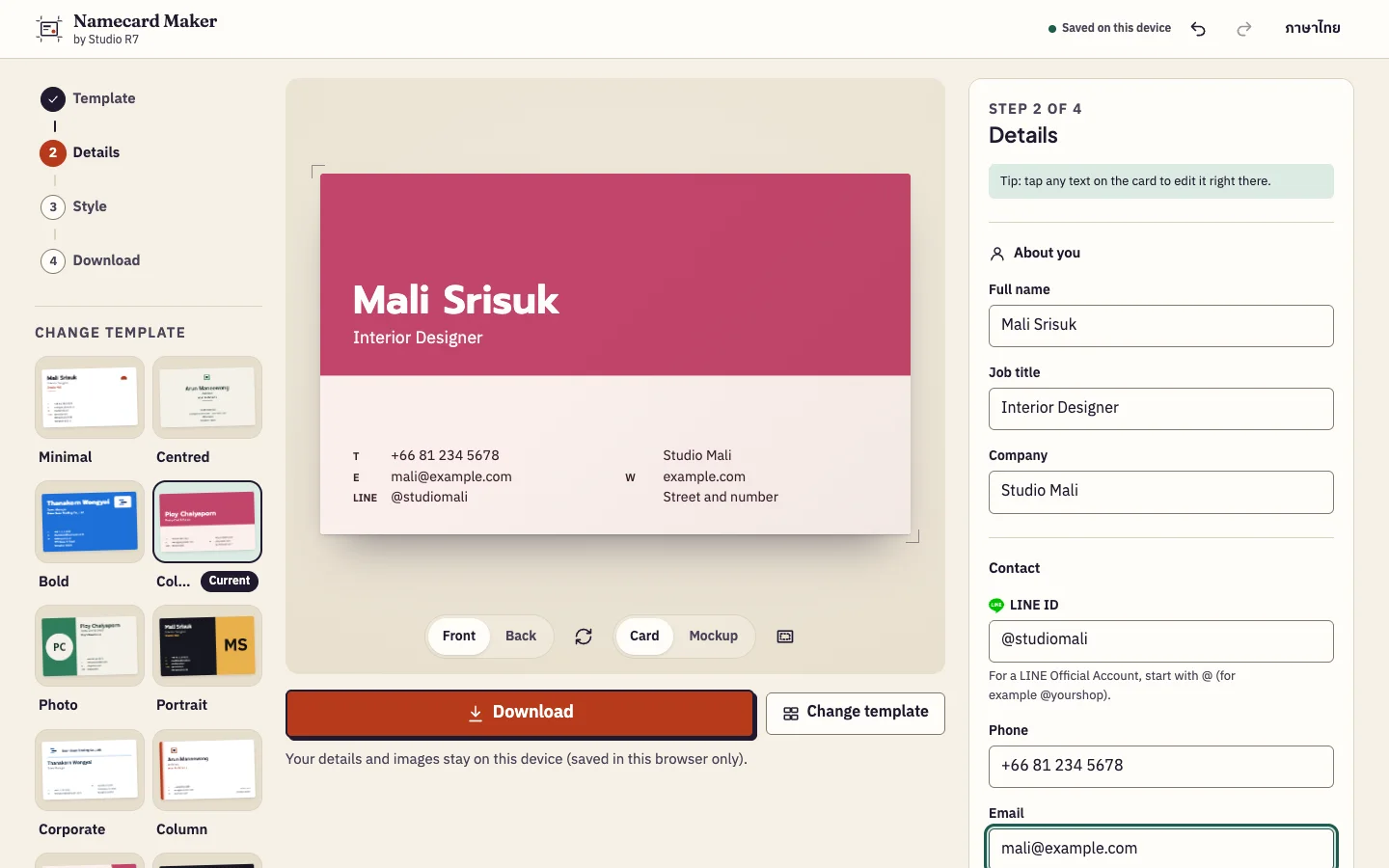
The card in the middle is always the real card. Tap any text on it to edit it in place.
1Step 1 of 4
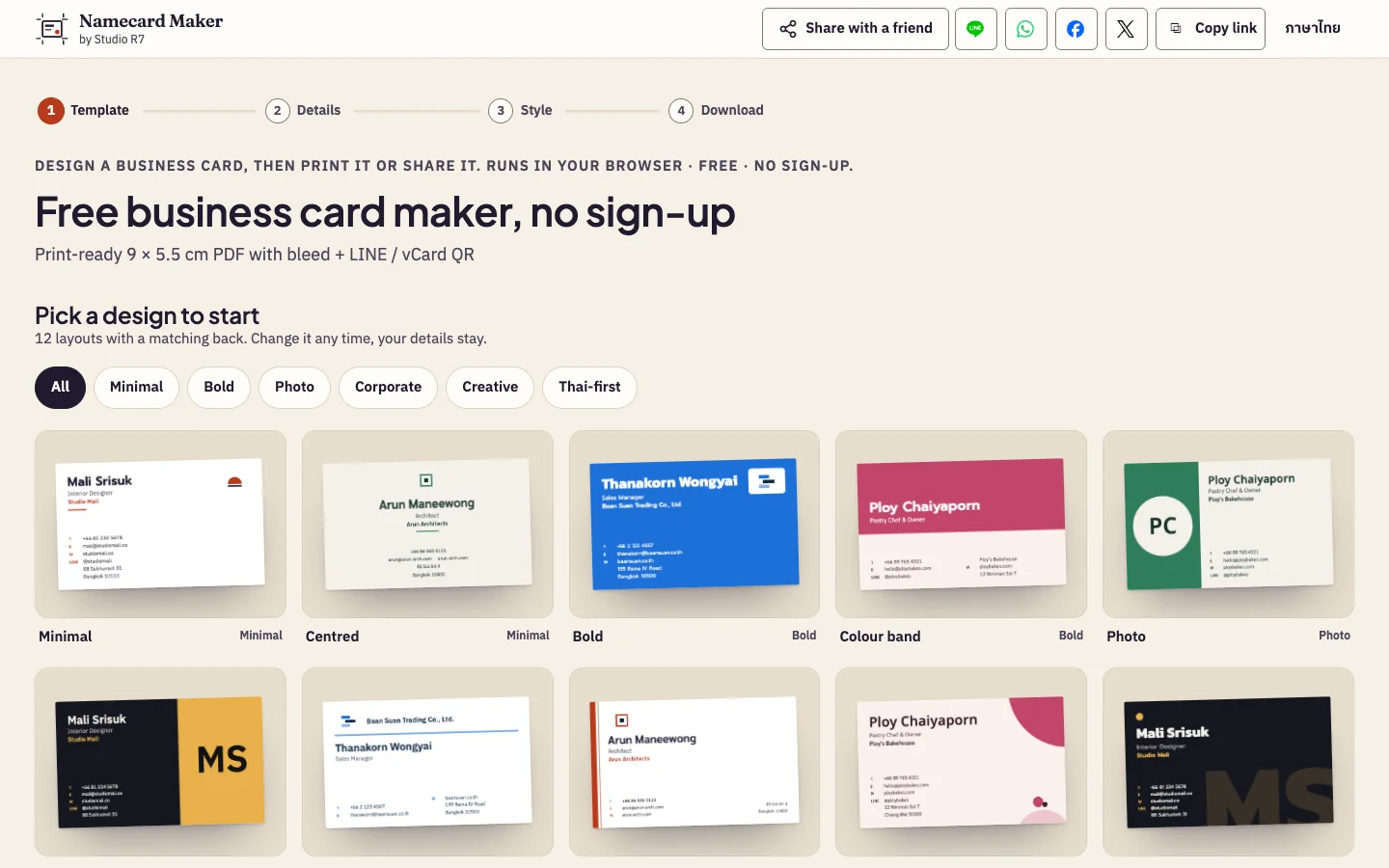
Pick a design
Twelve layouts in six groups, including two made for Thai names first. The choice can change later without losing details.
2Step 2 of 4
Type the details
Name, title, company, LINE ID, phone, email. The card updates as you type.
3Step 3 of 4
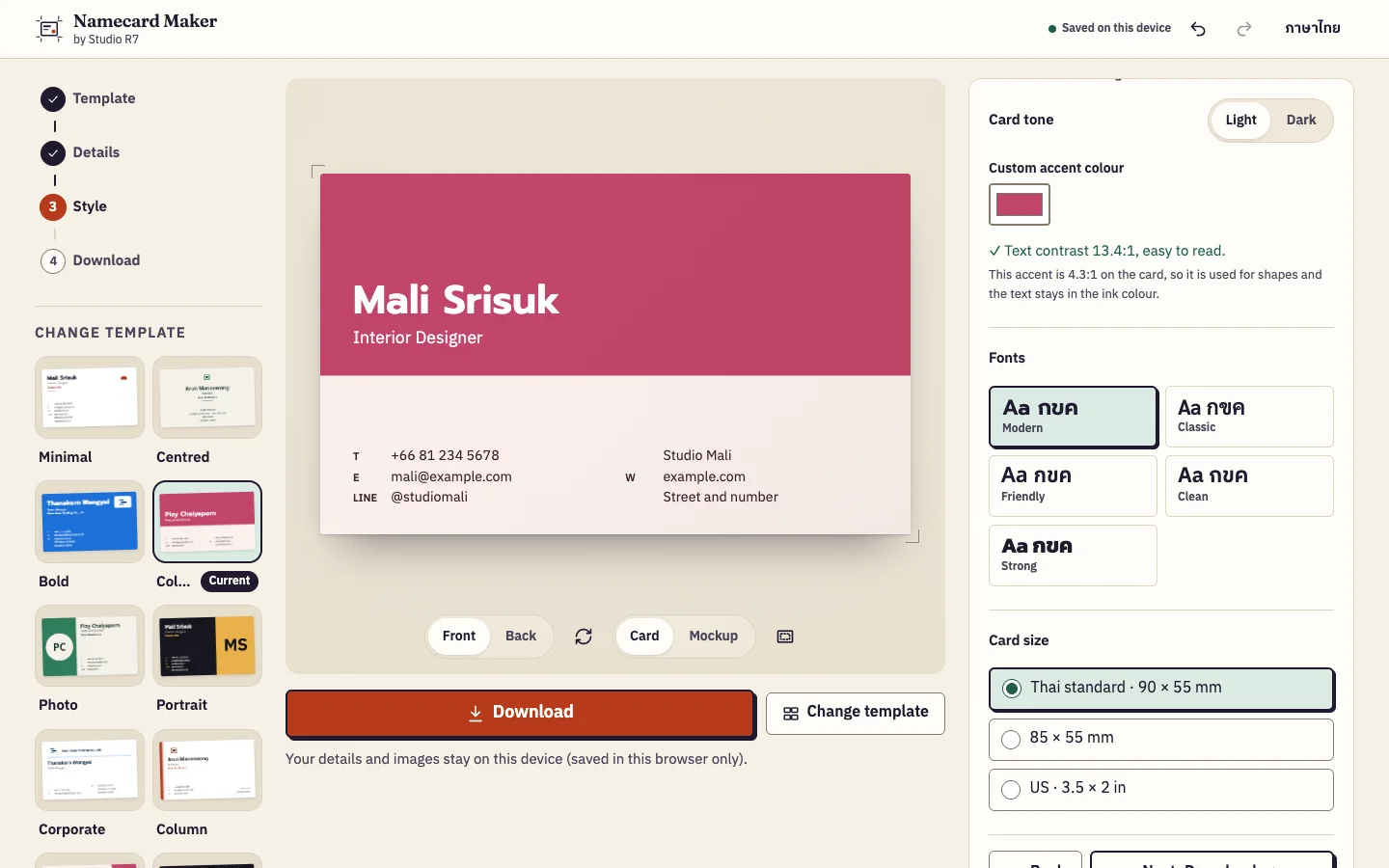
Set the style
Colour themes, a custom accent with a live contrast check, fonts and card size.
4Step 4 of 4
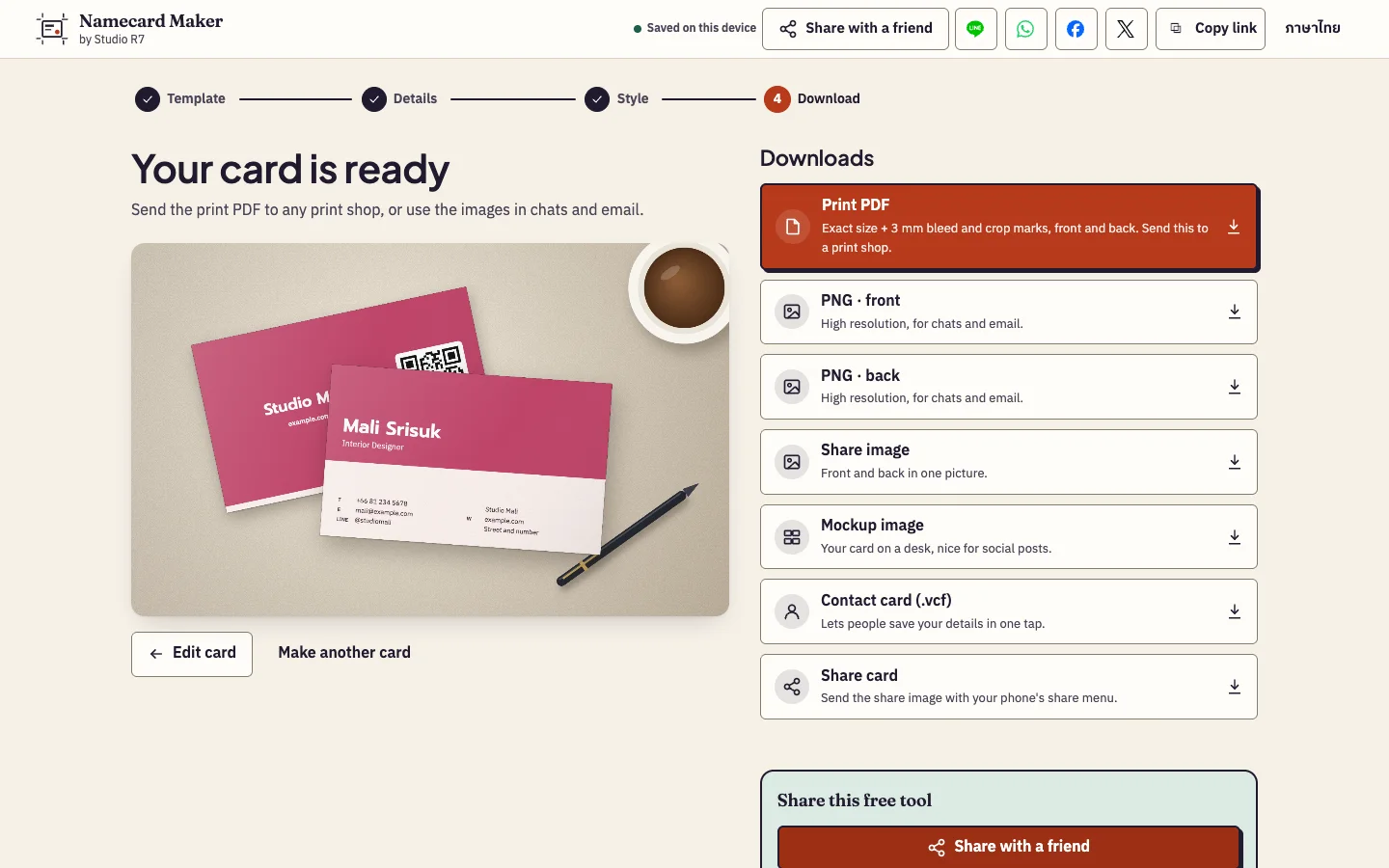
Download
A print PDF, front and back images, a share image, a mock-up and a contact card file.
Chapter 2
The card itself
The back of the card does a job too: a QR code that adds the contact to a phone.
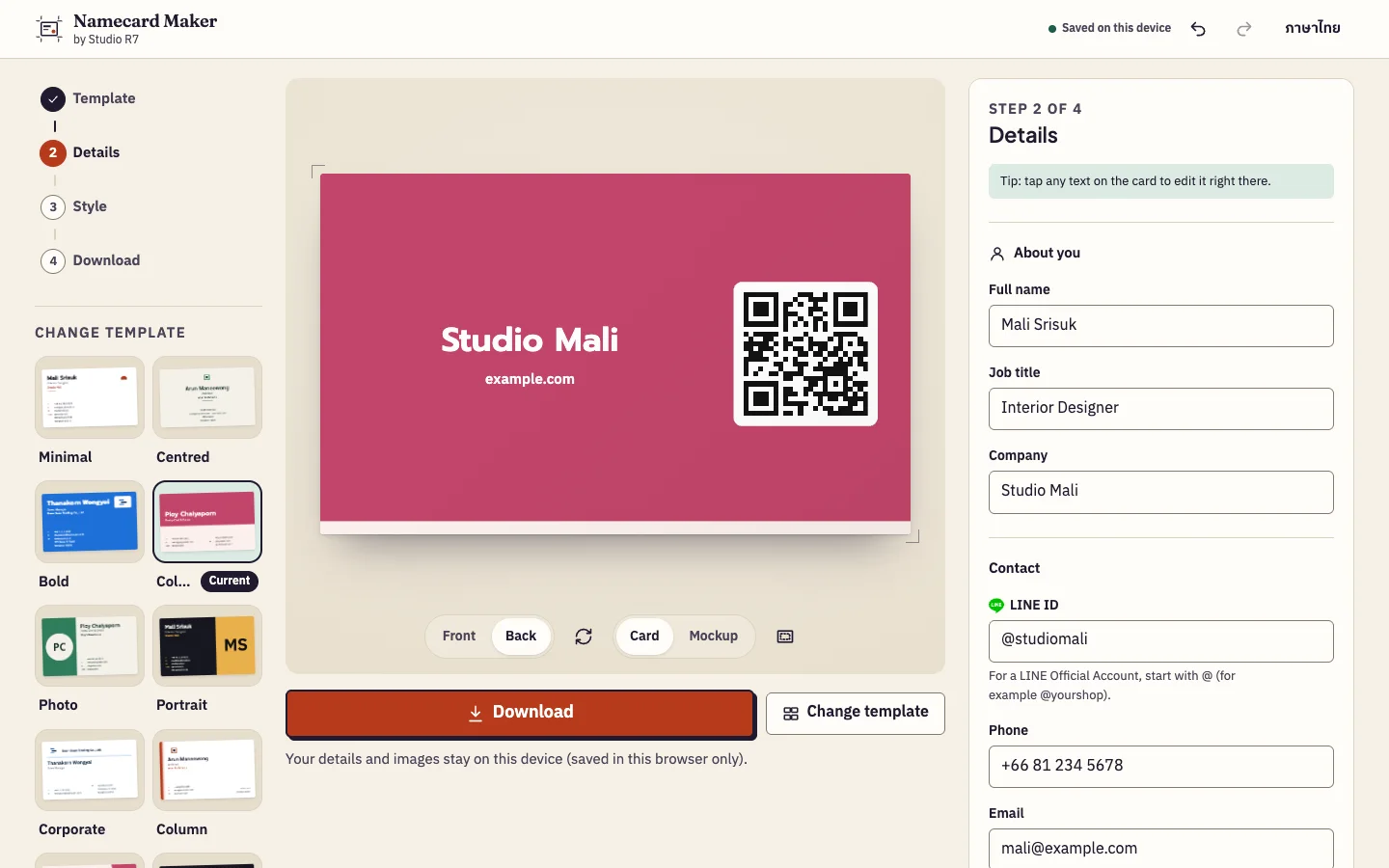
The back, with a QR code 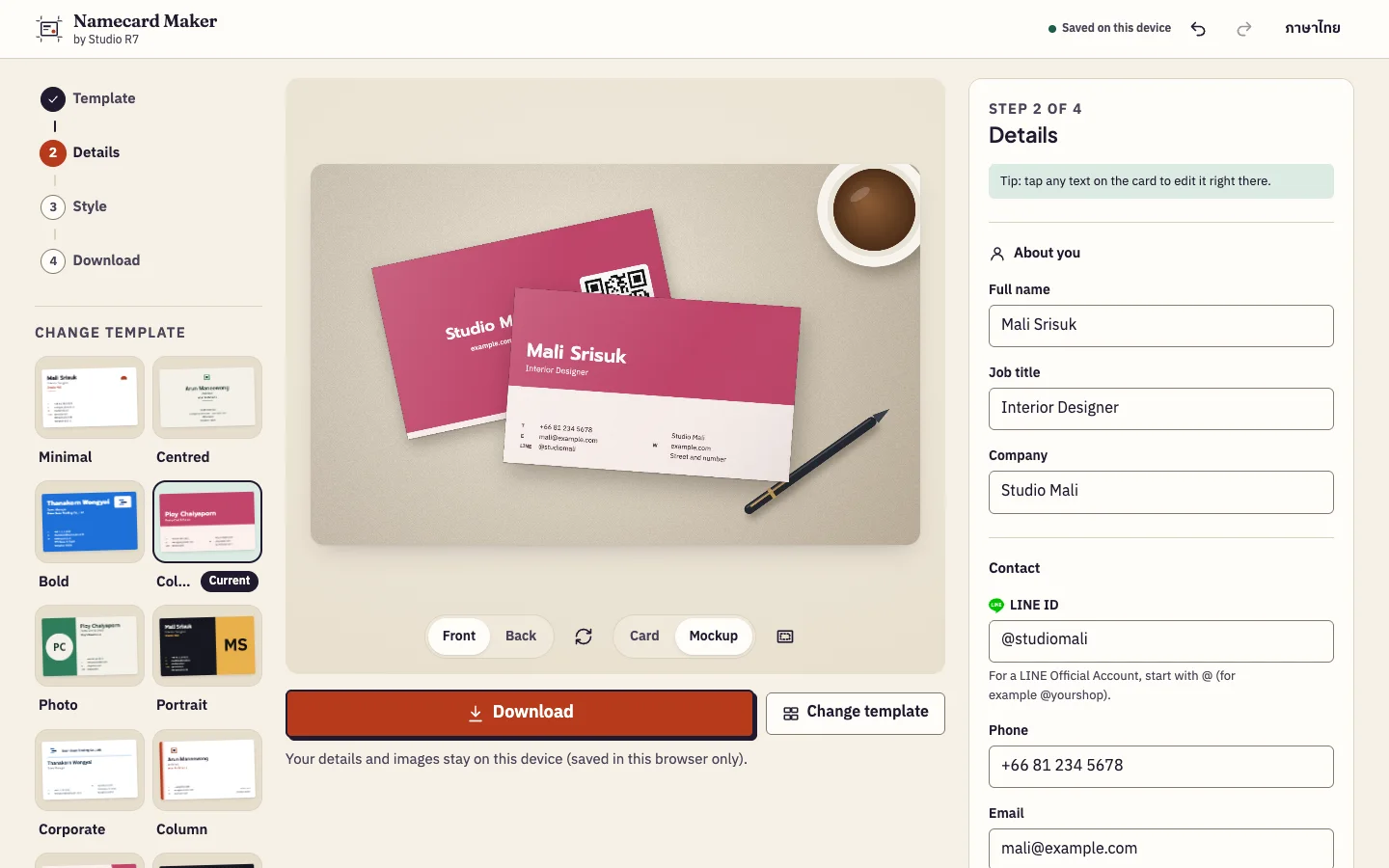
Mock-up view: how it looks on a desk
The files a print shop receives

Front 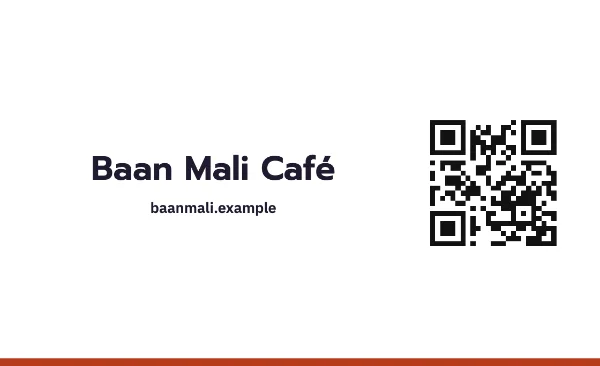
Back
Details a print shop cares about
- Bleed and crop marks
- The PDF adds 3 mm on every side, so a 90 × 55 mm card becomes a 96 × 61 mm file.
- Safe zone
- A switch shows the area where text is safe from the cutter.
- Thai prints as seen
- The page is rendered at 1200 dpi with the text as part of the image, so no font can go missing.
- Contrast check
- A custom colour is tested against its text, and the result is shown in plain words.
Chapter 3
On a phone
The card stays on top, the form slides under it, and the download button never leaves the screen.
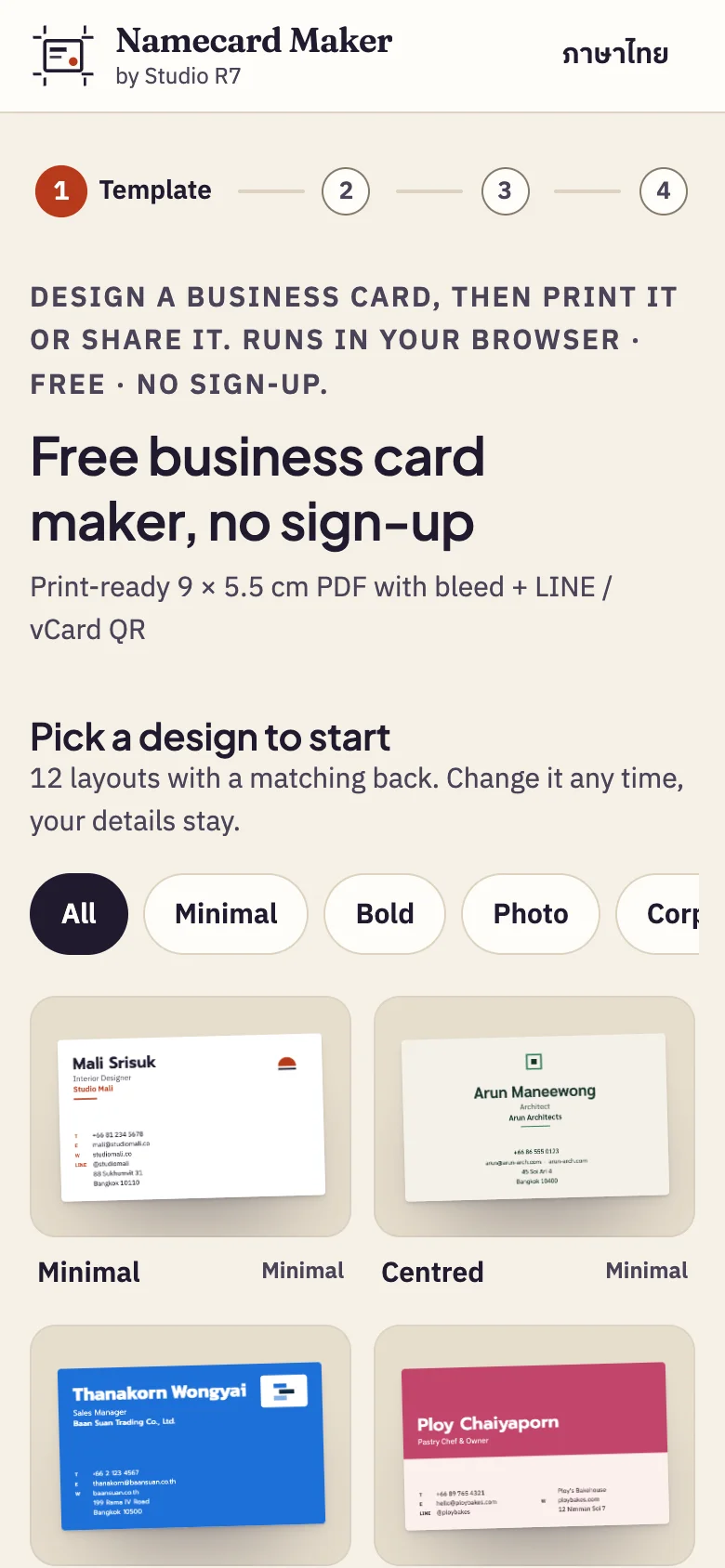
Template 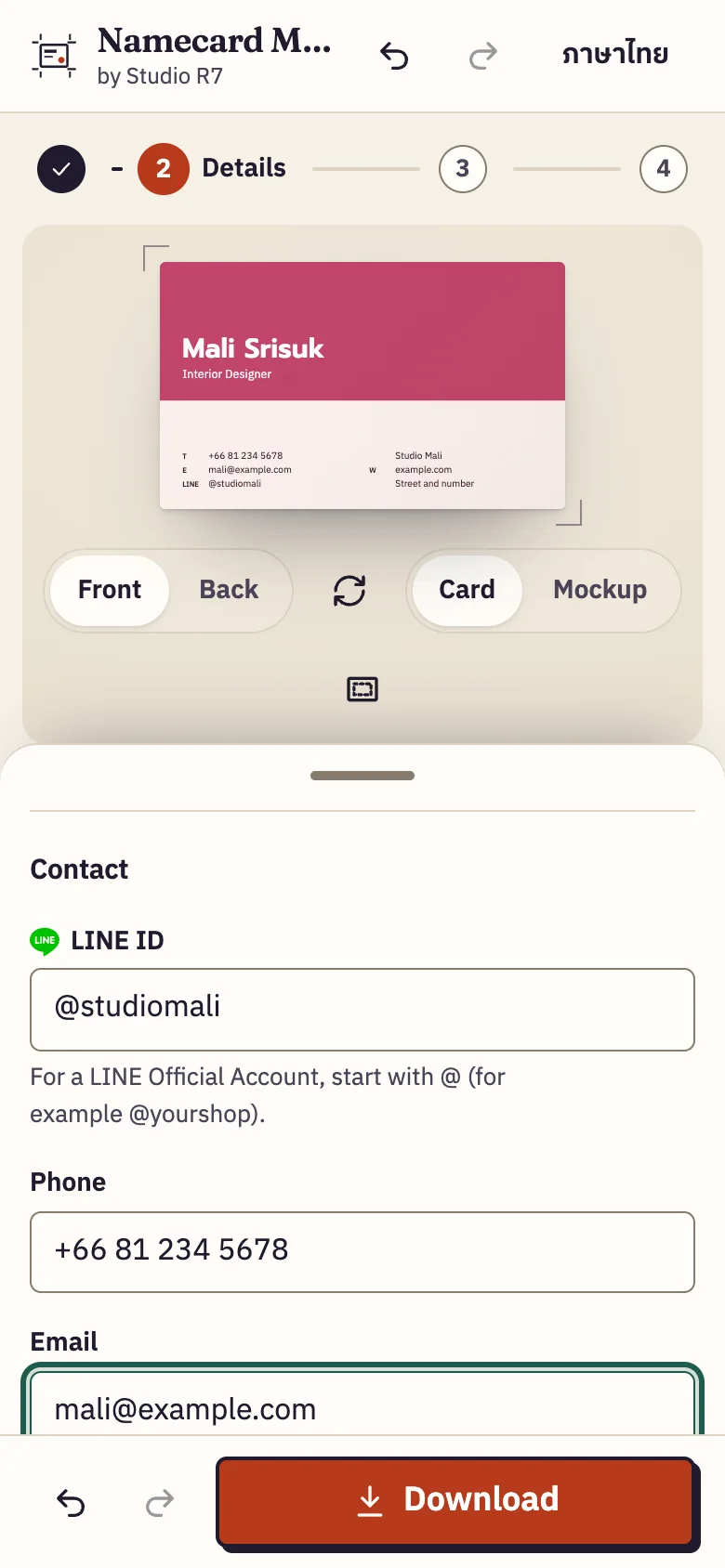
Details 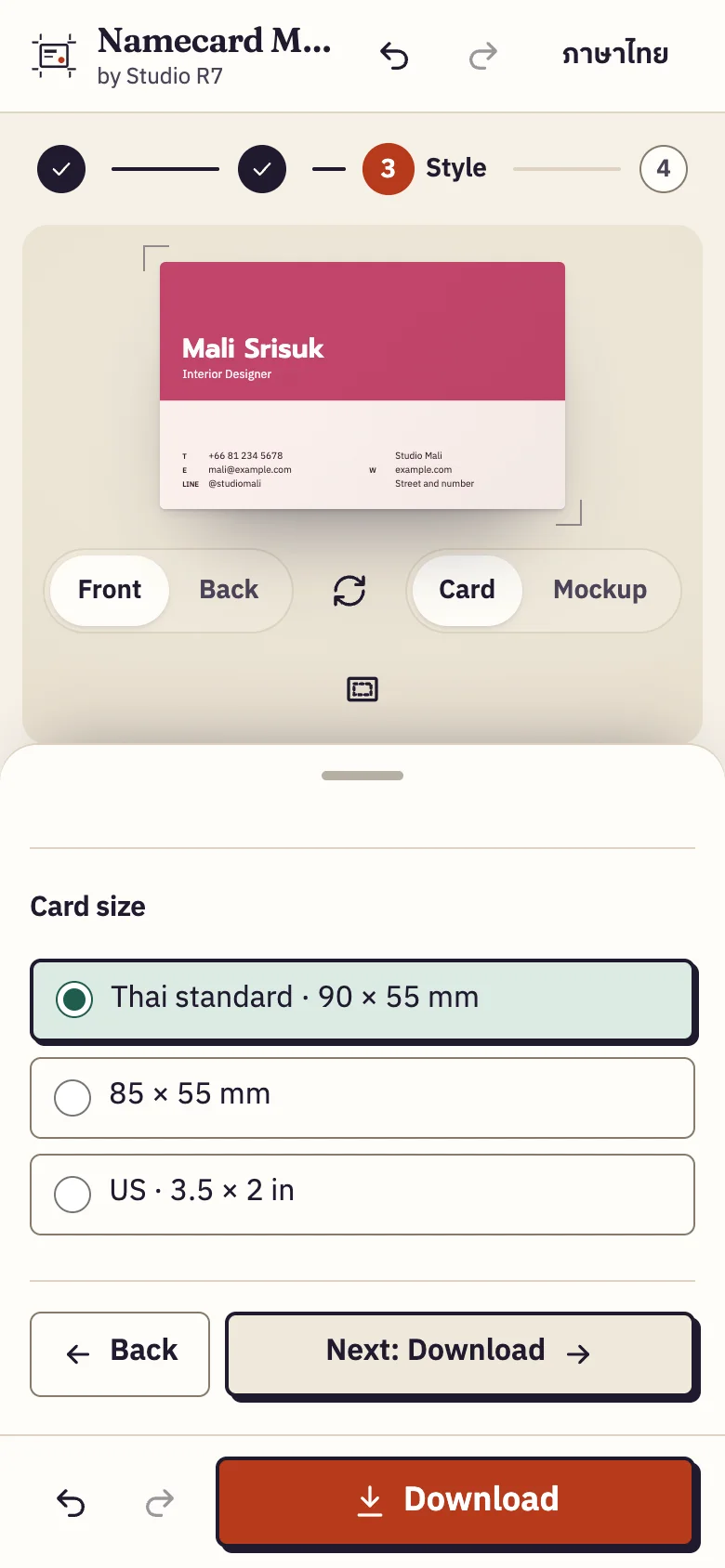
Style 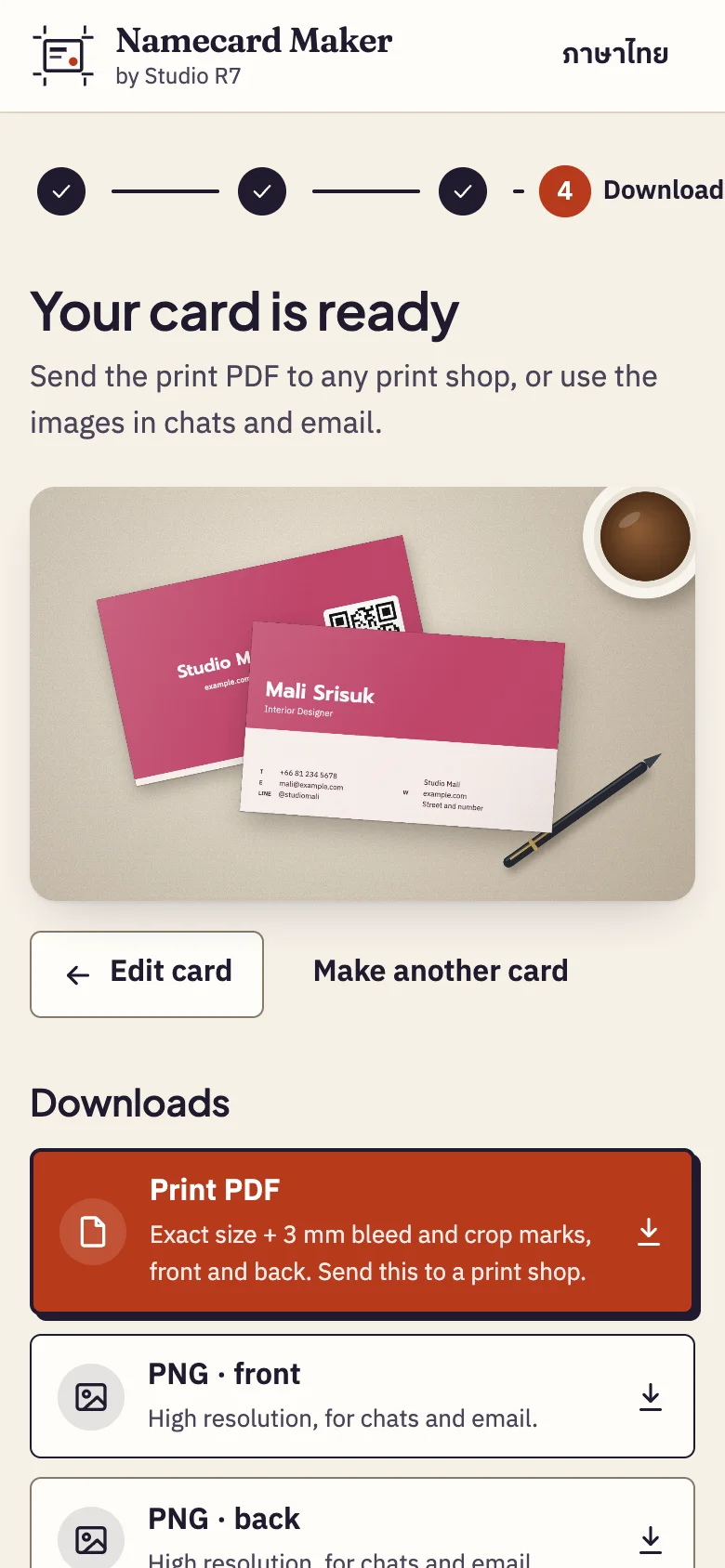
Download
Built with
- Next.js 16
- React 19
- TypeScript
- Tailwind 4
- pdf-lib
- qrcode
Next app
Chat demos
Watch one venue run its evening in chat.