
Work / Studio R7
Agency website, free apps and client platform
Studio R7
You know the problem. We make the technology work.
The studio's own site, built as a product: a bilingual website with a build-once offer, a guided project brief, two free business apps, a client back end and the first parts of a typed growth engine.
Live · October to November 2026
- 879
- commits in the repo
- 72
- public pages in the sitemap (36 in English, 36 in Thai)
- 272
- test files
- 2
- free apps, live
Chapter 1
The idea
A small business in Bangkok rarely needs more software. It needs the tools it already pays for to work together, and someone to say honestly when nothing new should be built.
A home page that leads with the customer's problem
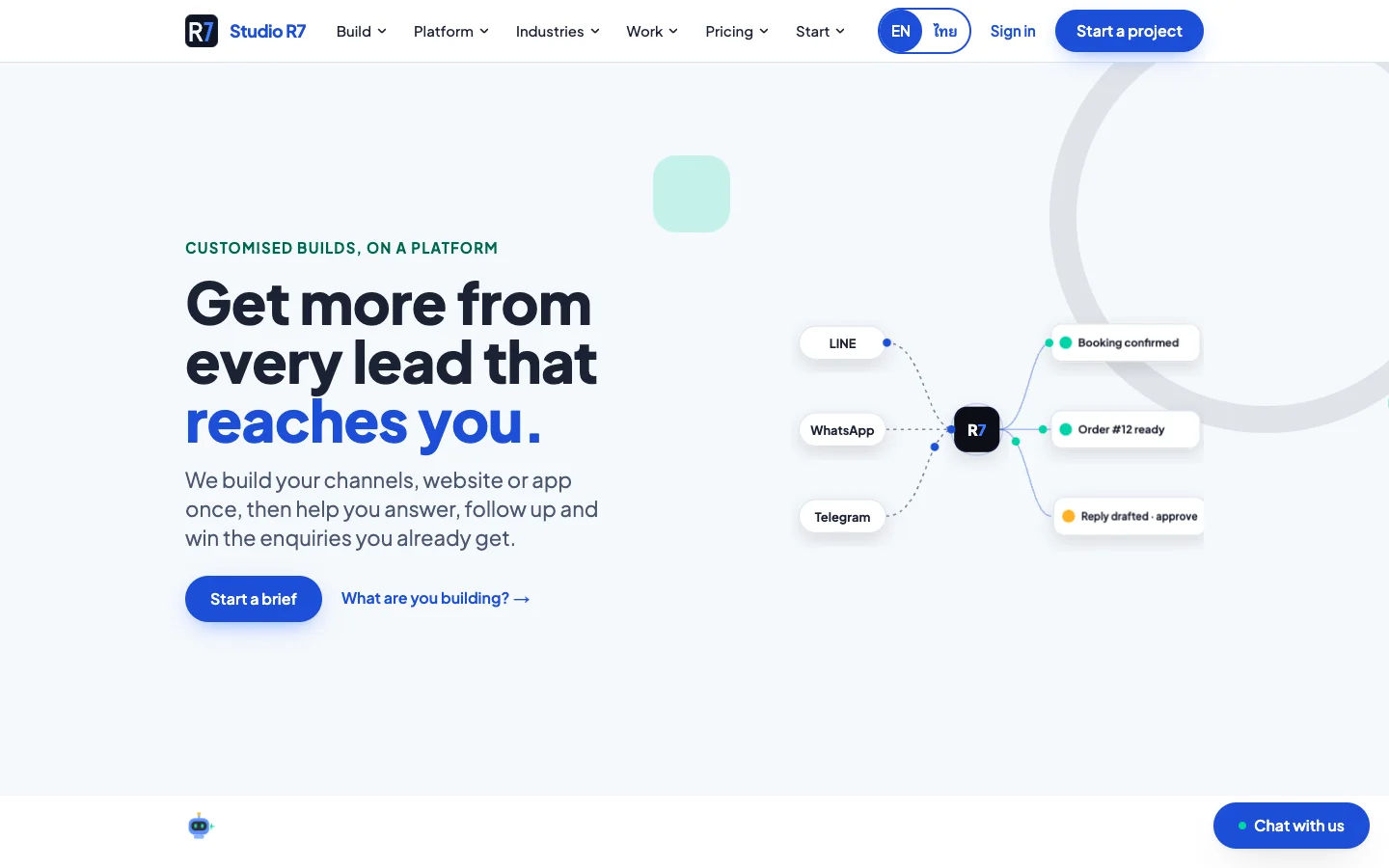
The first screen says what the studio does in one sentence and shows it in one picture: LINE, WhatsApp and Telegram on the left, confirmed bookings and replies waiting for approval on the right, Studio R7 in the middle.
The promise is about results, not software: more from every lead that already reaches the business. There is one main action, Start a brief, and one quiet link that asks what the visitor is building.
- English and Thai from the first commit
- Phone and desktop are designed separately
- No stock photos of people shaking hands
Pricing that explains itself
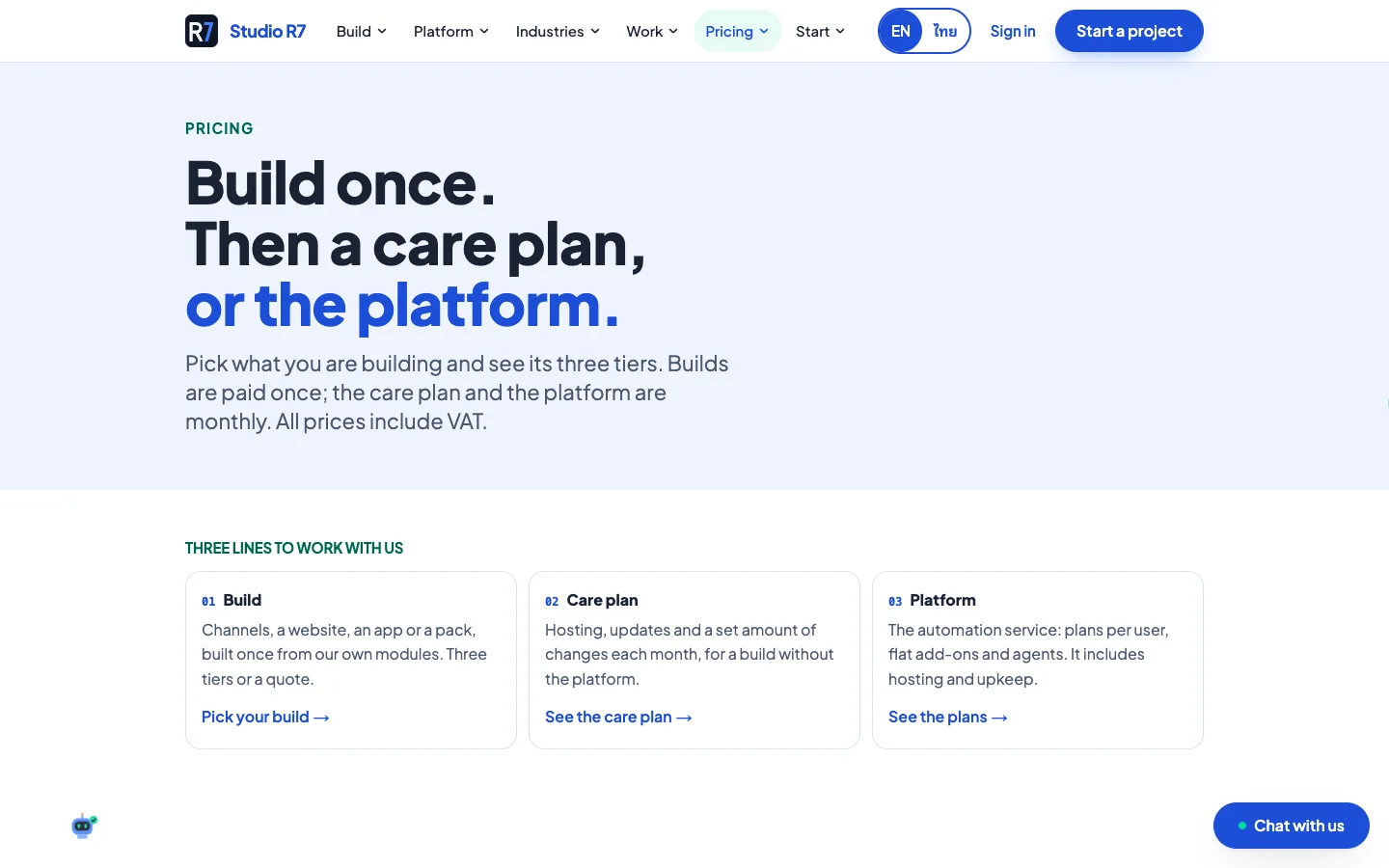
Build once, then choose how it keeps running. The build is paid once; a care plan keeps it hosted and updated, or the platform adds automation per user. Each build comes in three tiers, and every price includes VAT.
Every price comes from one price book that the studio approves in its own admin, so the page, the brief and the quote can never disagree.
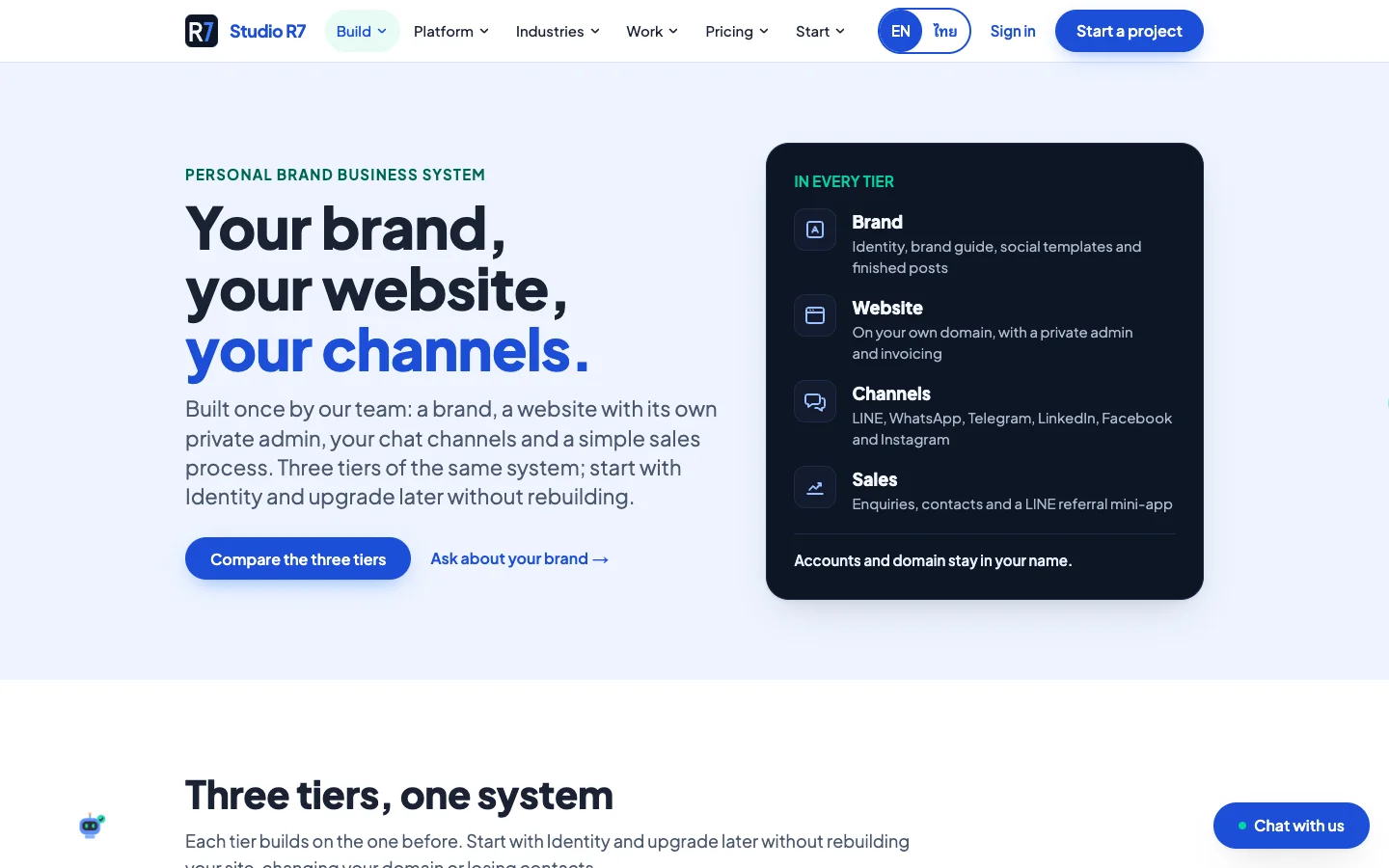
One offer, packaged: Personal Brand
For founders and consultants who sell on their own name: a brand, a website with its own private admin, the chat channels and a simple sales process, built once.
Three tiers of the same system, so a client starts small and upgrades without rebuilding. The accounts and the domain stay in the client's name.
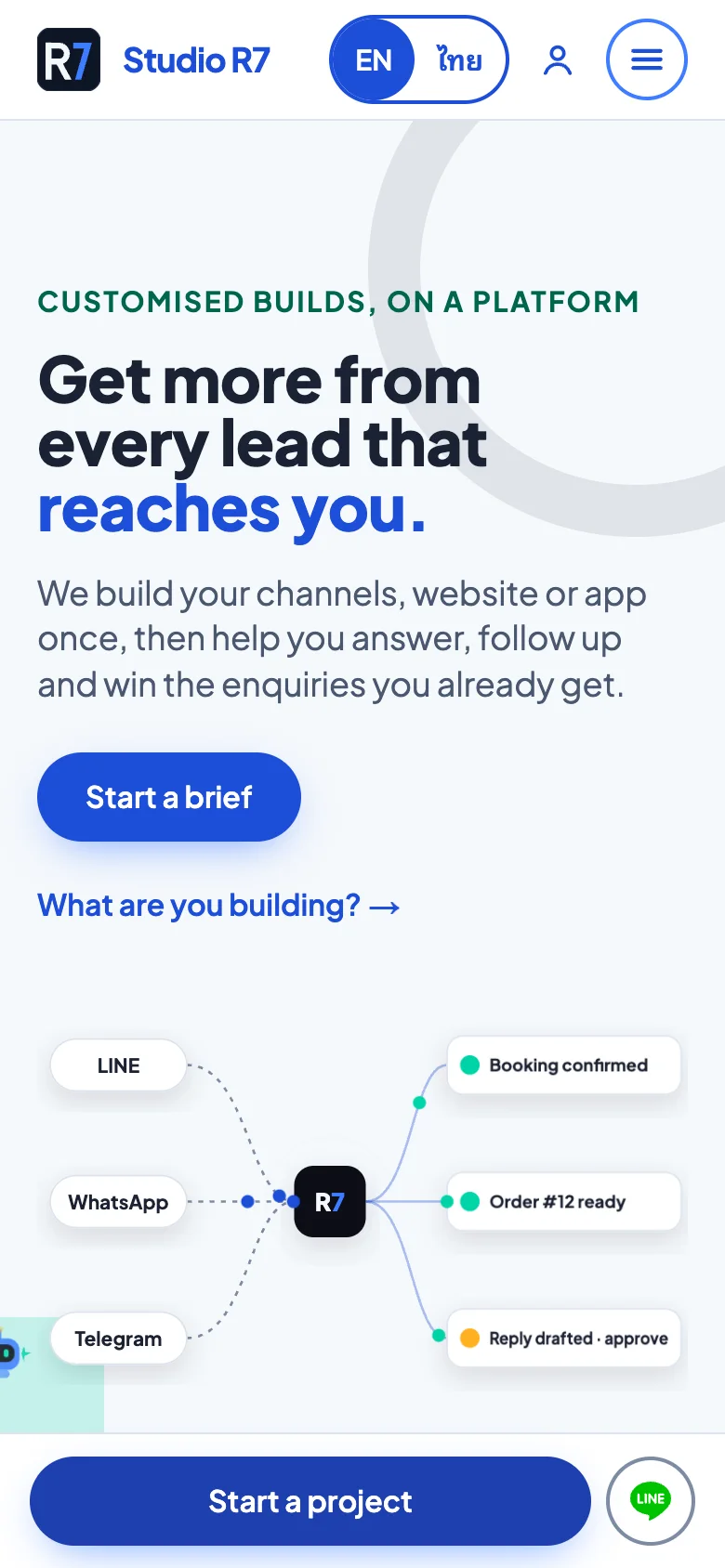
The same pages on a phone
Most visitors arrive from LINE on a phone, so the phone layout is its own design, not a squeezed desktop.
Home, English 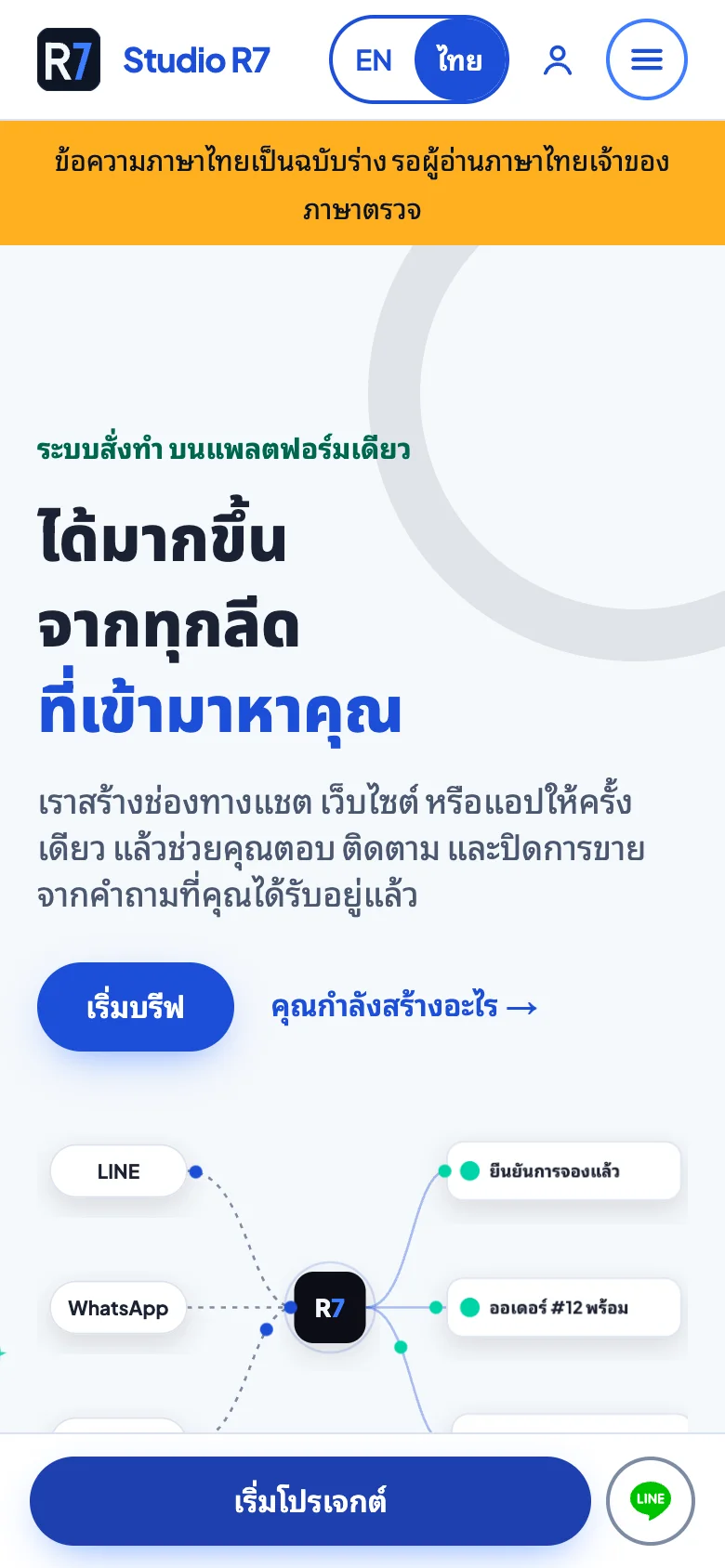
Home, Thai, with the honest draft notice 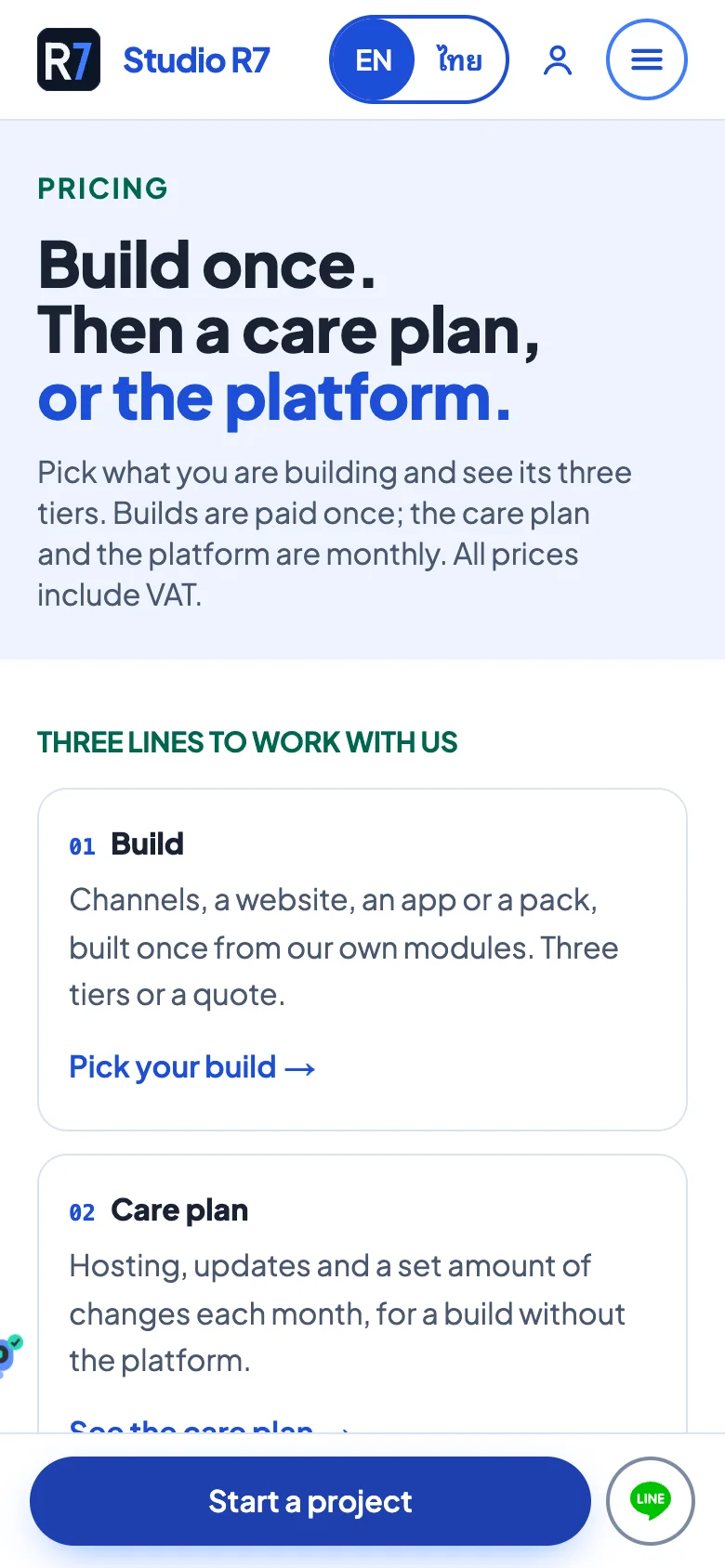
Pricing 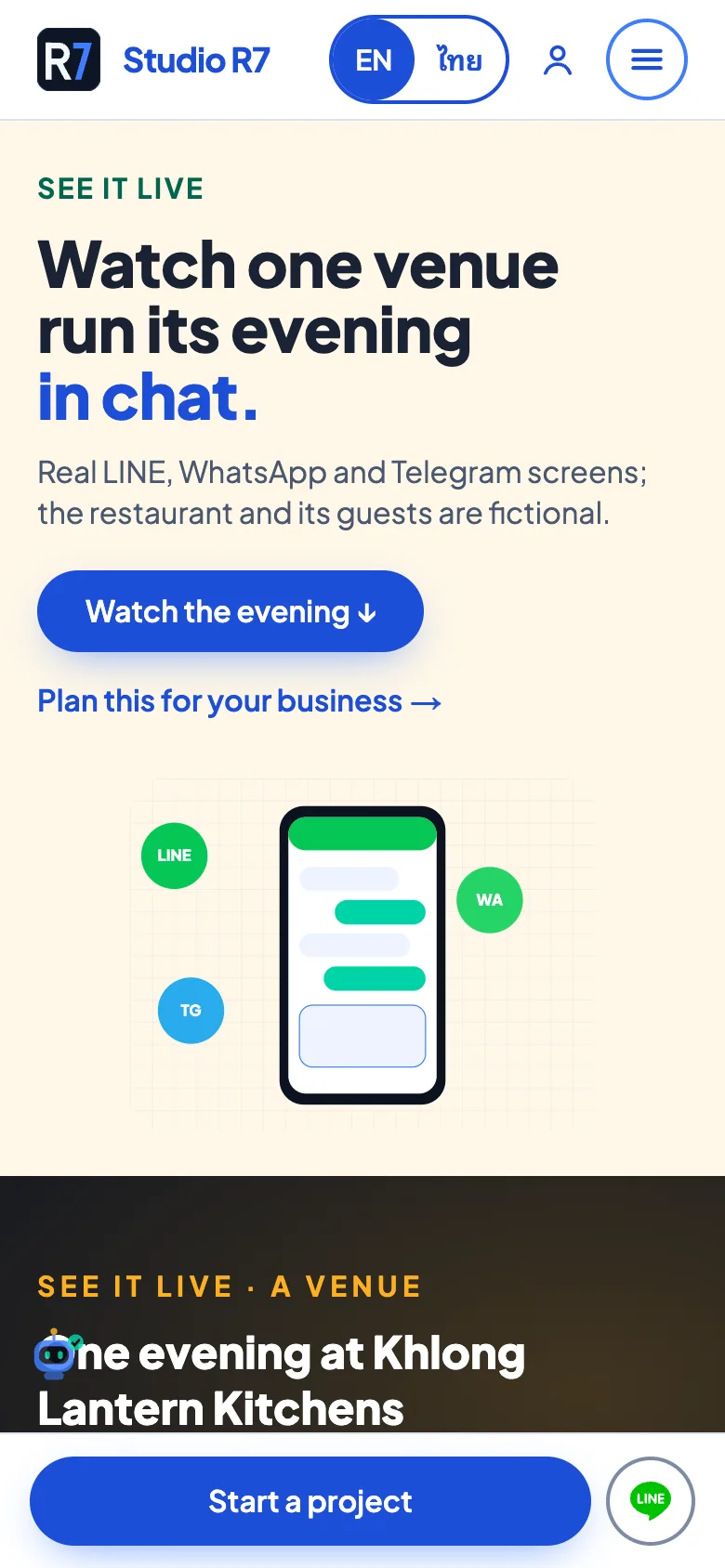
Live chat demos
Chapter 2
The project brief
The most important flow on the site. A non-technical owner describes what they need in about two minutes, and the studio receives a structured brief instead of a vague email.
Start a project, step by step
Each step asks one thing in plain words. Answers are kept on the device until the visitor presses send, and they can clear everything with one tap.
1Step 1 of 4
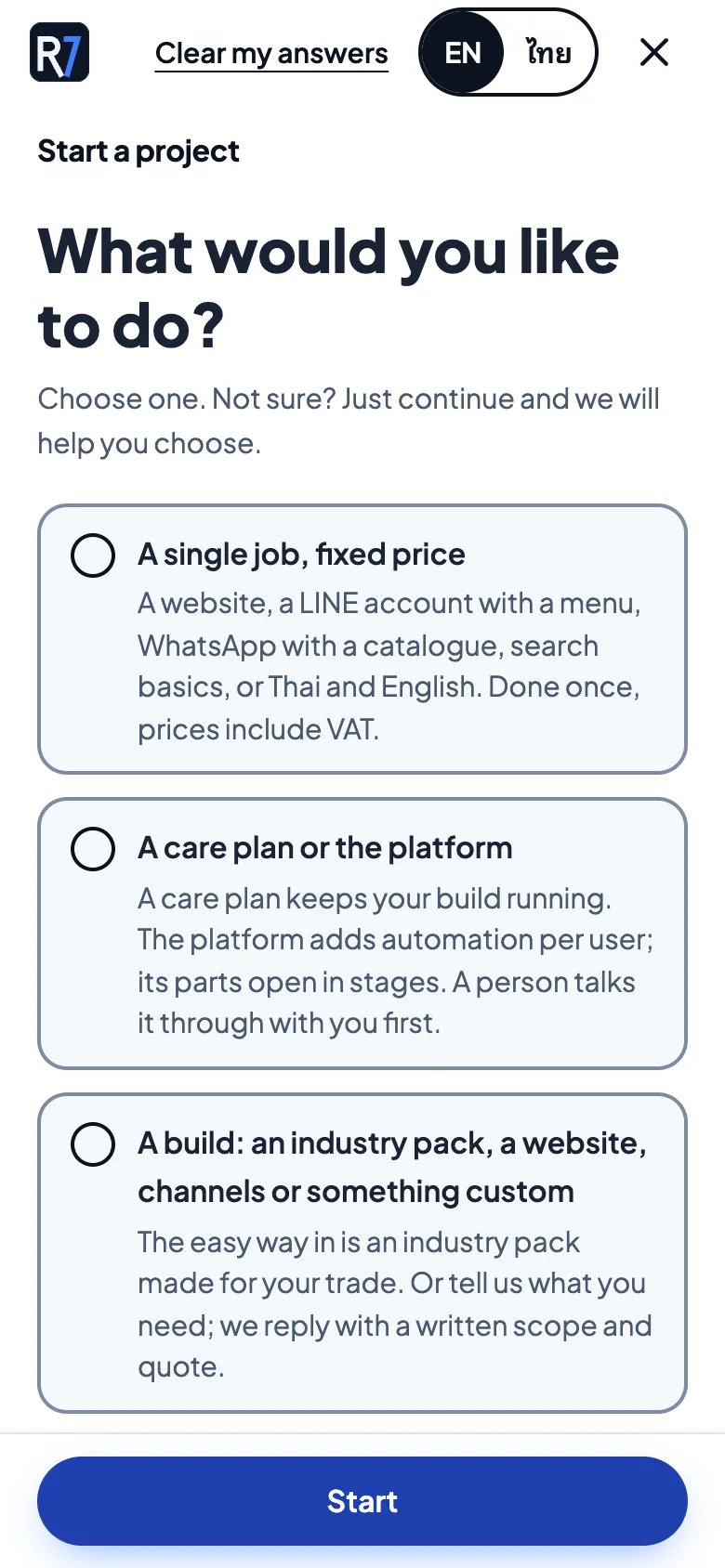
What would you like to do?
Three plain choices: a single fixed-price job, a care plan or the platform, or a build such as an industry pack. Not sure is a valid answer.
2Step 2 of 4
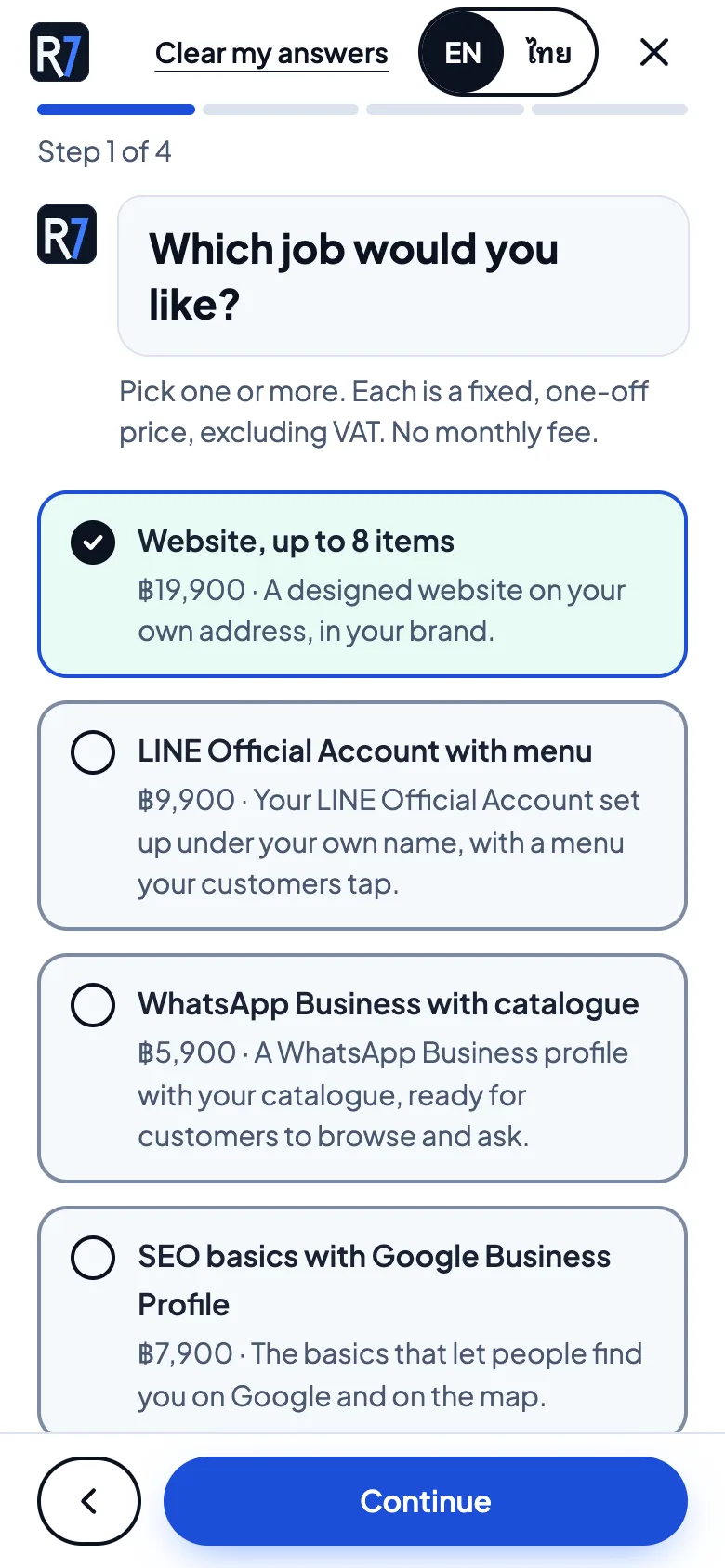
Which job would you like?
Fixed, one-off prices are shown right on the options, so there is no surprise later.
3Step 3 of 4
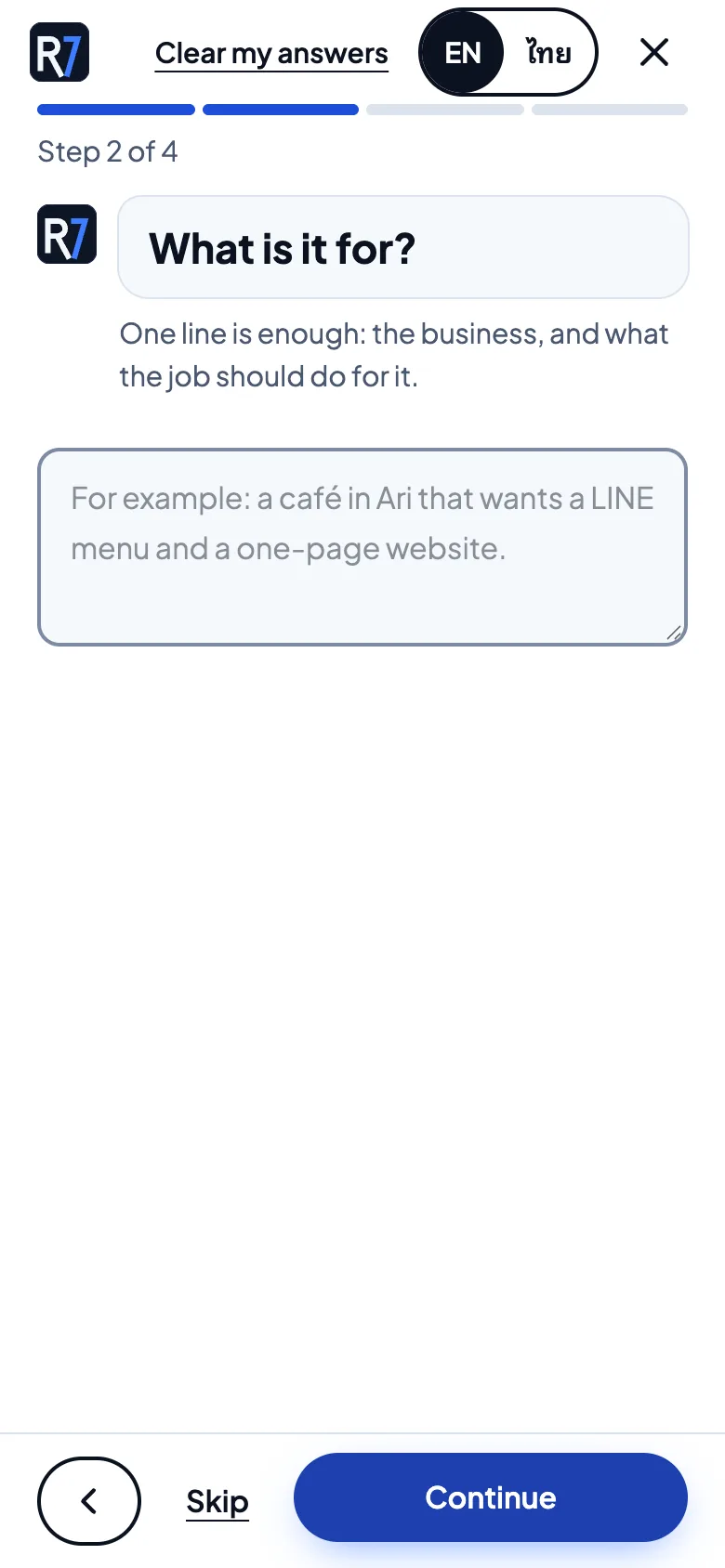
What is it for?
One line is enough. The example text shows the level of detail that helps.
4Step 4 of 4
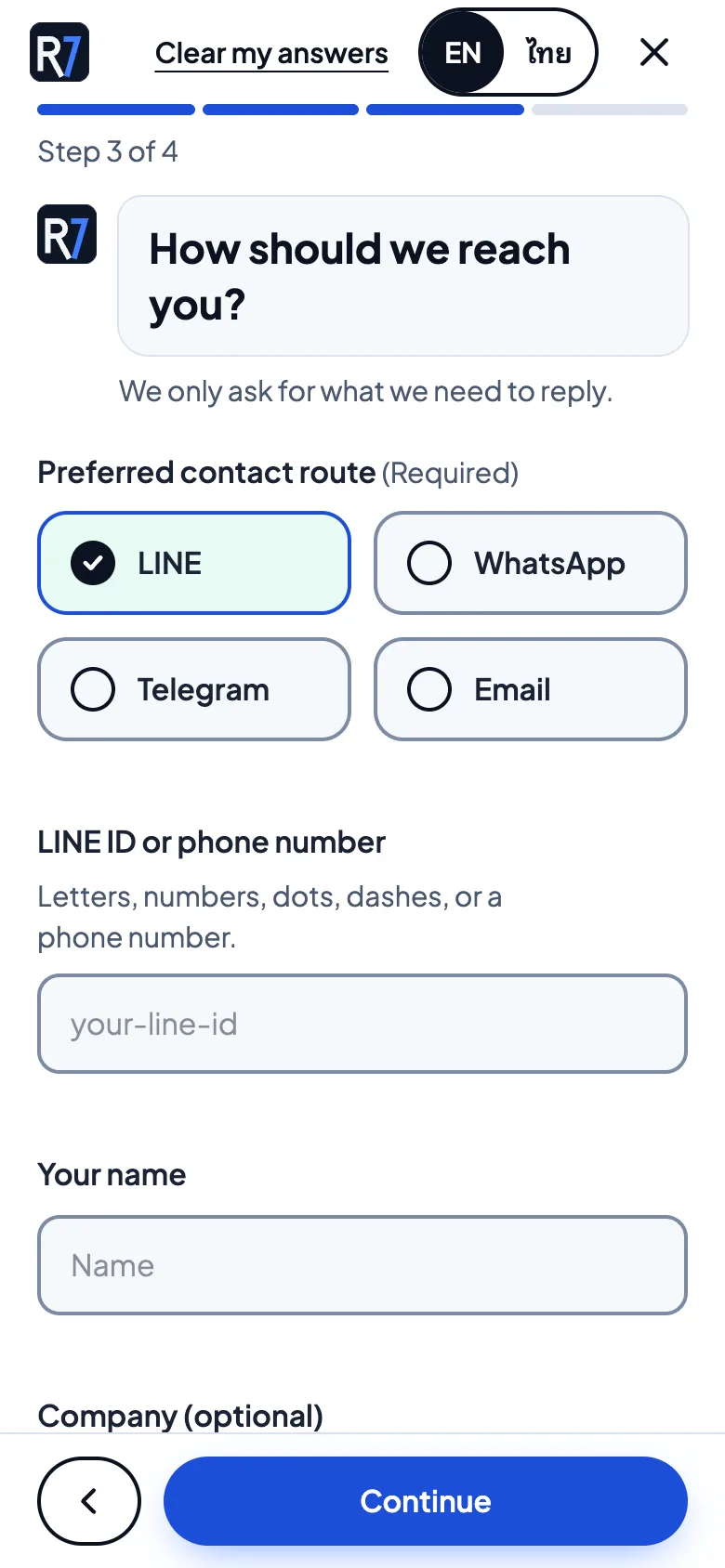
How should we reach you?
LINE, WhatsApp, Telegram or email. The form only asks for what is needed to reply.
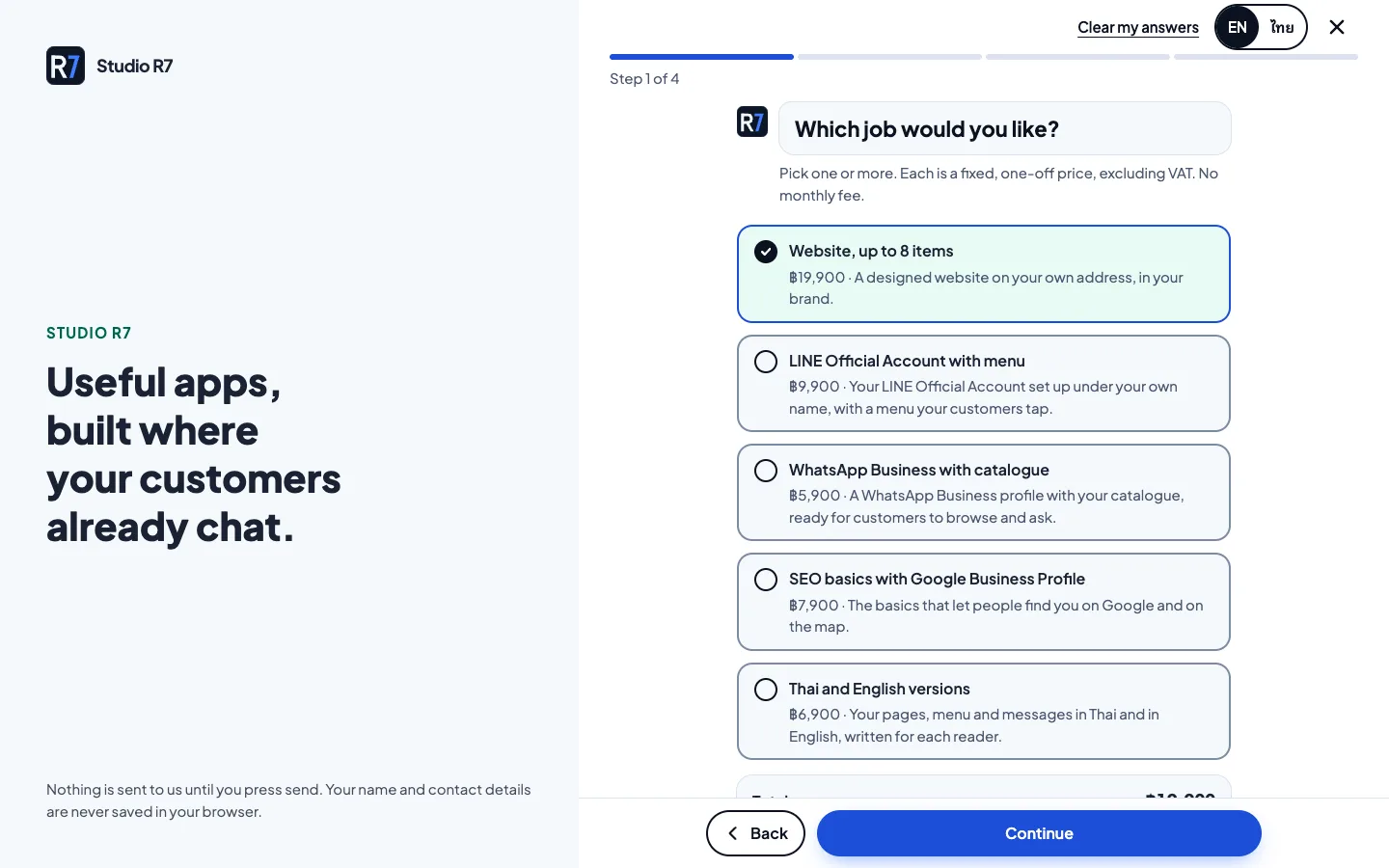
The same flow on a computer
On a wide screen the brief sits beside a short reminder of what the studio builds, with the progress bar and the step count always visible.
Behind the form, the answers are validated, turned into a lead review and a PDF, and emailed to the studio. The visitor gets a confirmation that repeats what they sent.
Chapter 3
Free apps
Two small tools that solve a real daily problem for Thai businesses, free and without sign-up. They show the studio's work better than any claim could.
Invoice Maker
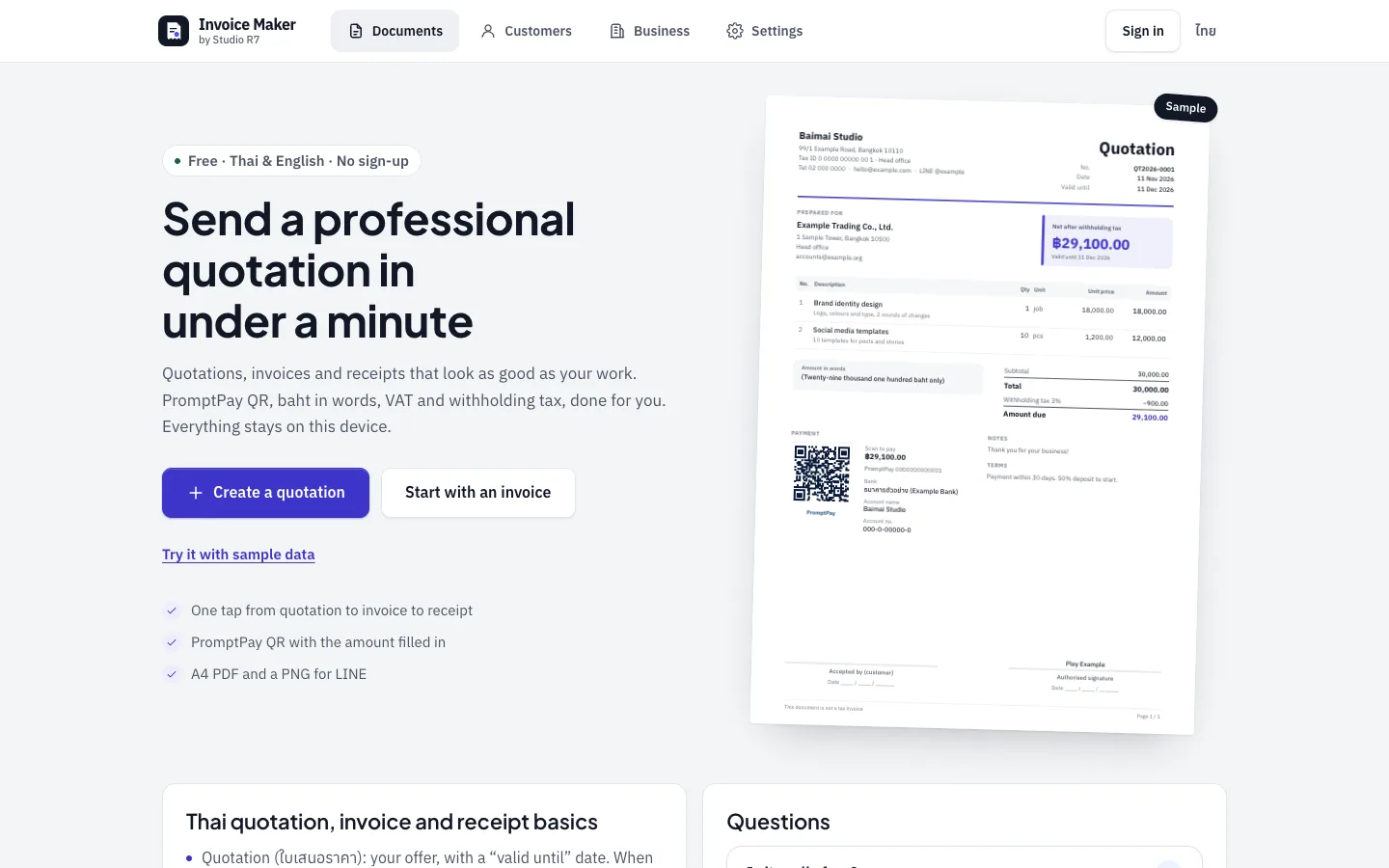
Quotations, invoices and receipts that look the way a Thai accountant expects: the amount in baht written out in words, VAT and withholding tax worked out, and a PromptPay QR with the amount filled in.
The data stays in the browser. The result is an A4 PDF with Thai fonts embedded, and a picture sized for LINE.
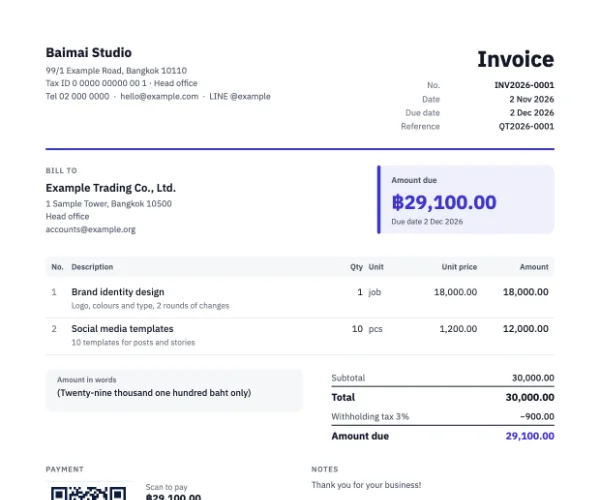
The English invoice 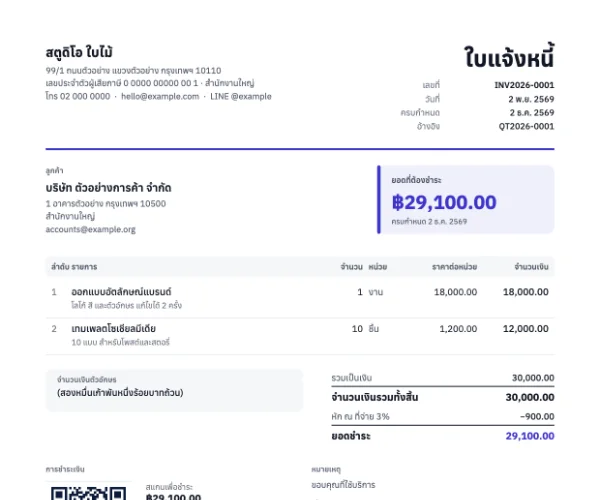
The same invoice in Thai, with Buddhist-era dates
Namecard Maker
Pick a design, type your details, and download a print-ready business card with bleed, plus a picture for LINE. The back of the card carries a QR code that adds the contact to a phone.
Every sample card uses a made-up business, clearly so.
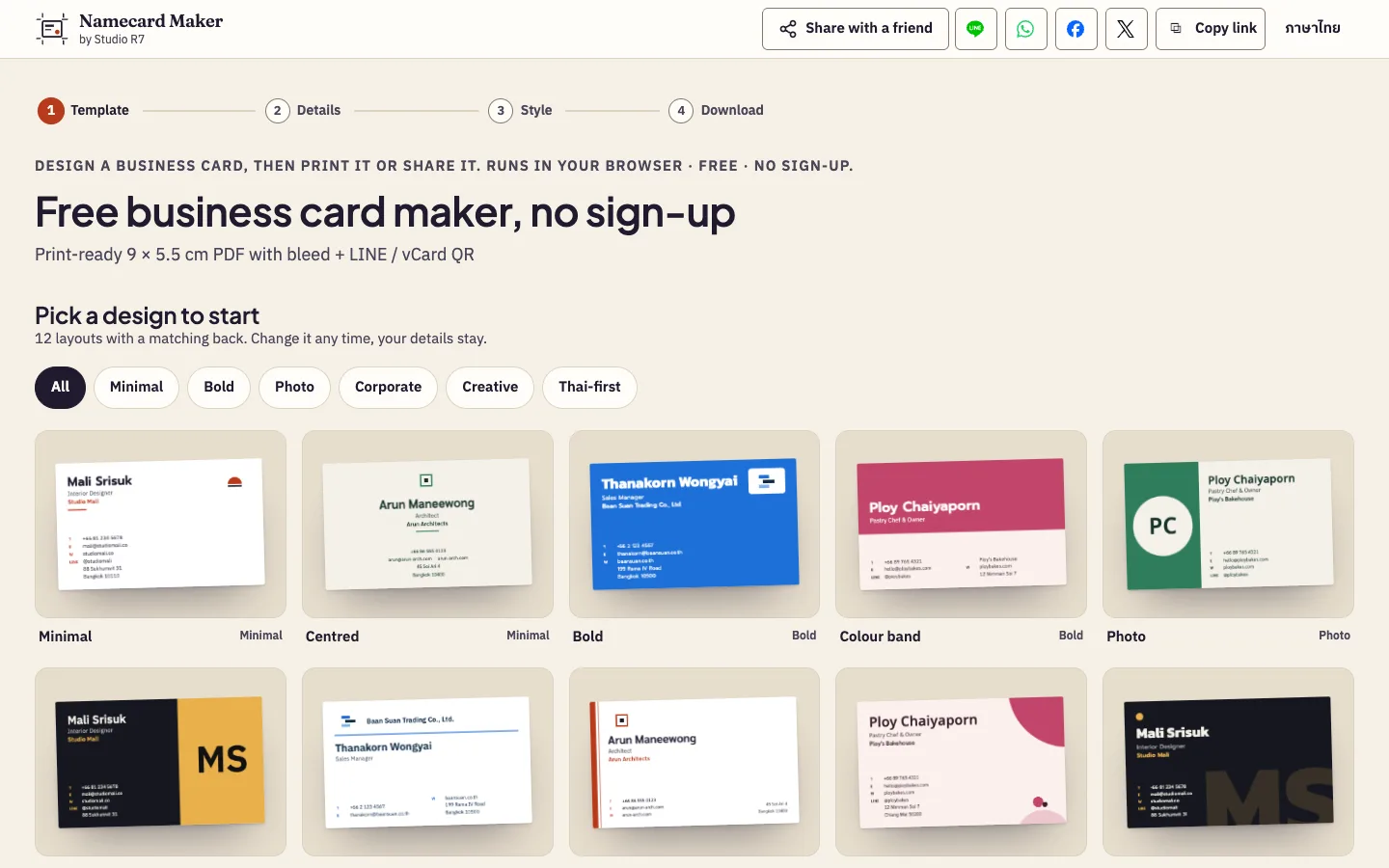
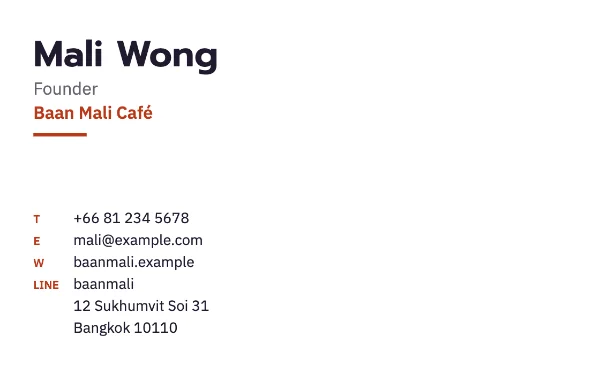
Card front 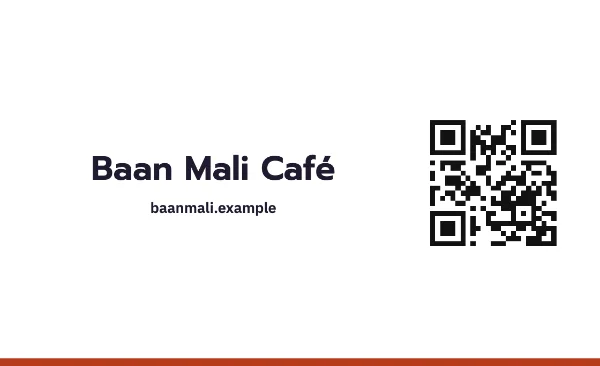
Card back with contact QR
Chapter 4
Showing, not telling
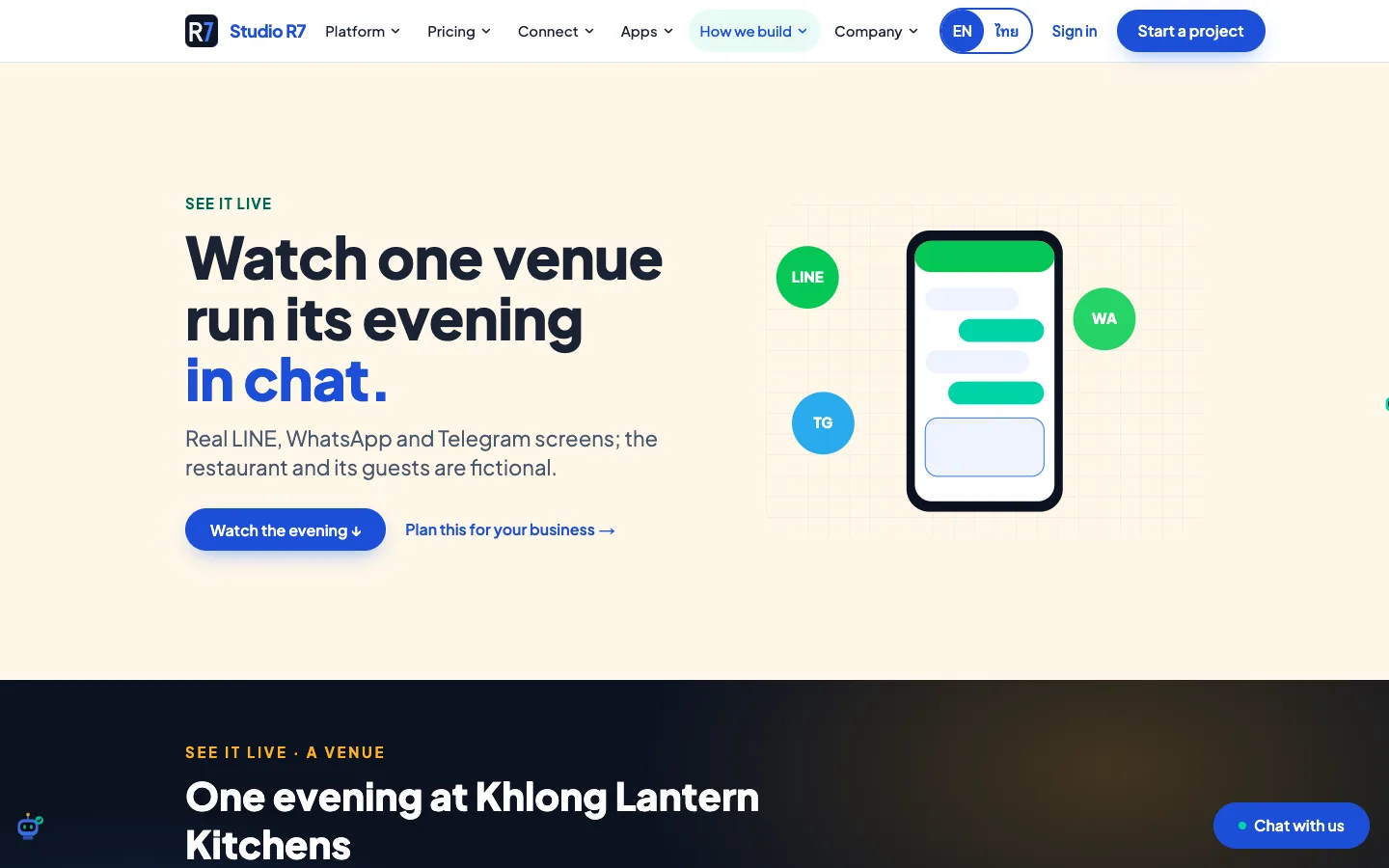
Instead of saying "we build chat automation", the site lets a visitor watch one run. Every example business is fictional and labelled as such.
One venue, one evening, in chat
A made-up restaurant runs a full evening through LINE, WhatsApp and Telegram: a booking arrives, a deposit is paid by PromptPay, the kitchen is told, the guest gets a reminder.
The visitor can step through it message by message.
AI agents, unpacked
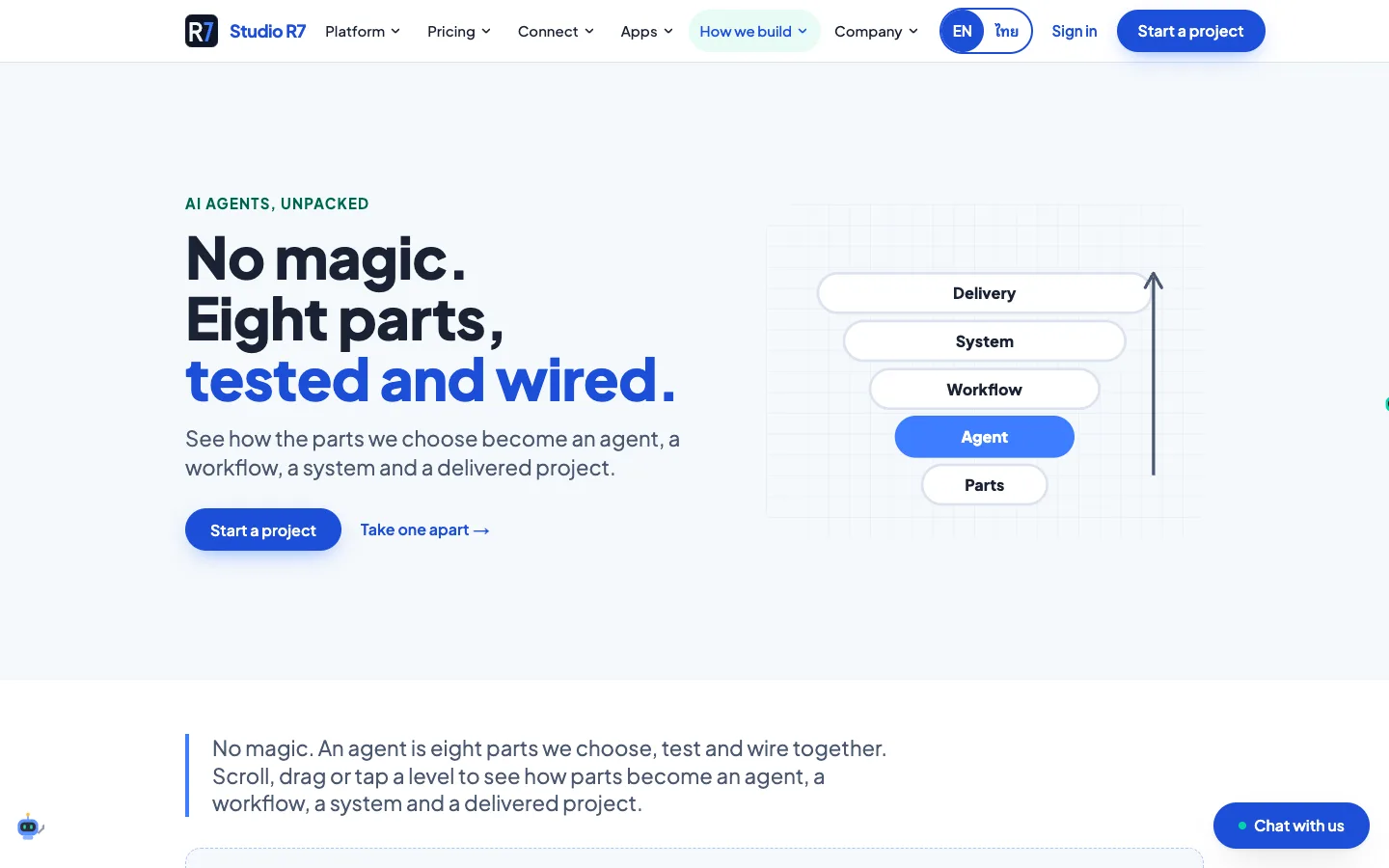
No magic. The page takes an agent apart into eight parts and shows how each one is tested and wired to the next. It is written for owners, not engineers.
Sections from the site
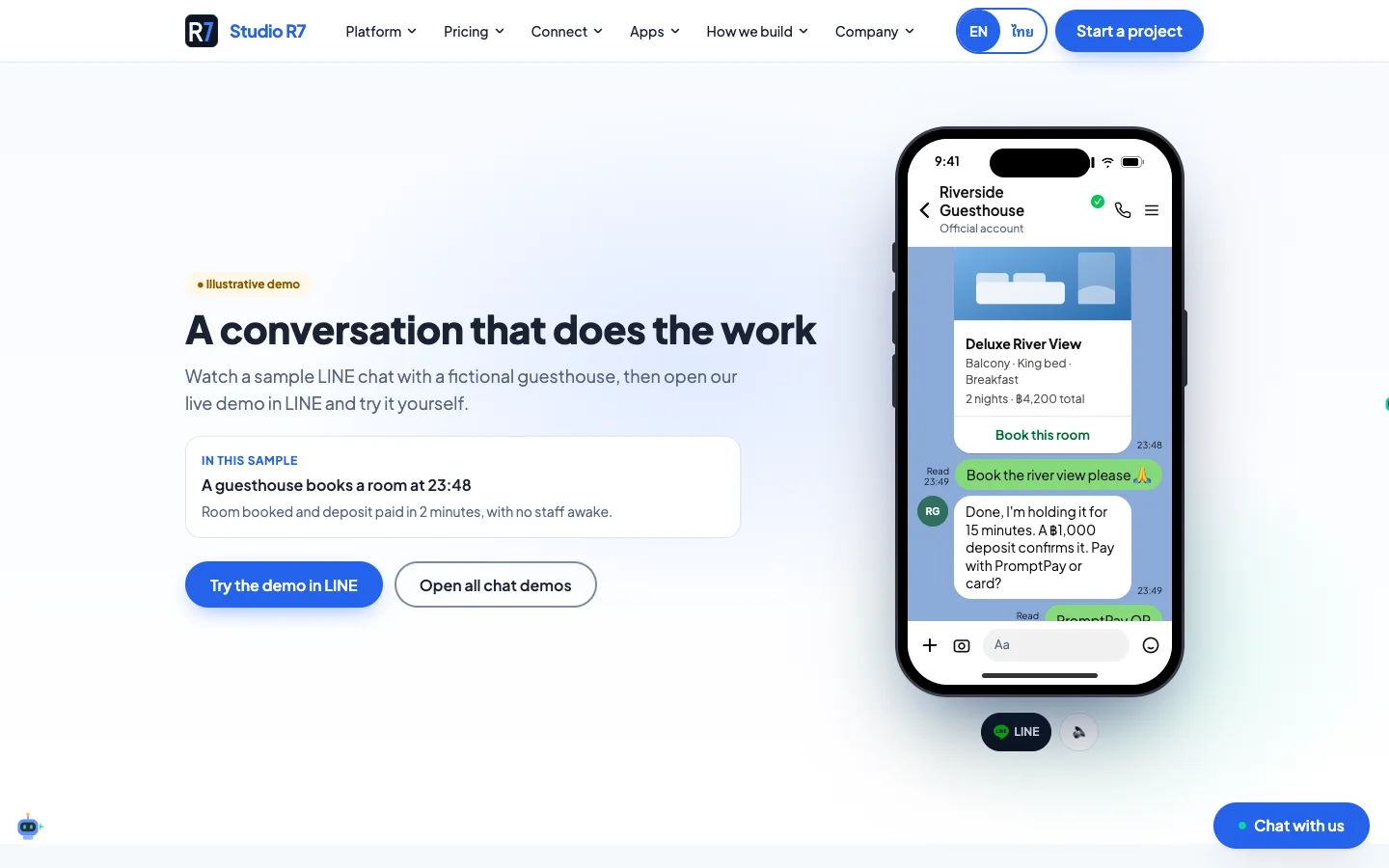
A LINE conversation that does the work 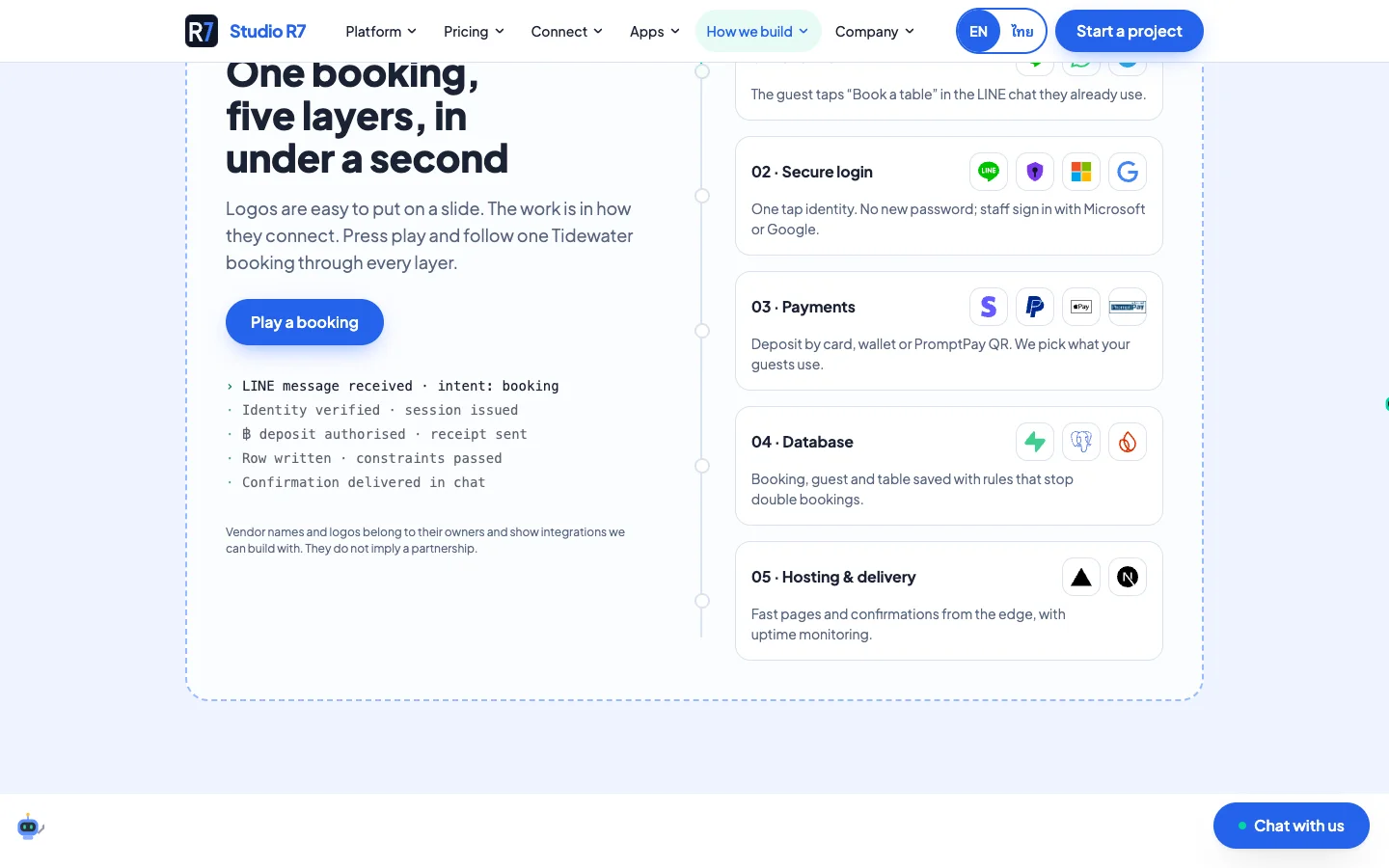
One booking, five layers, under a second 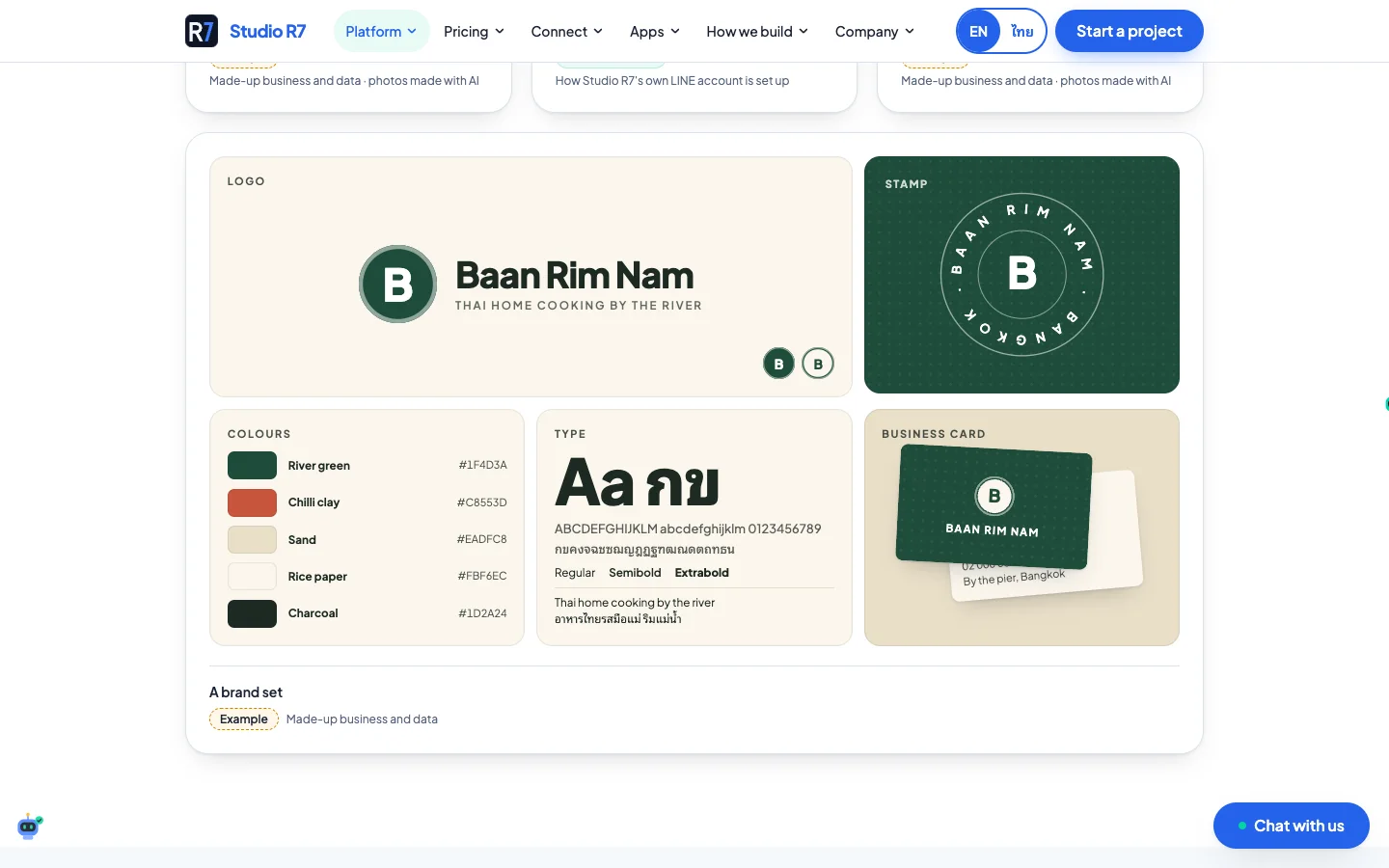
A brand set for a made-up restaurant 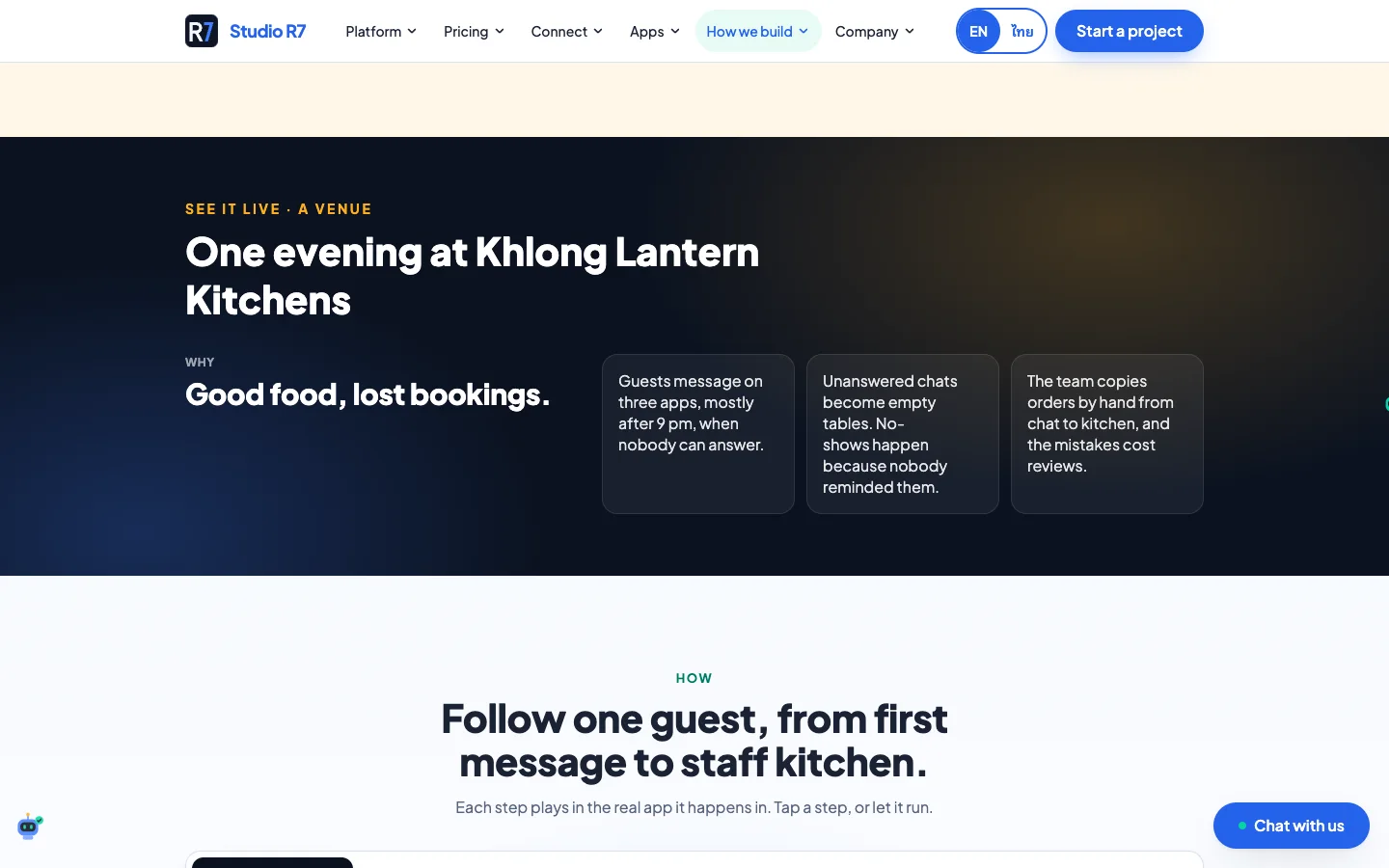
Following one guest from first message to kitchen
Chapter 5
The client portal
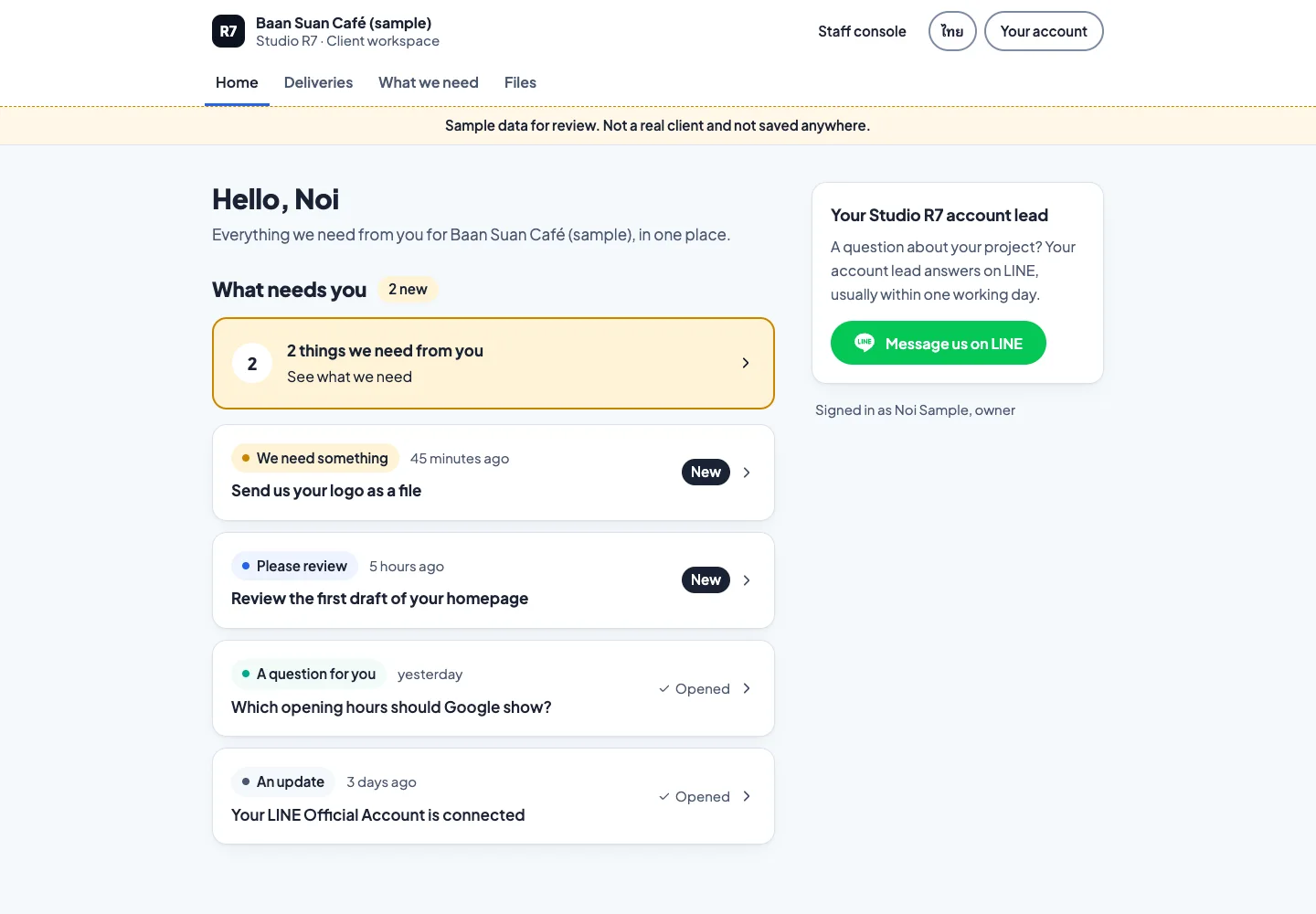
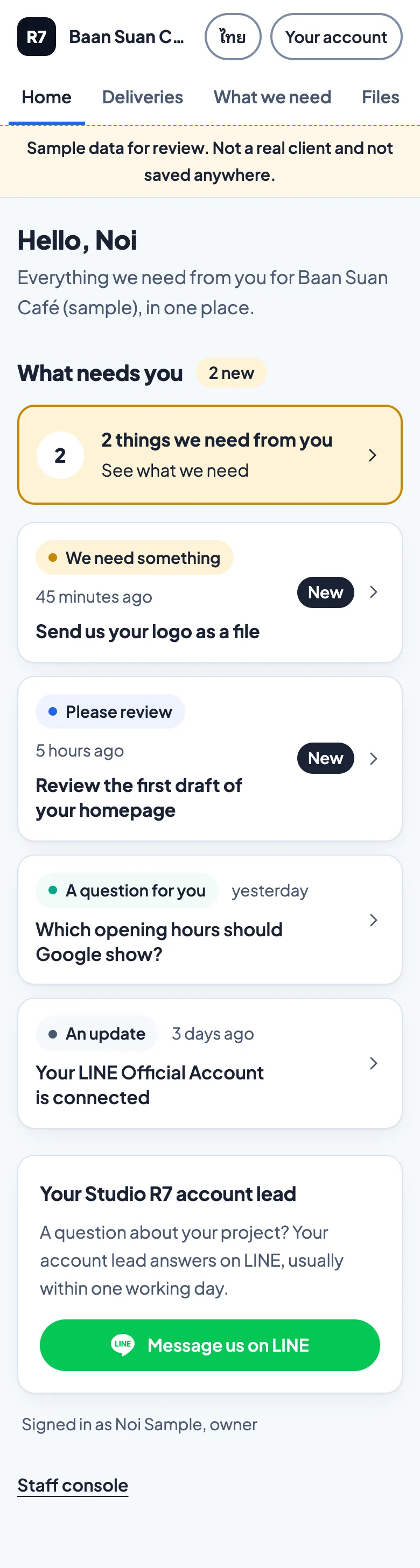
Where a client follows their project after they say yes. One question drives the design: what does the studio need from me right now?
Home: what needs you
The first thing a client sees is a short list of things only they can do: send a logo, review a draft, answer a question. Everything else is progress they can read when they like.
The screens here use sample data for a made-up café, and the yellow bar at the top says so.
From request to delivered file
One request, followed from the studio asking to the client sending.
1Step 1 of 4
Scroll inside the frame
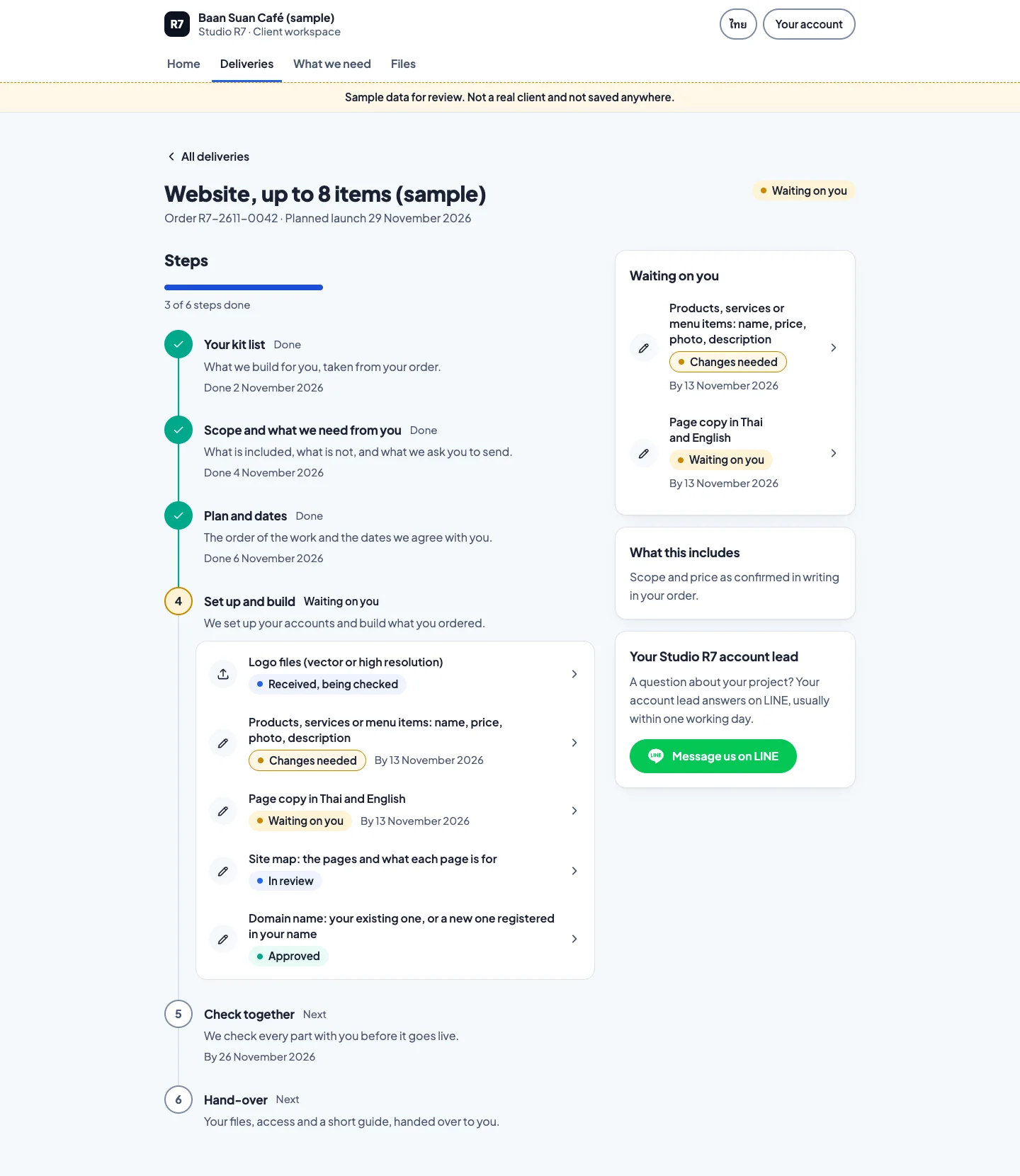
The delivery timeline
Every job is a list of steps with dates. The client sees which step is waiting on them.
2Step 2 of 4
Scroll inside the frame
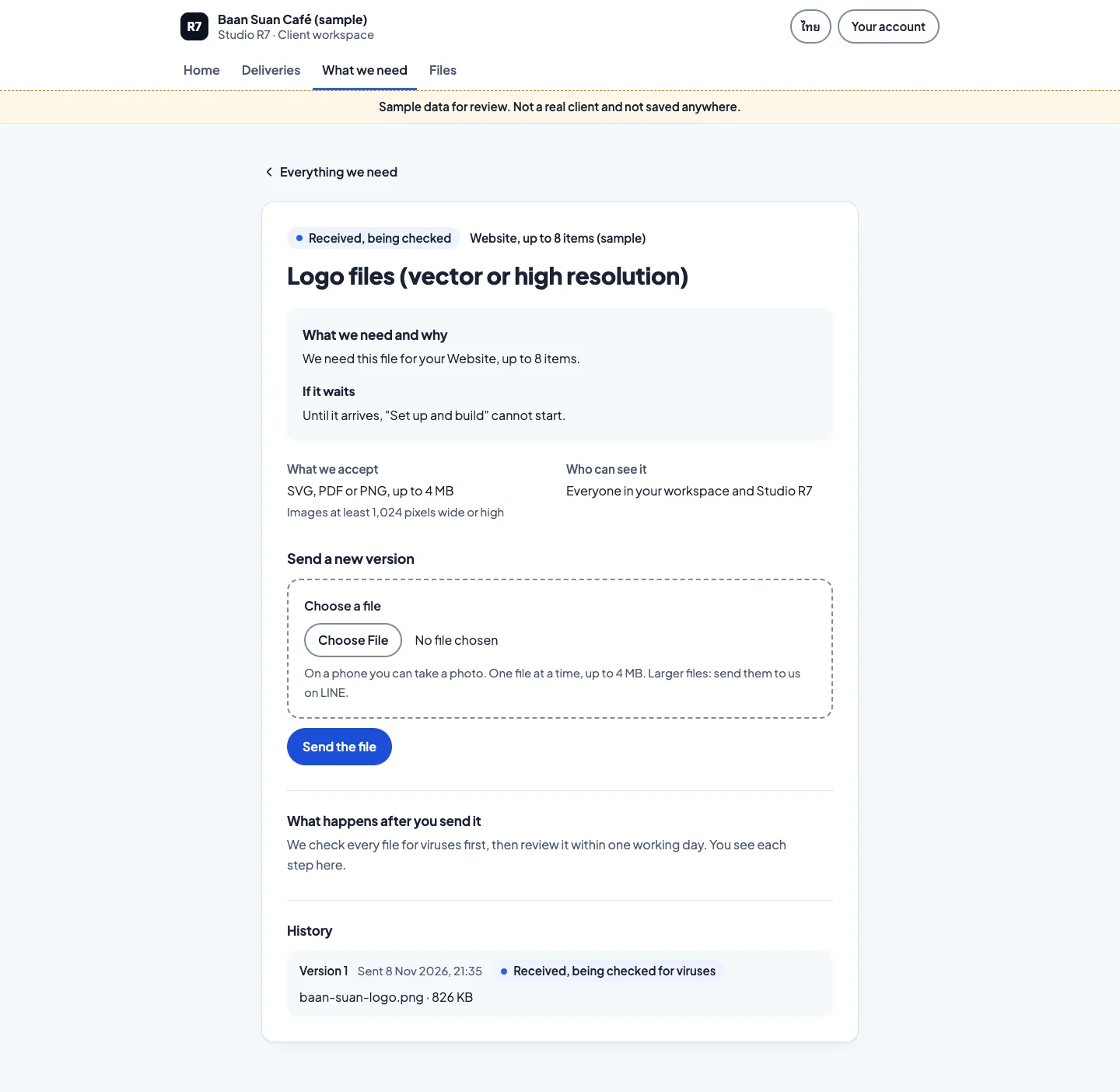
The request
What is needed, why, and which file types work. Written so a busy owner can act in one visit.
3Step 3 of 4
Scroll inside the frame
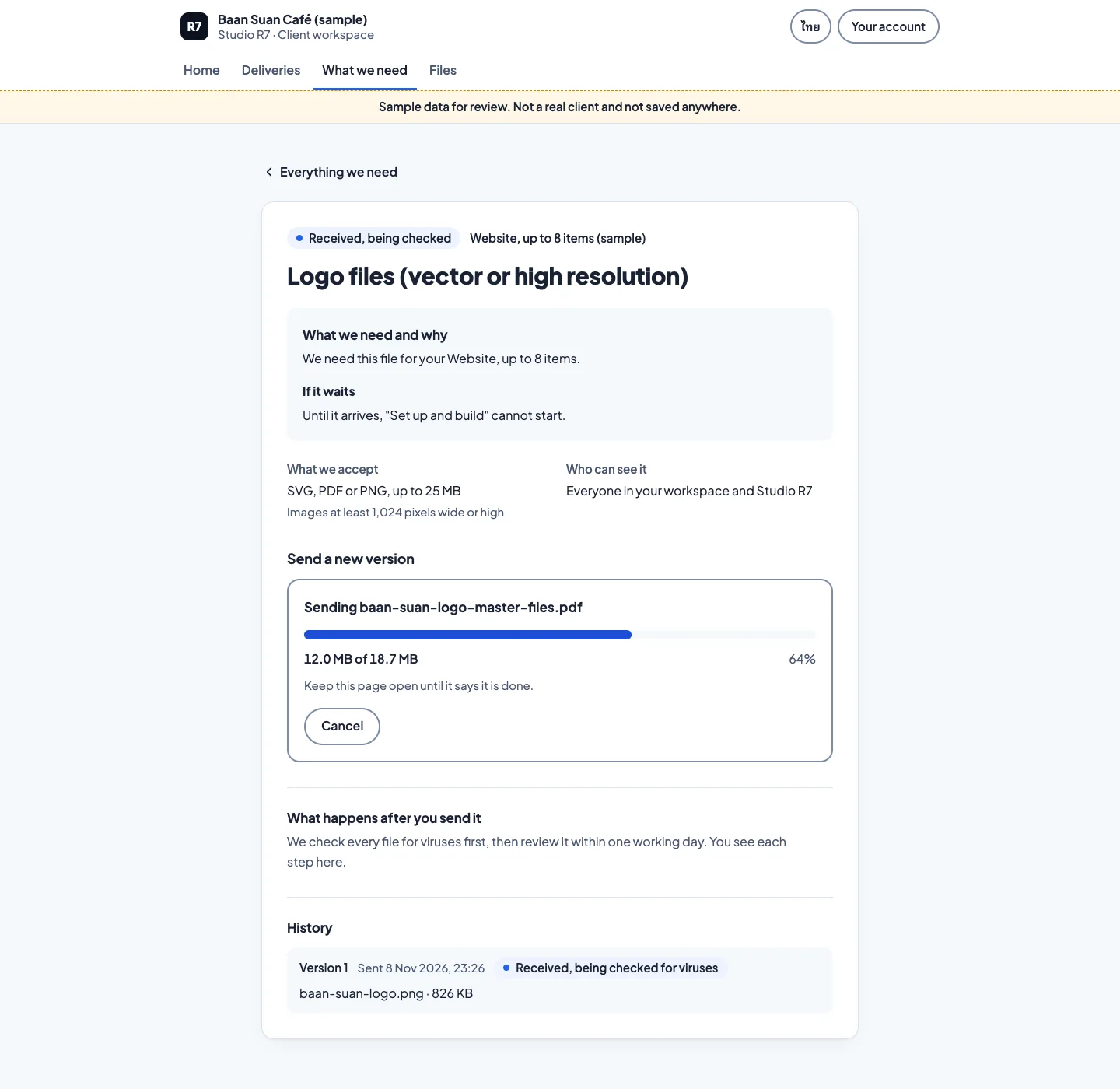
The upload
Progress is shown while the file sends, and the client can cancel.
4Step 4 of 4
Scroll inside the frame
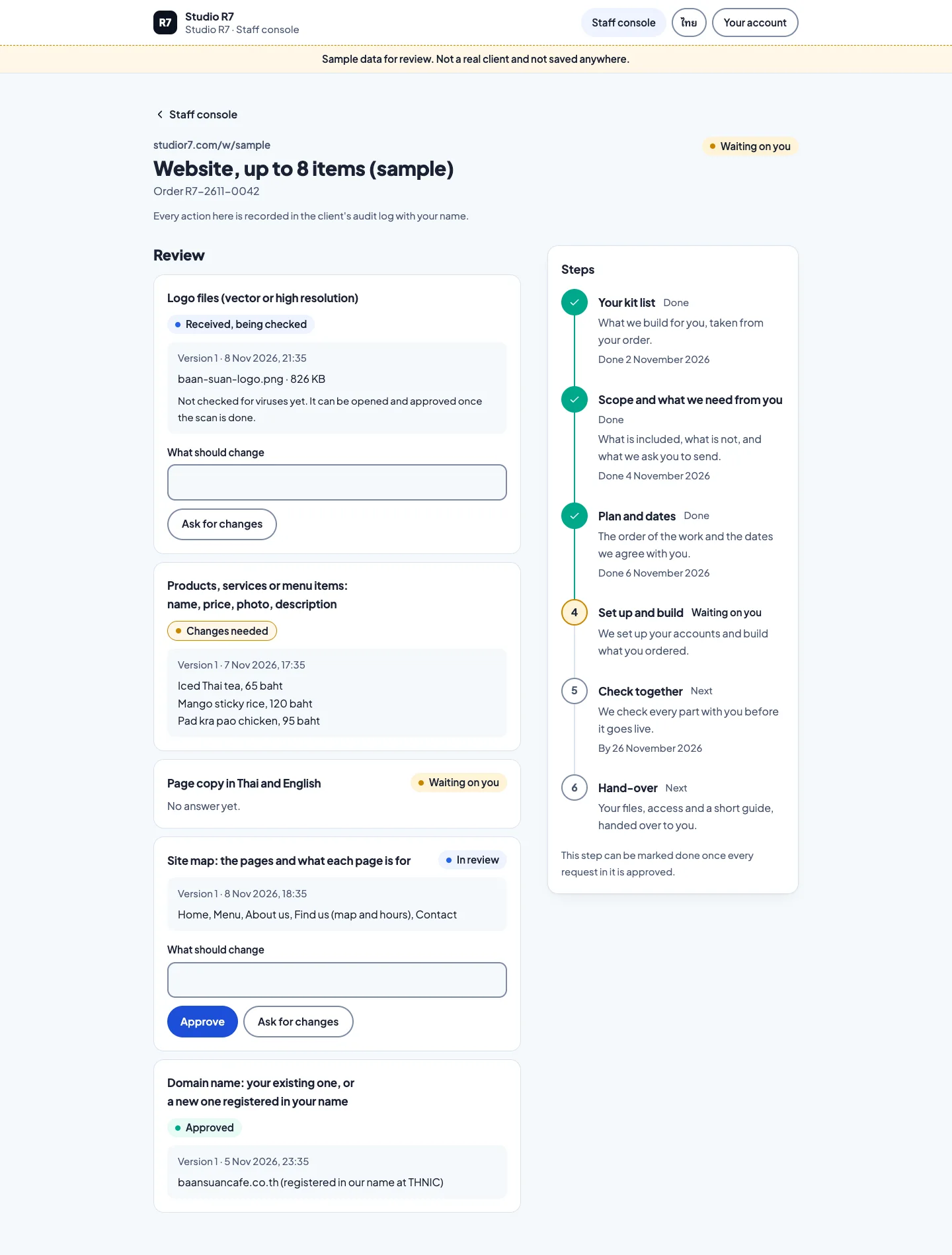
The staff side
The studio reviews what arrived, accepts it or asks for a change, and the timeline moves on.
On a phone, in Thai
Scroll inside the frame
Home 
Scroll inside the frame
Timeline, Thai 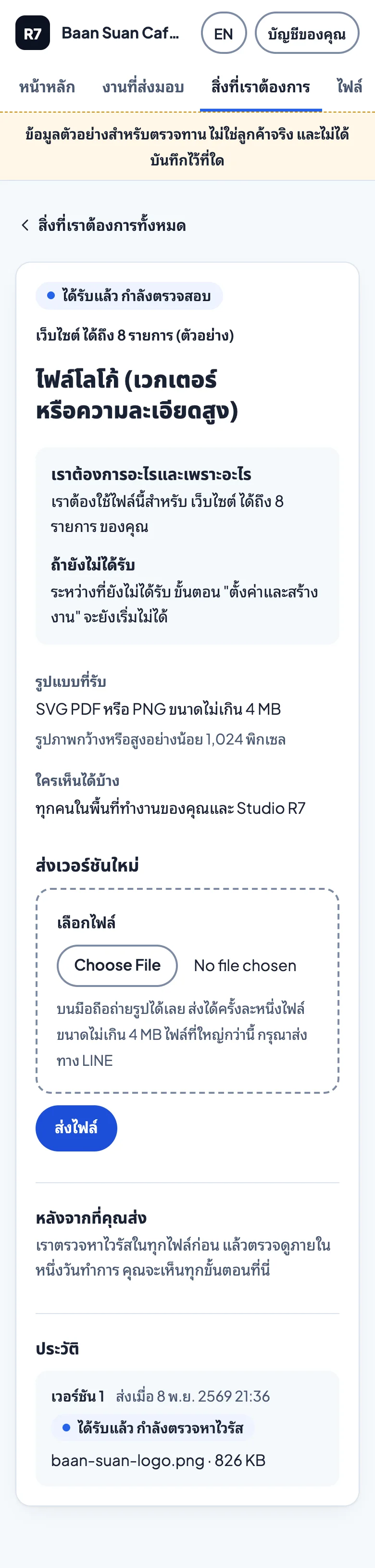
Scroll inside the frame
Request, Thai
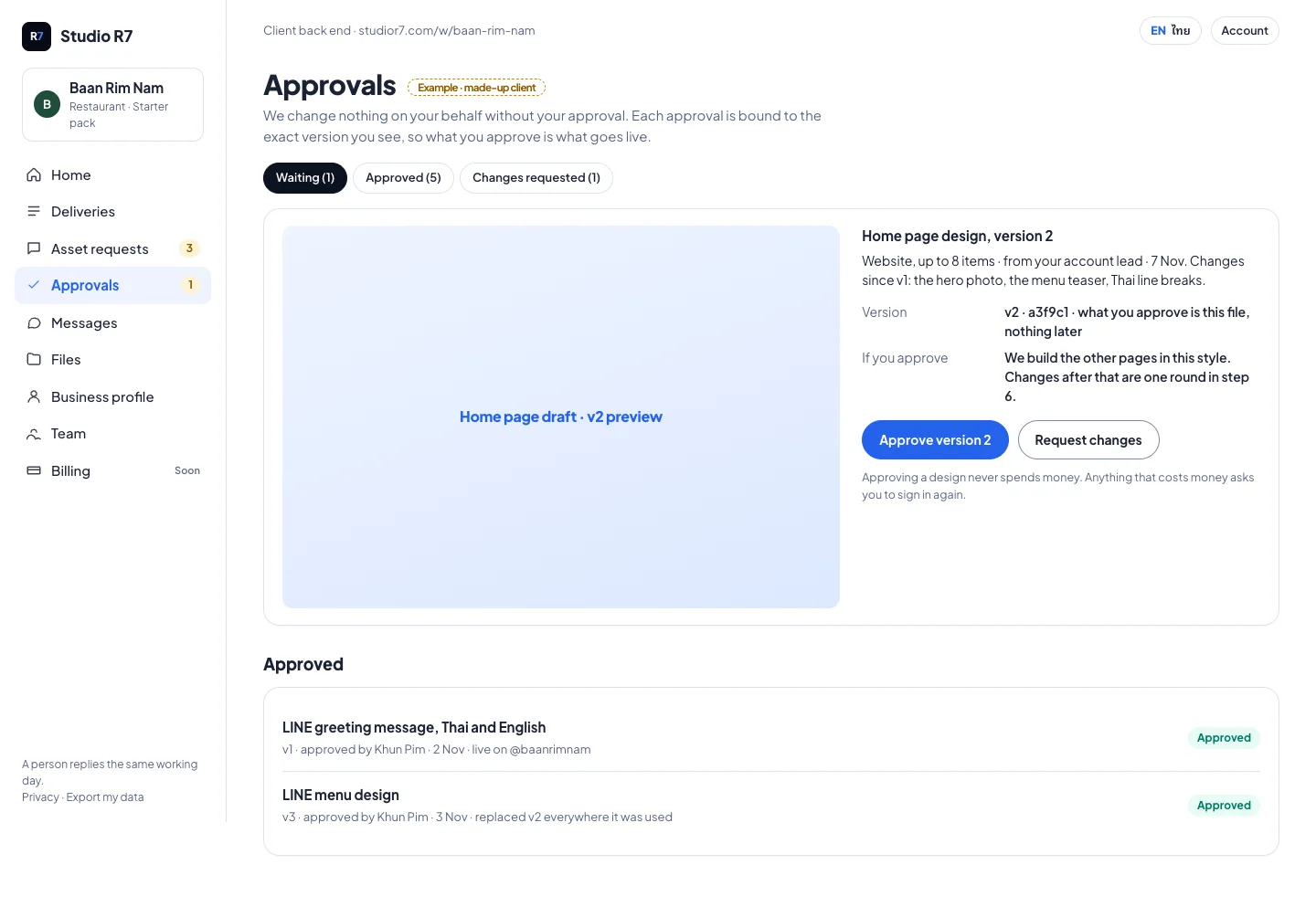
Designs for what comes next
The first designs for approvals and the request email. Approvals tied to a version are now built in the client back end; the email is still a design.
Approvals: approve a version or request changes 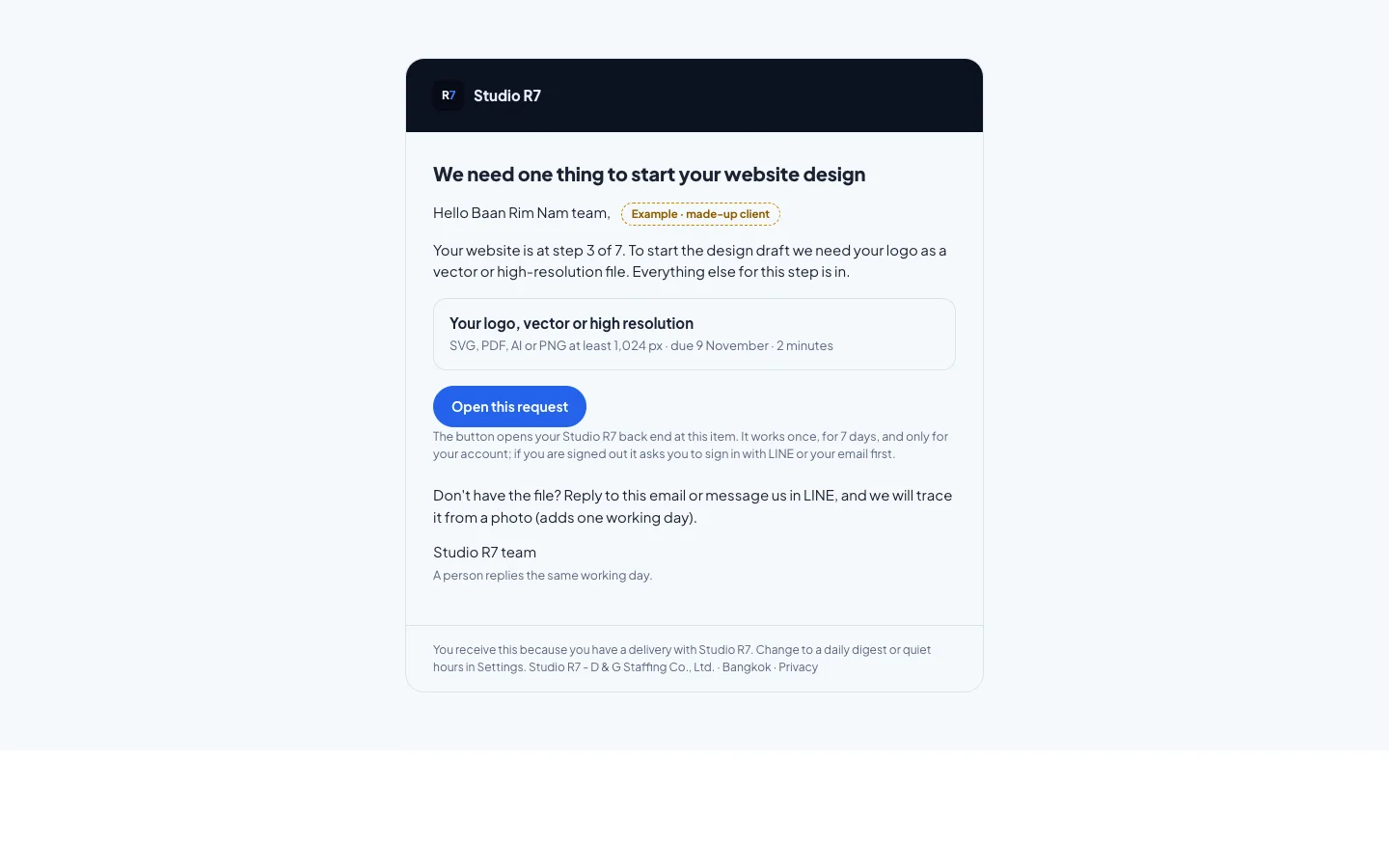
The request email, with one clear button
Chapter 6
The growth engine
The long-term plan behind the site: 36 building blocks that the studio assembles for each client, each with a written contract, a cost and a test.
The engine map
Every block, what it needs before it can be built, who calls whom at run time, and where each one stands today. The dependency diagrams in the docs are generated from the code, and the build fails if they drift.
Most blocks are still planned. The map shows that plainly: today 2 are built, 1 is in review, 9 are being built and 24 are planned.
- 36 blocks, each with its own written dossier
- Diagrams generated from code; the build fails if they drift
- A cost ledger and rate card so every AI call has a price
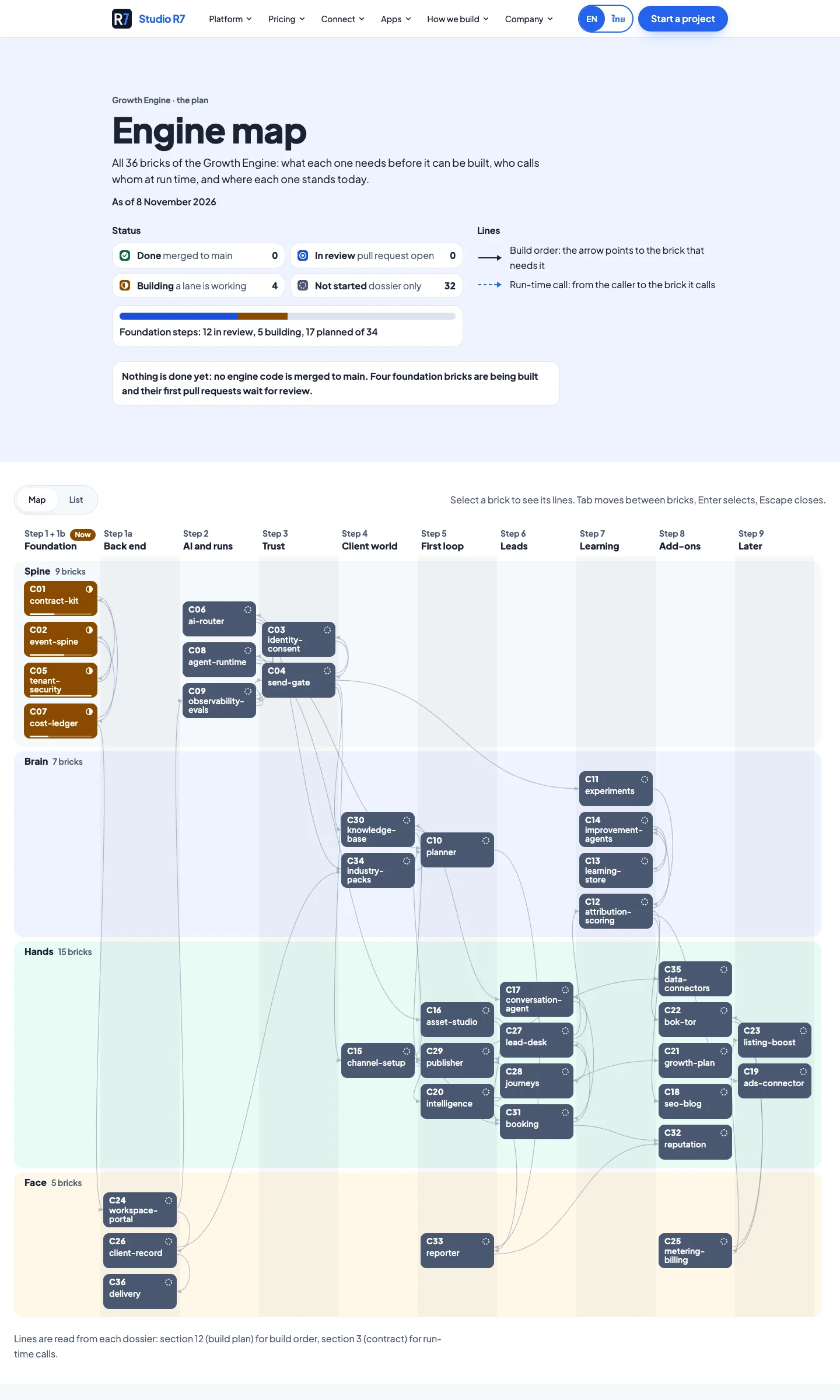
Scroll inside the frame
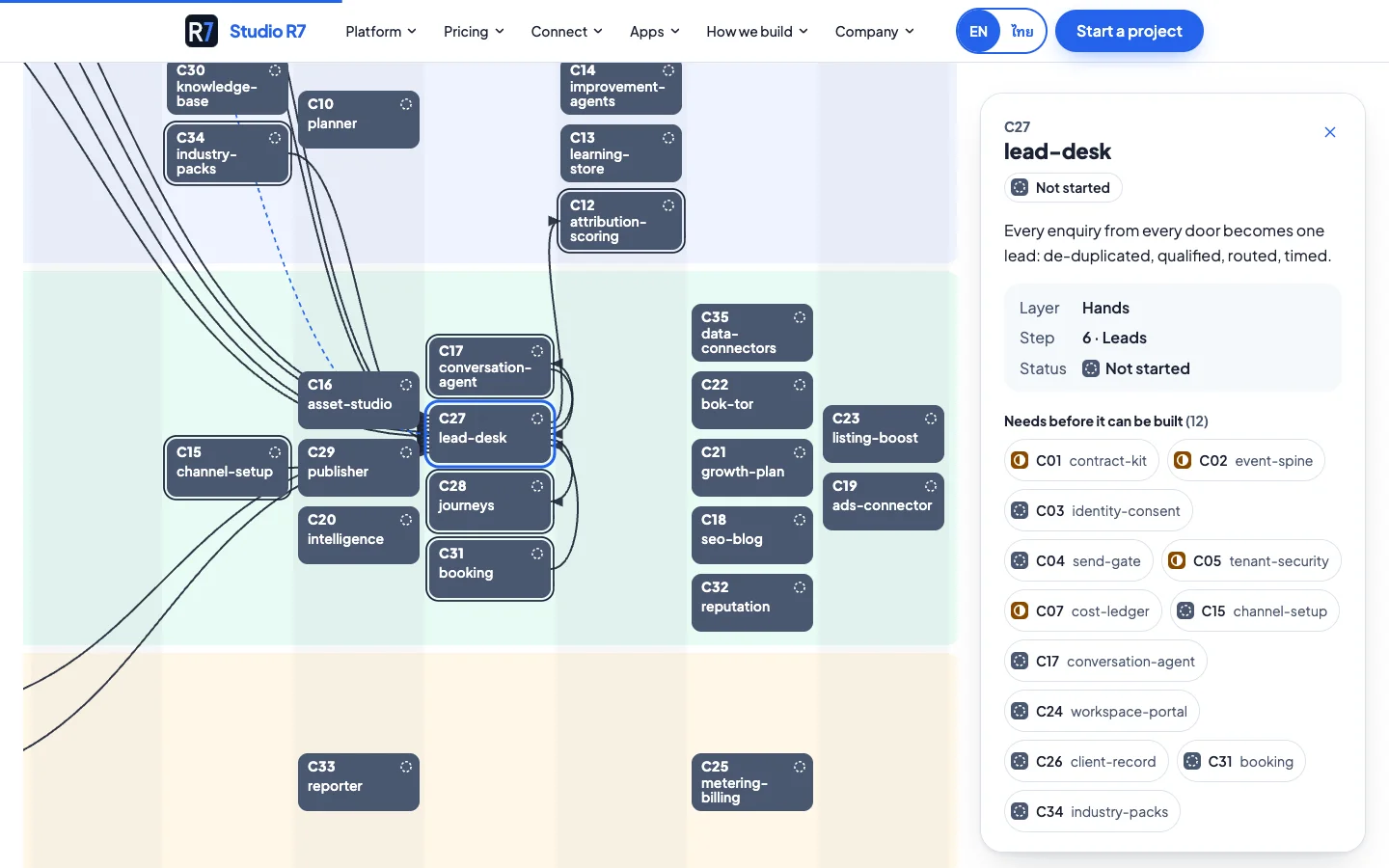
One block selected: what it depends on and who depends on it 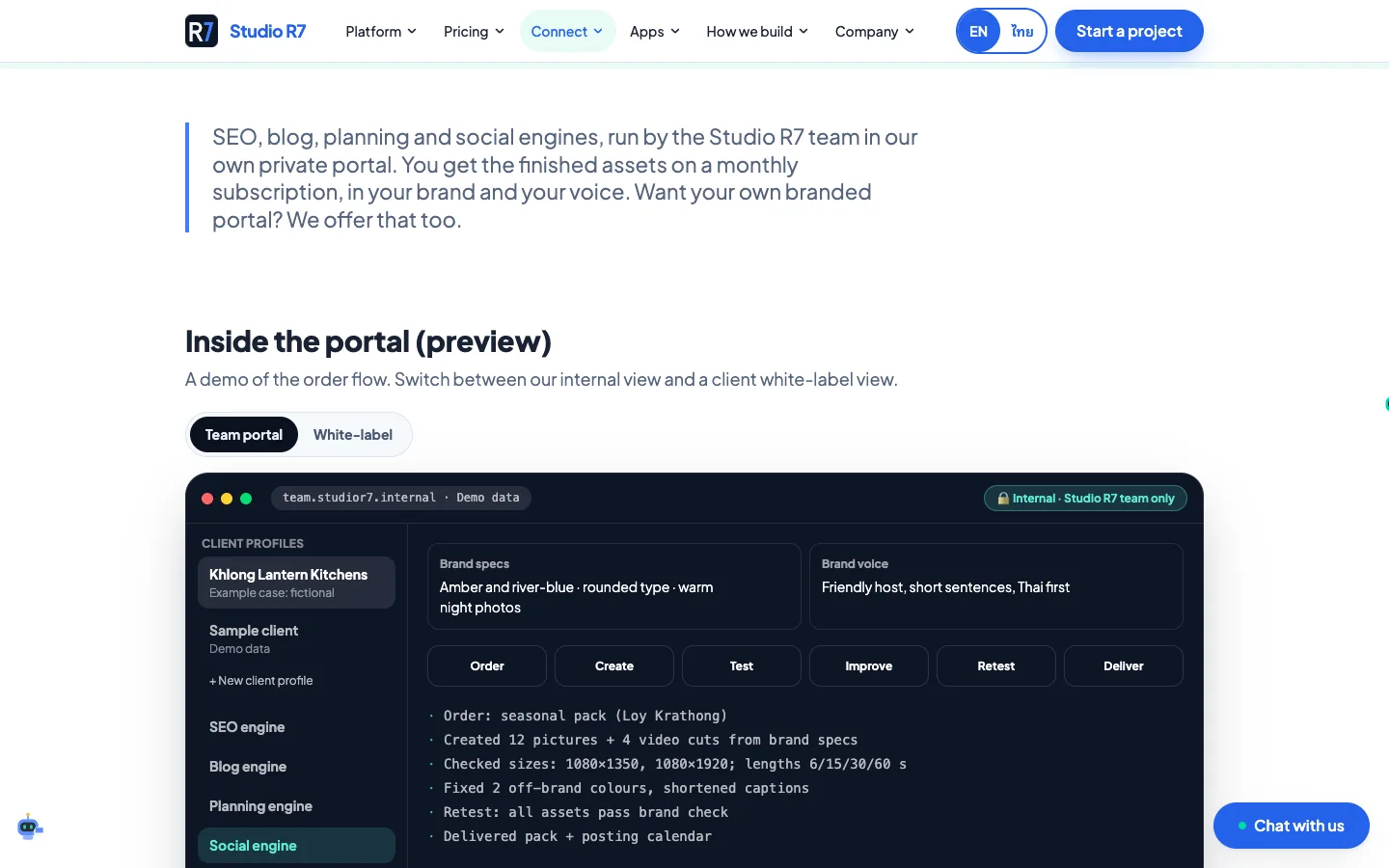
Inside the portal preview on the public site
Guardrails in the codebase
The parts no visitor sees, and the reason the visible parts hold up.
- Boundaries enforced by the linter
- Modules may only import what their contract allows. A wrong import fails the build.
- A page quality check
- Accessibility, Lighthouse and broken-link checks run against real pages, and the evidence is committed.
- Search set up properly
- Every public page is in the sitemap in both languages with canonical and hreflang tags, structured data and an llms.txt file.
- Experiments with attribution
- A/B tests and source tracking are configuration, not scattered code.
Chapter 7
Brand and social
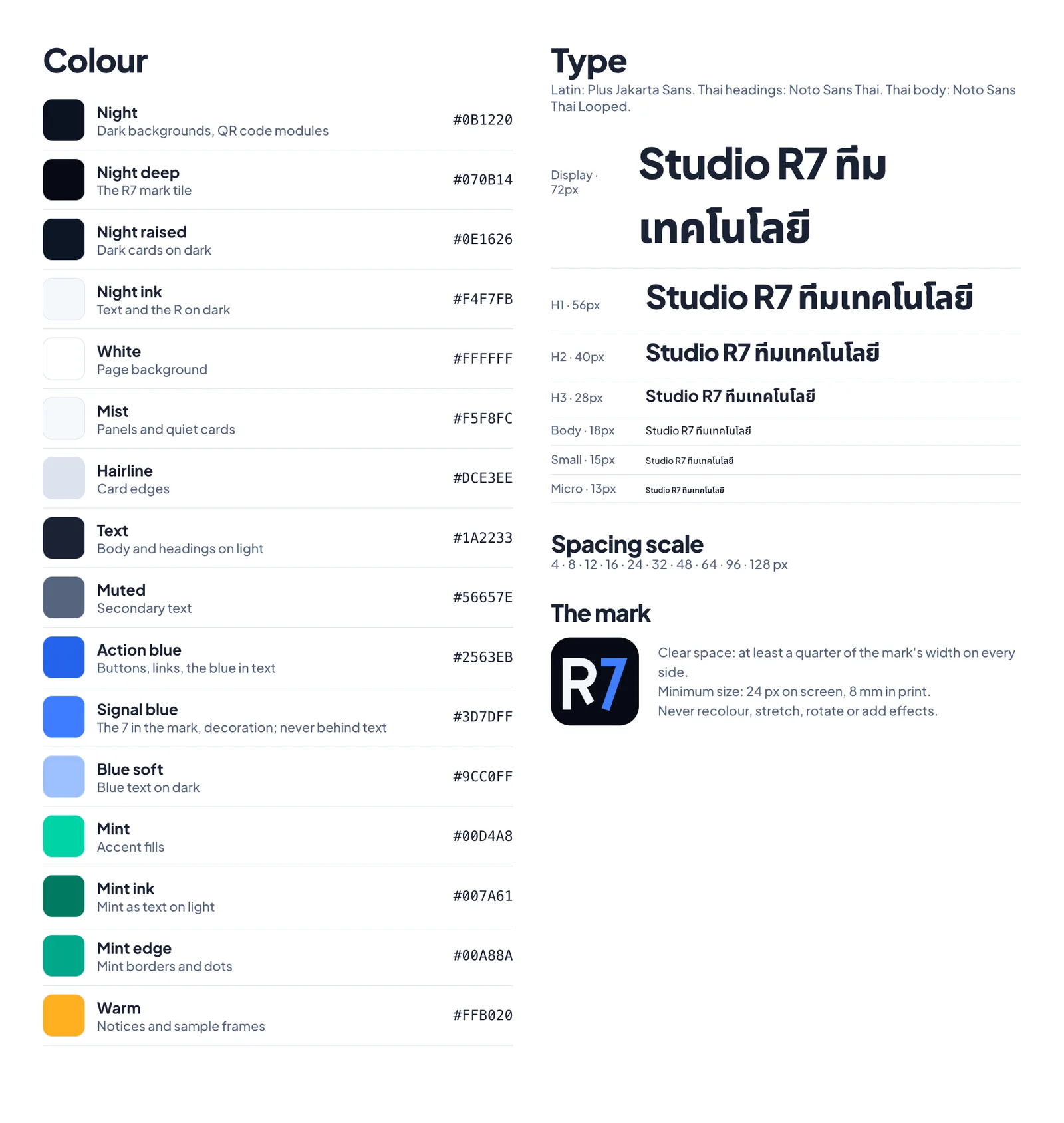
One mark, one blue, one voice, carried across the site, LINE, WhatsApp, Facebook and LinkedIn.
The brand sheet
Night blue for depth, action blue for anything you can press, signal teal for the moment something works. Plus Jakarta Sans for Latin text and Noto Sans Thai for Thai, chosen so both scripts carry the same weight.
Social posts, made as code
Each post is an HTML page rendered to an image by a script, so a wording change is one edit and one command.
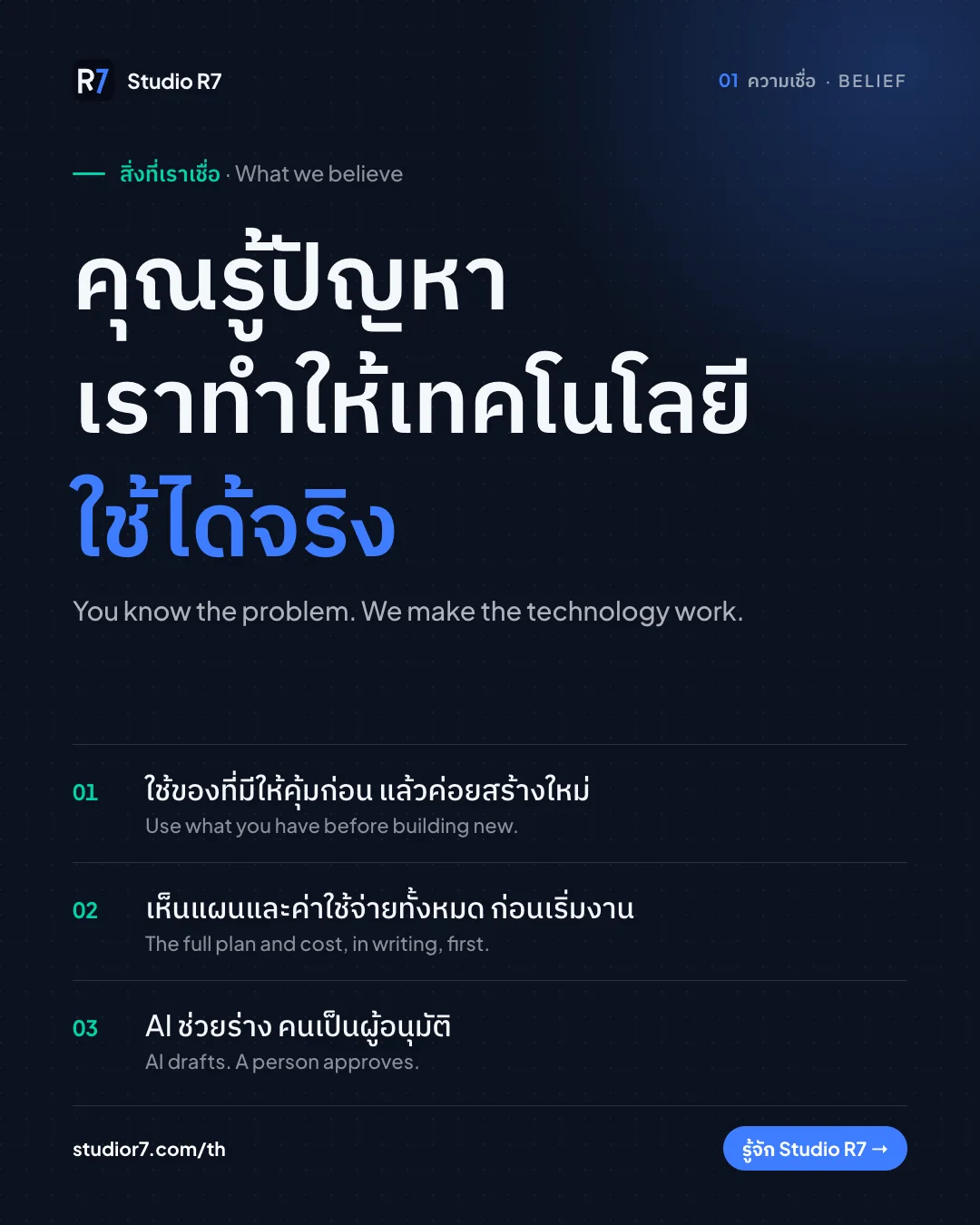
What we believe 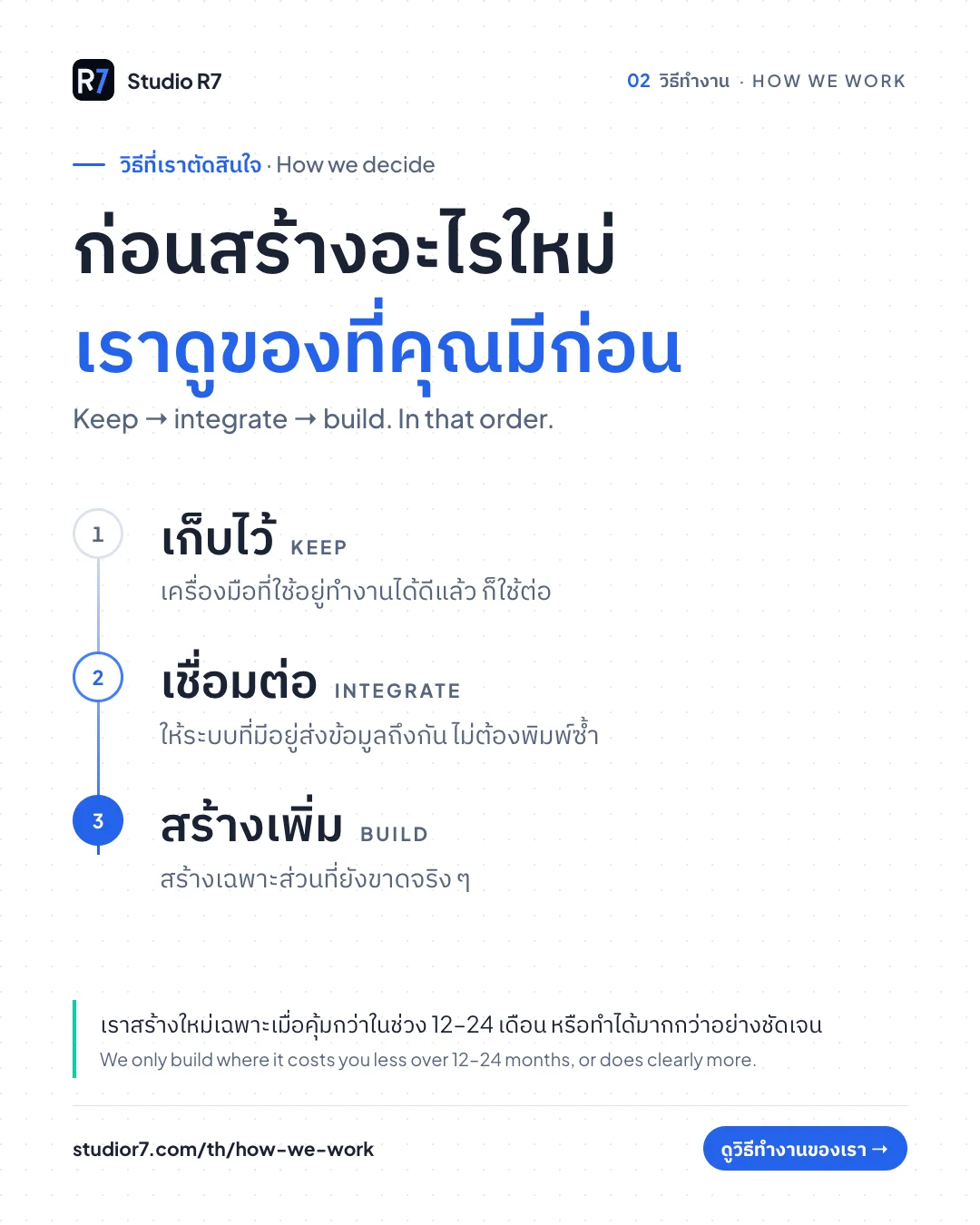
Keep, integrate, build 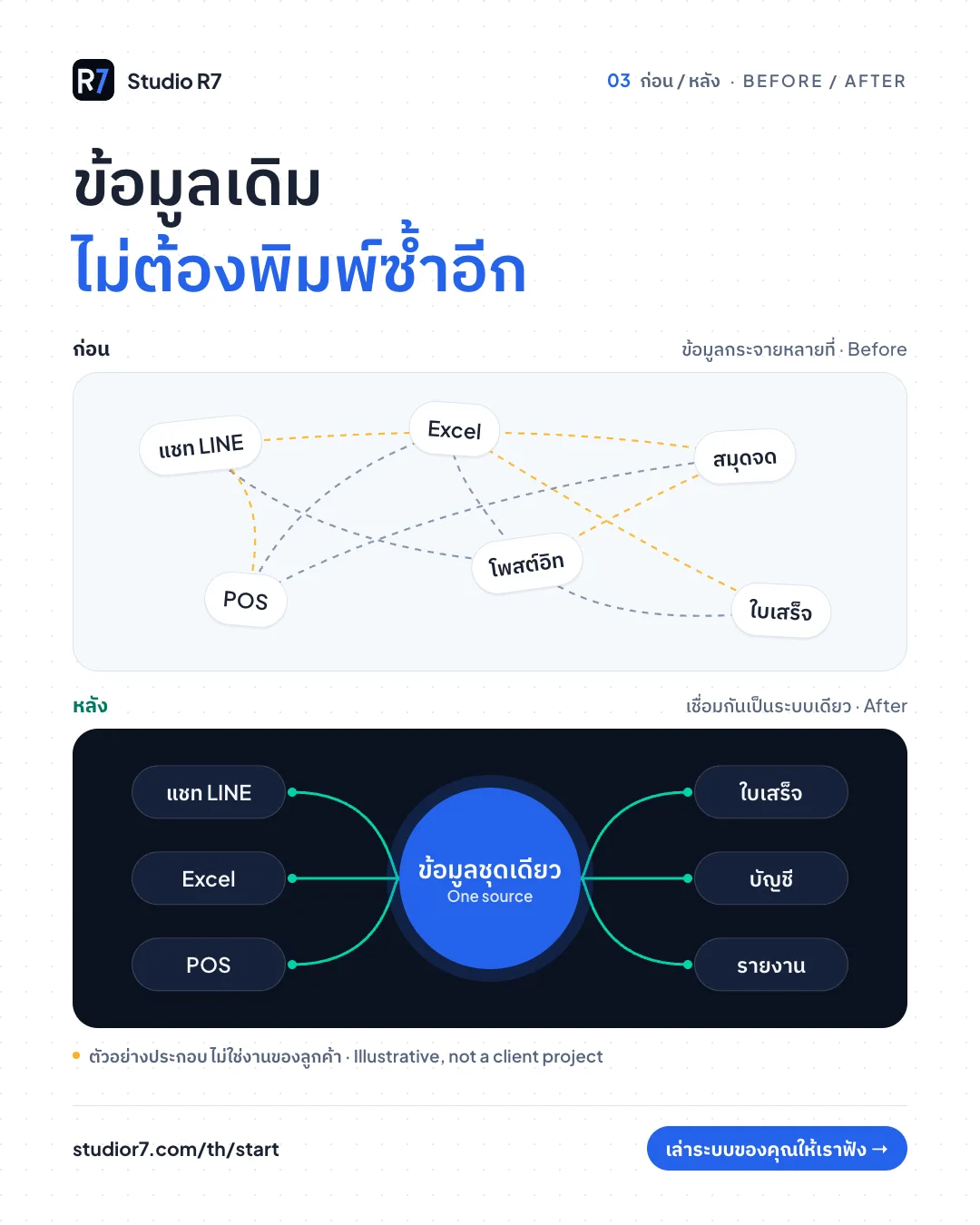
Before and after 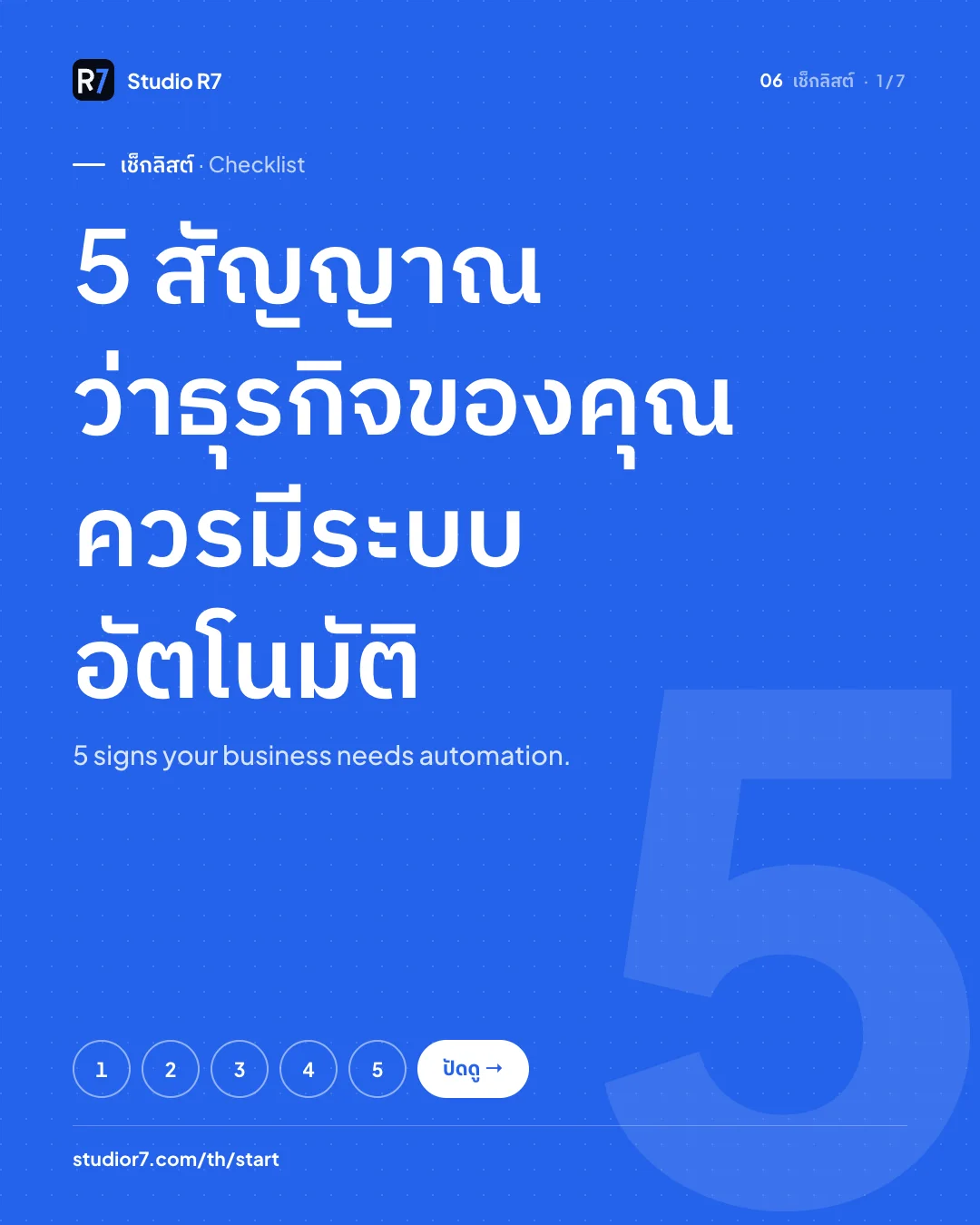
Carousel cover 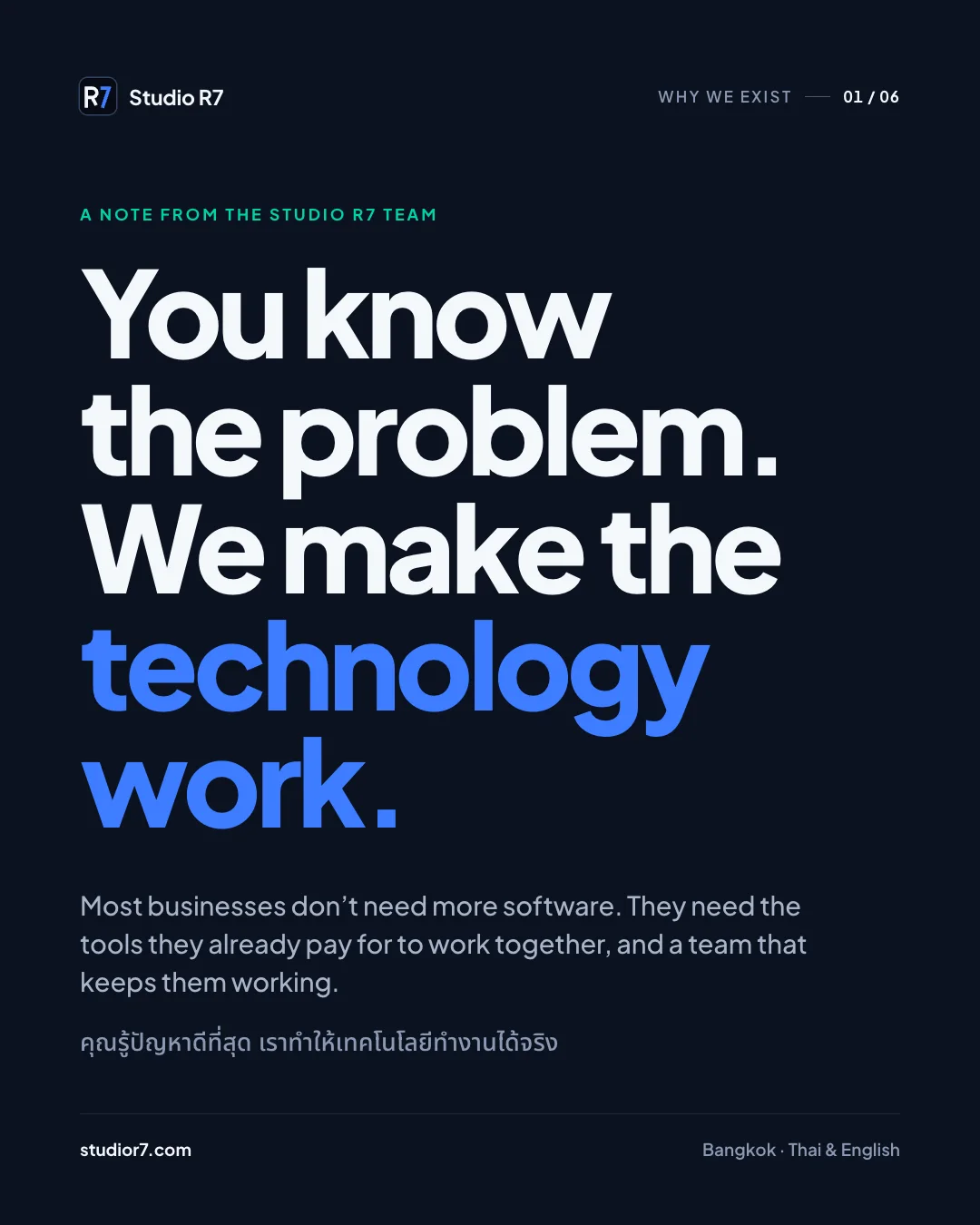
LinkedIn: belief 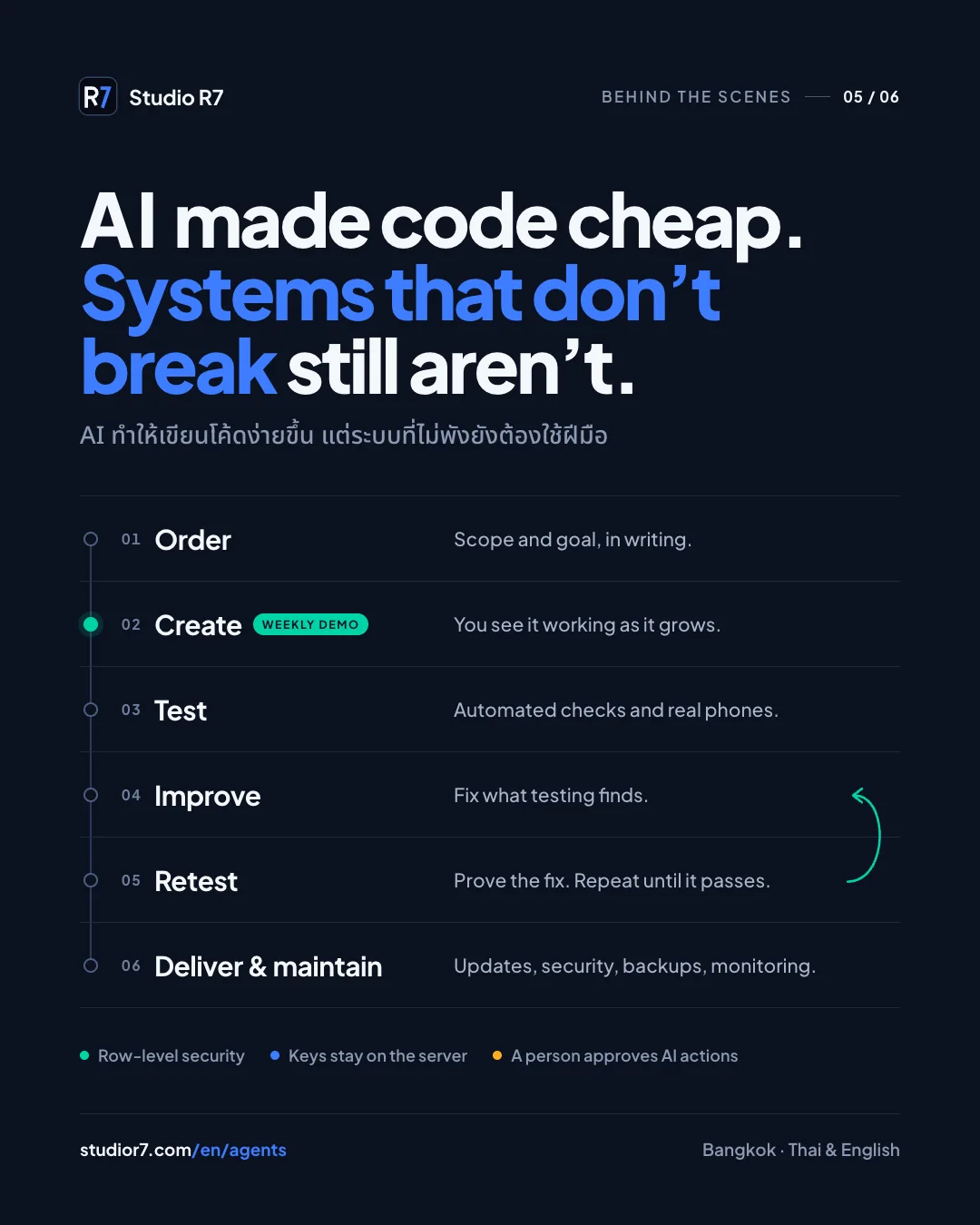
LinkedIn: how we build 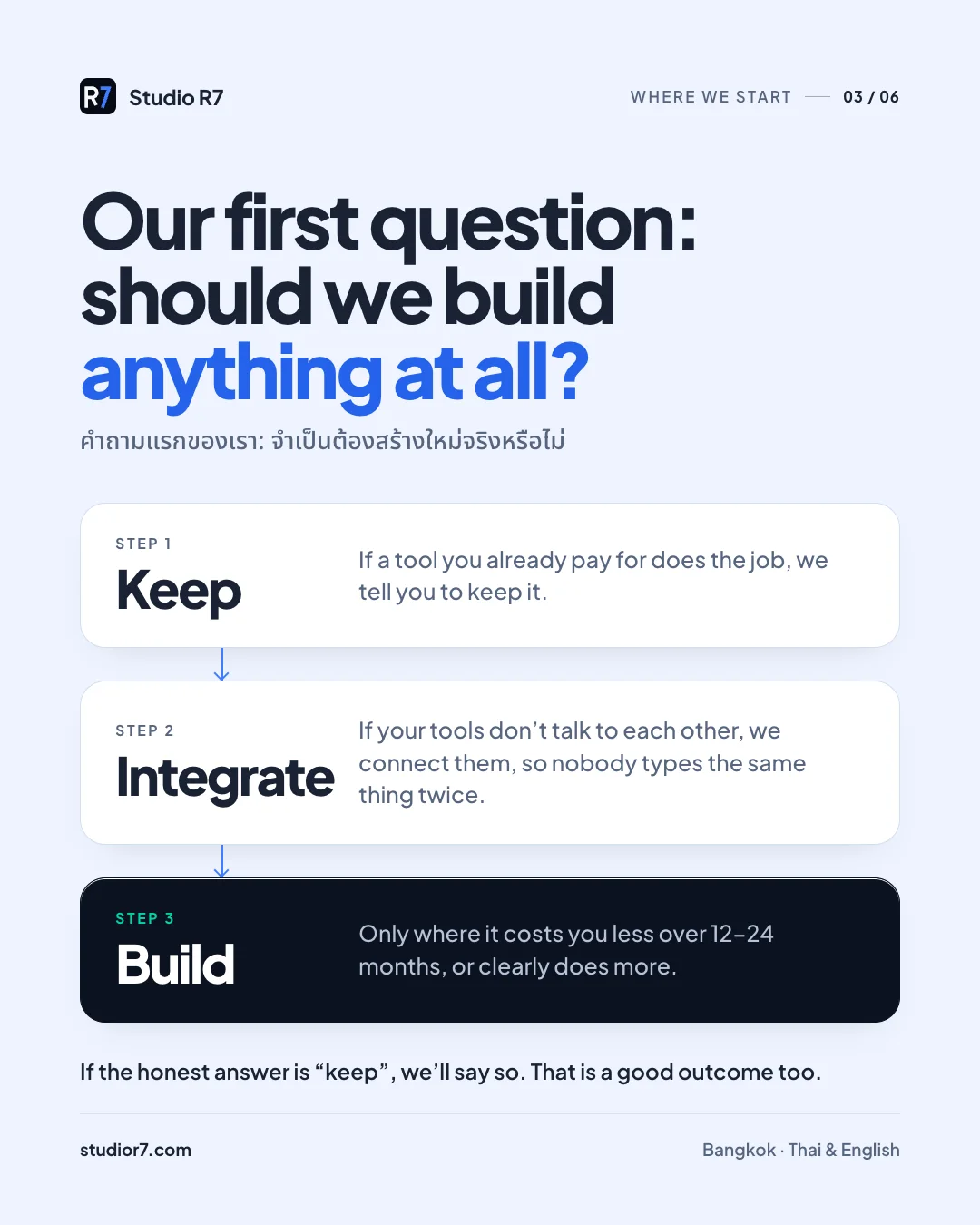
LinkedIn: the first question 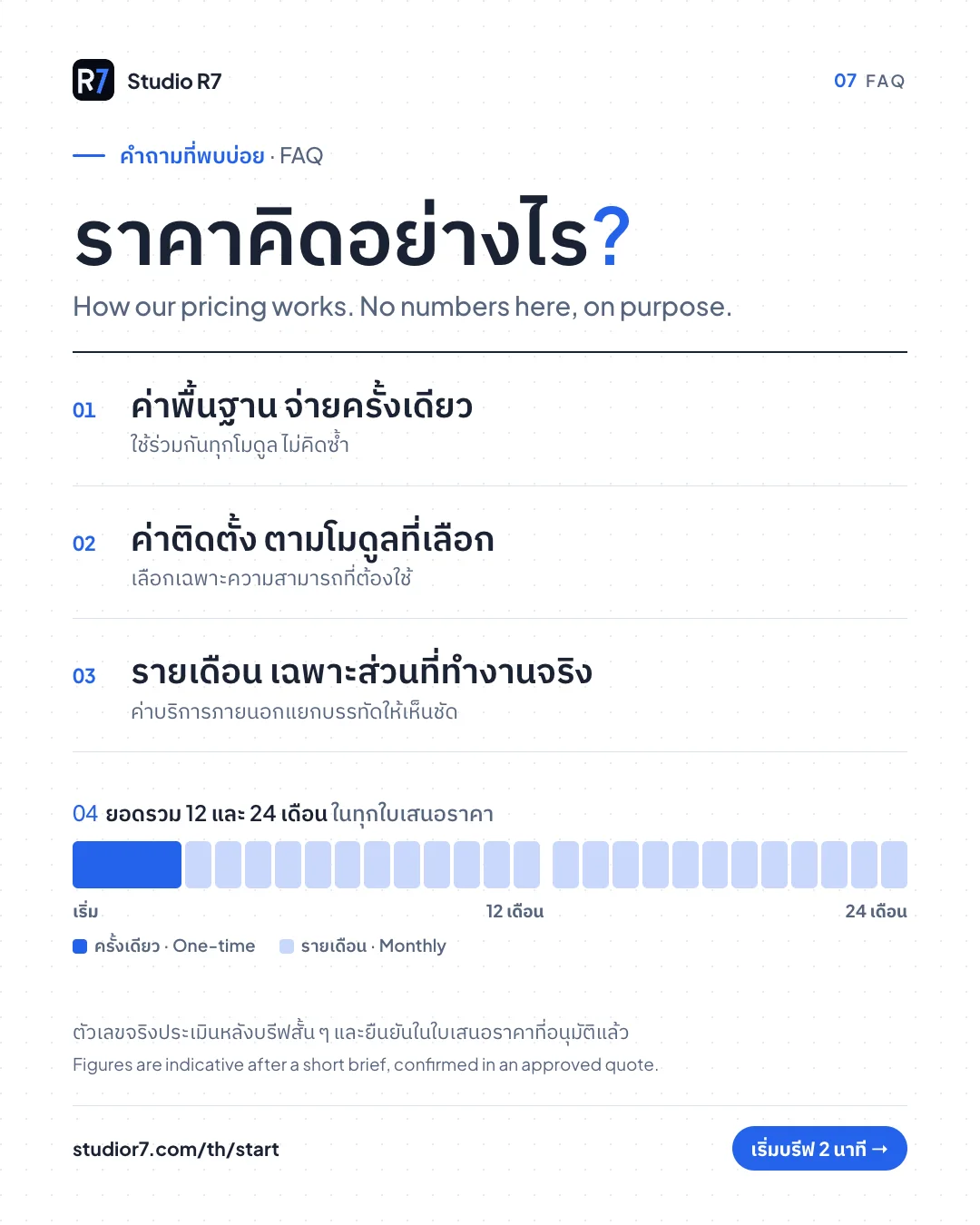
Pricing, explained
Chat channels
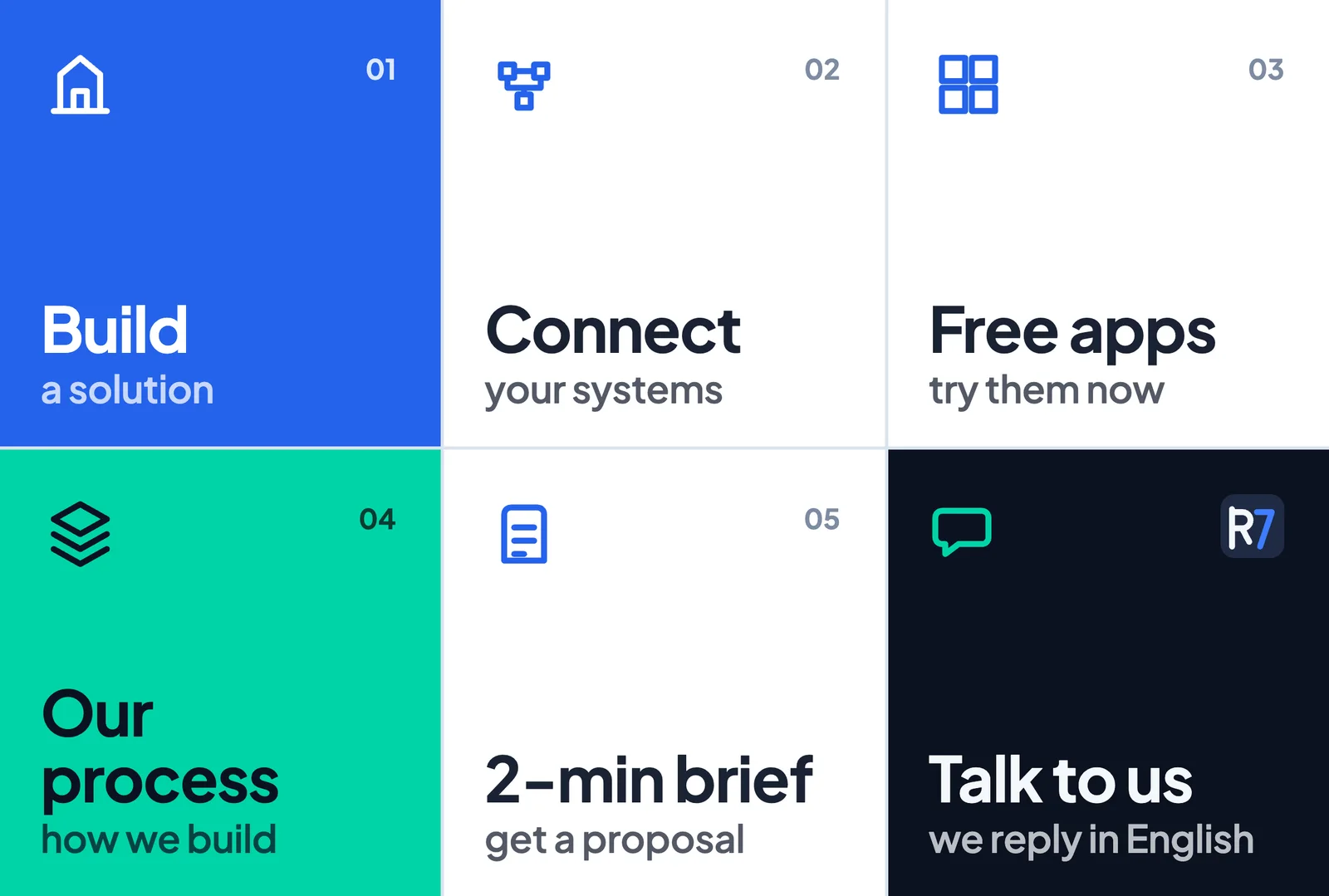
LINE rich menu, English 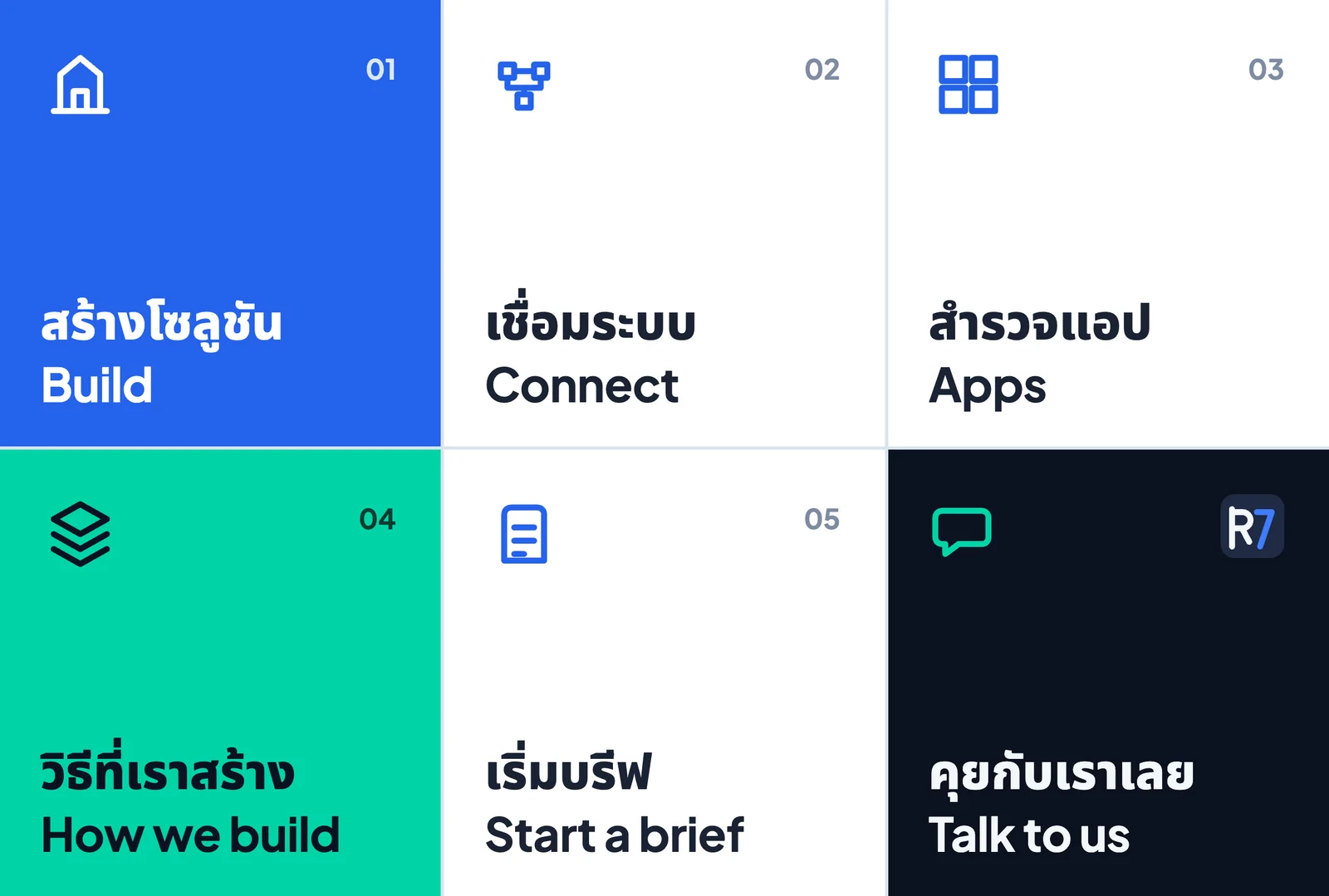
LINE rich menu, Thai 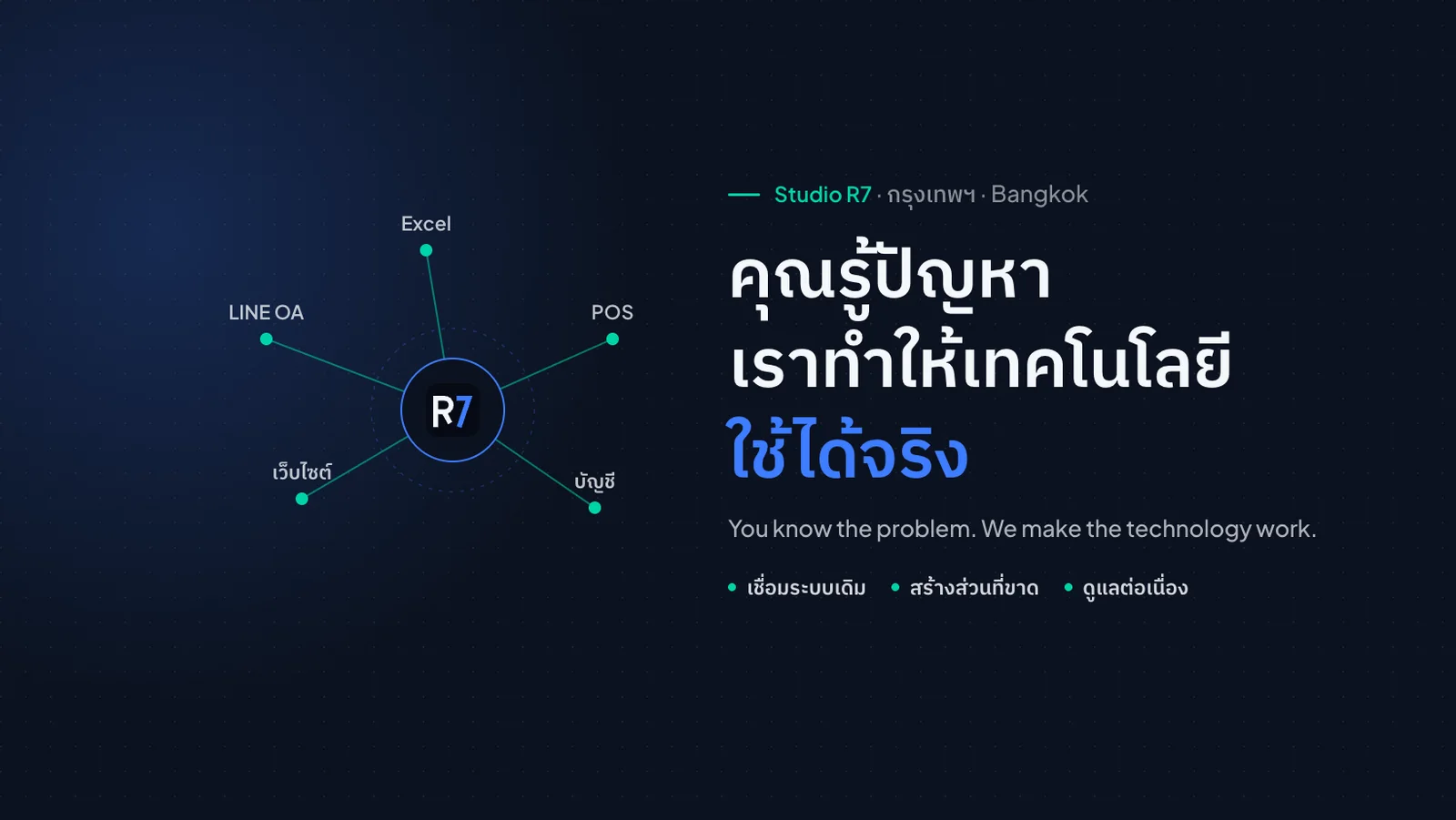
Facebook cover 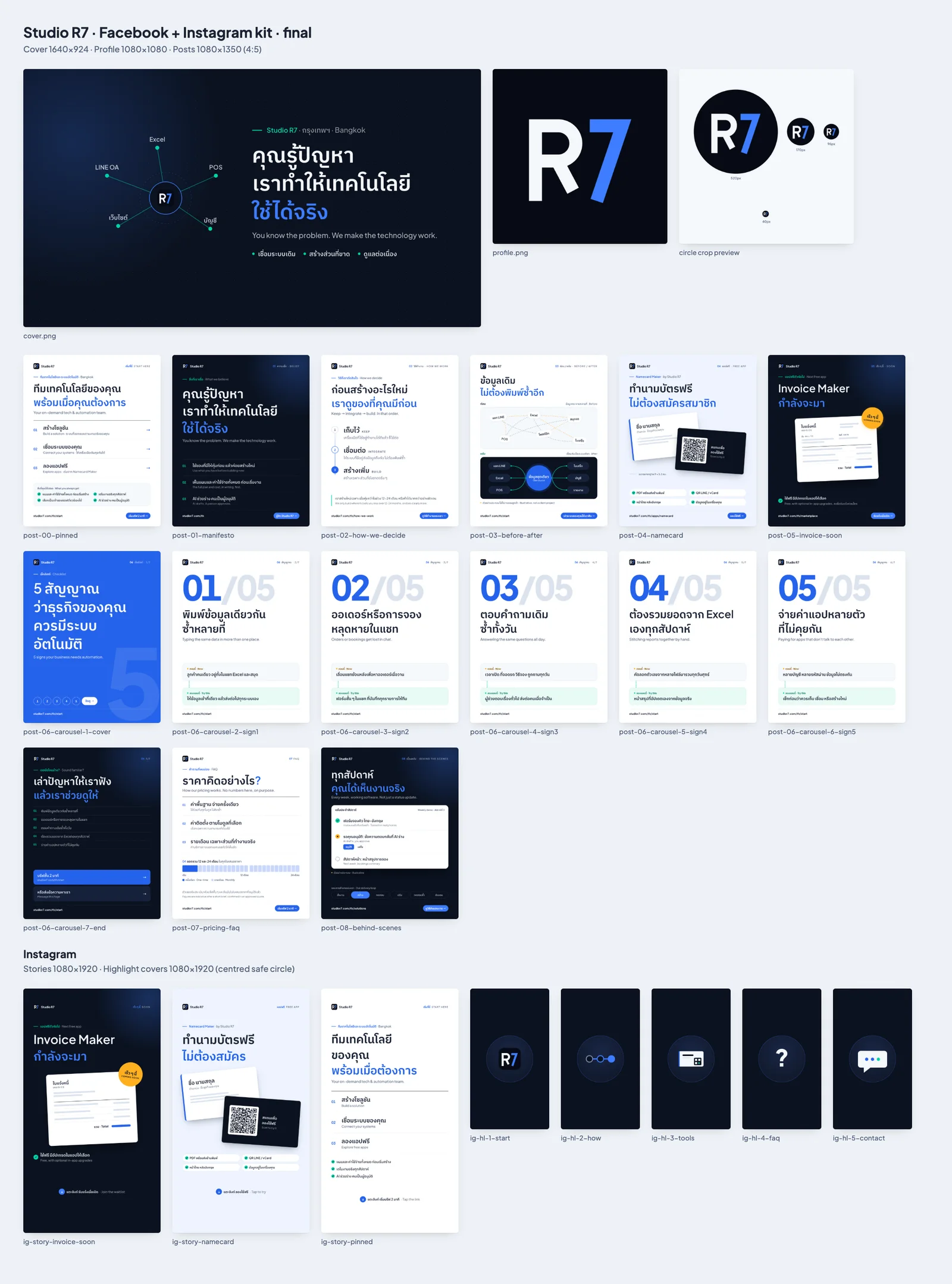
The full Facebook and Instagram kit on one sheet
WhatsApp catalogue tiles
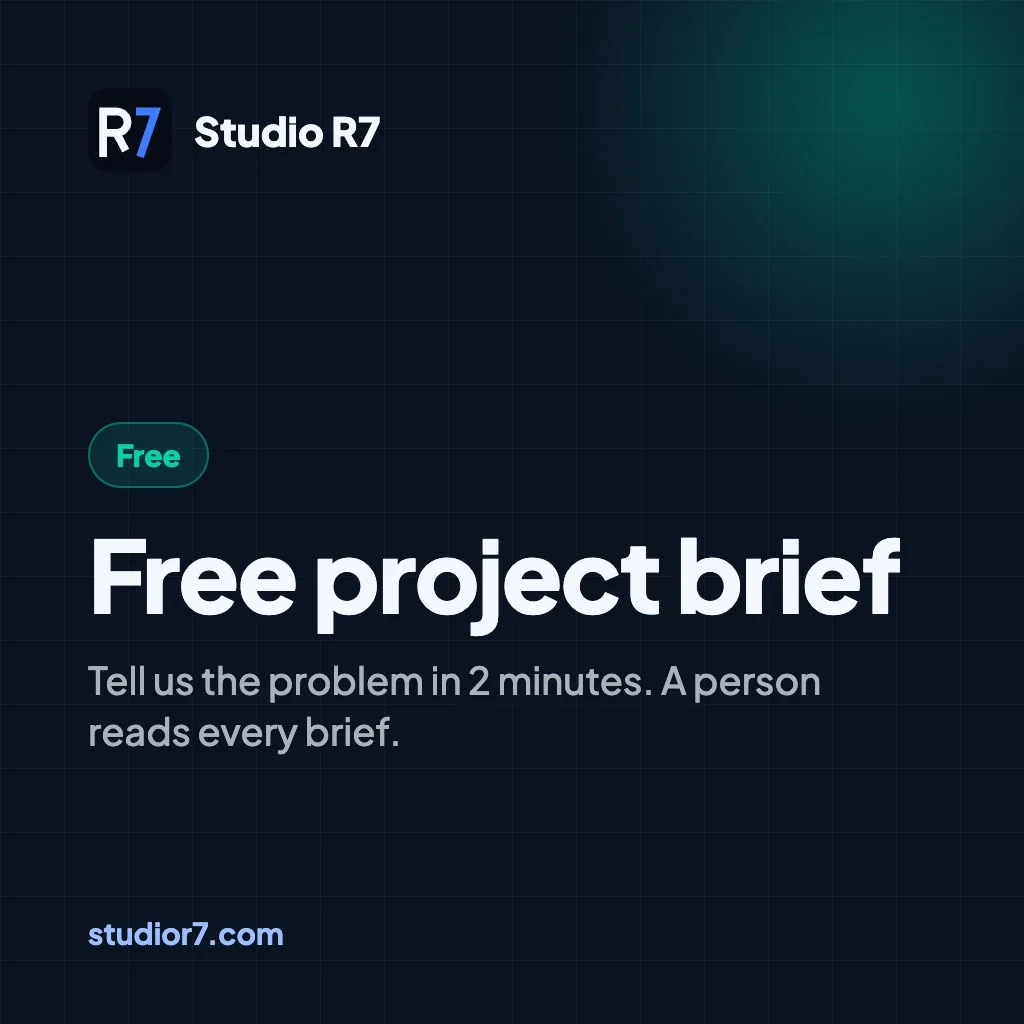
Free project brief 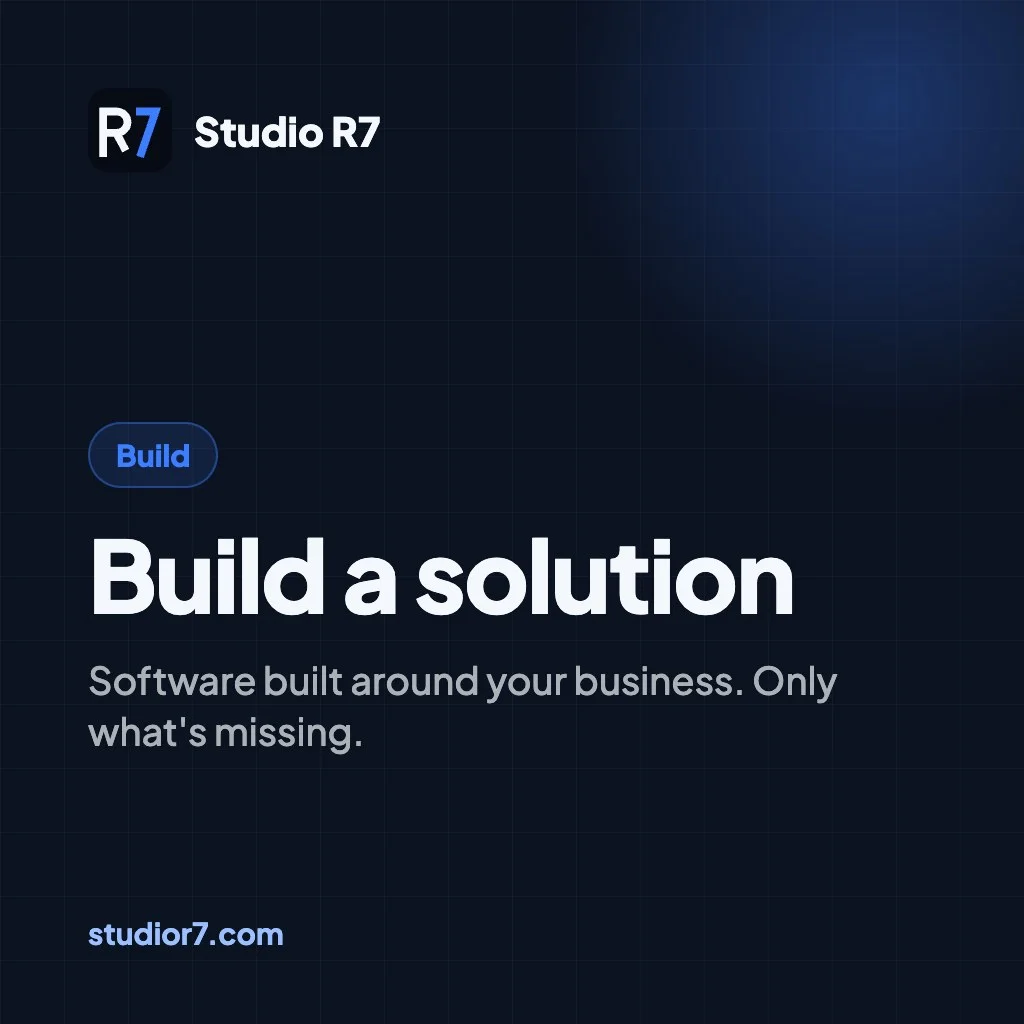
Build a solution 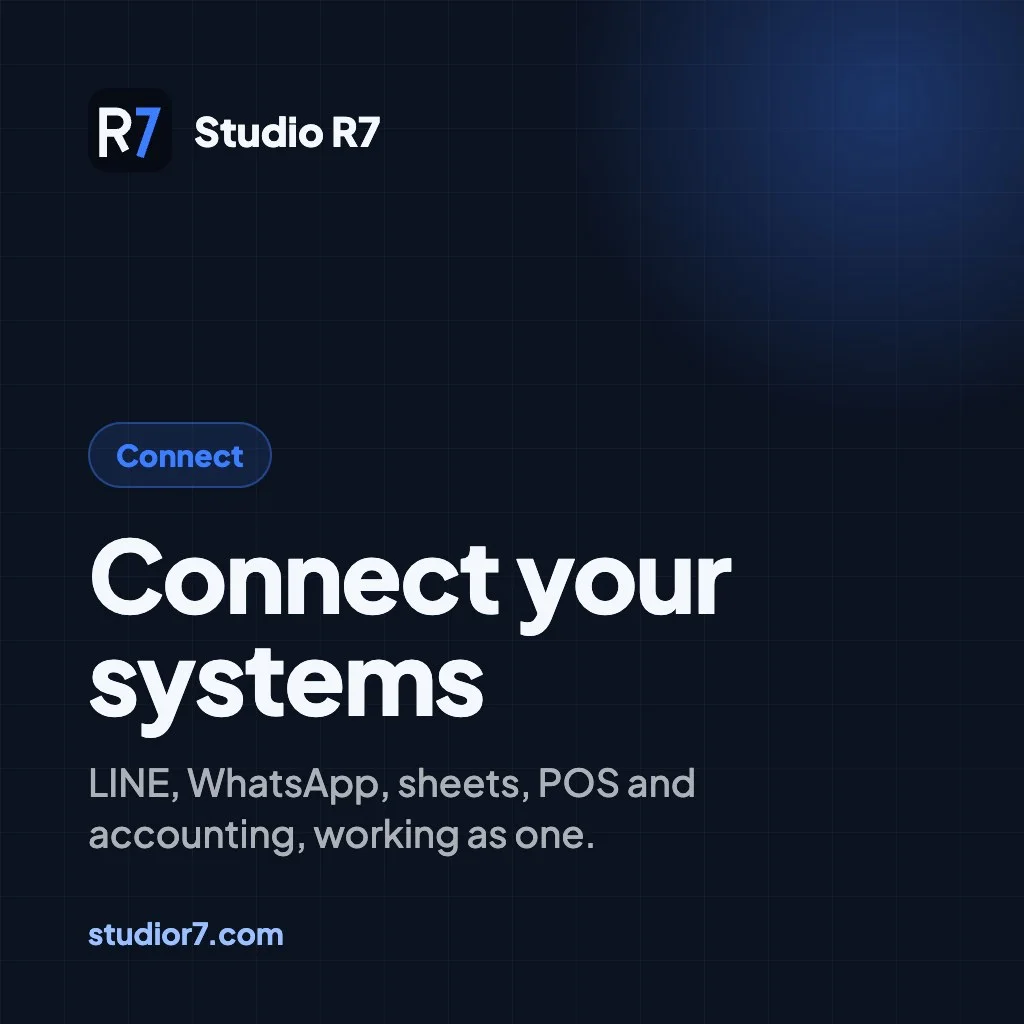
Connect your systems
Chapter 8
Papers
The thinking is written down before the code is.
Research and design documents
A selection from the repository. Summaries are public; the full documents are shared on request.
Research393 lines
Answer engines and structured data
How AI assistants and search engines read a small-business site in 2026, what changed when FAQ rich results were withdrawn, and the checks added to the build as a result.
Research315 lines
Site SEO audit
A page-by-page audit of 84 pages: titles, descriptions, canonical and language tags, structured data, and what to fix first.
Architecture153 lines
The engine bible
The 36 building blocks of the growth engine, the rules they follow, the decisions already made and the 17 tensions still open.
Architecture139 lines
Dependency map of the 36 blocks
What must exist before each block can be built, and the order of the stages that follows from it.
Architecture37 files, 420 to 980 lines each
Component dossiers C01 to C36
One dossier per block: the options compared, the choice and why, the cost model, and sources. Examples: event spine, AI router, cost ledger, page quality check.
Design550 lines
Quality standard
A 1-to-5 scale across 14 dimensions, three scorecards, and the gate a piece of work must pass before it ships.
Design277 lines, plus a 288-line review
Client back end design
The client portal: who sees what, the data model, the security model, and every screen in both languages.
Built with
- Next.js 16
- React 19
- TypeScript
- Tailwind 4
- Supabase
- Vercel AI SDK
- pdf-lib
- Zod
- Vitest
- Playwright
- axe
- Lighthouse CI
Next story
Dee Wan Nee
Great food. Last-minute deals. Today.