Apps / Project Brief
Website flow · guided intake
Project Brief
A structured brief in about two minutes.
The most important flow on the Studio R7 site. A non-technical owner describes what they need one plain question at a time, and the studio receives a structured brief instead of a vague email.
Live
- 1
- question per screen
- 4
- ways to be reached: LINE, WhatsApp, Telegram, email
- 2
- languages, switchable without losing answers
- 0
- data sent before the visitor presses send
Chapter 1
The flow
Each step asks one thing. Answers stay on the device until the visitor presses send, and everything can be cleared with one tap.
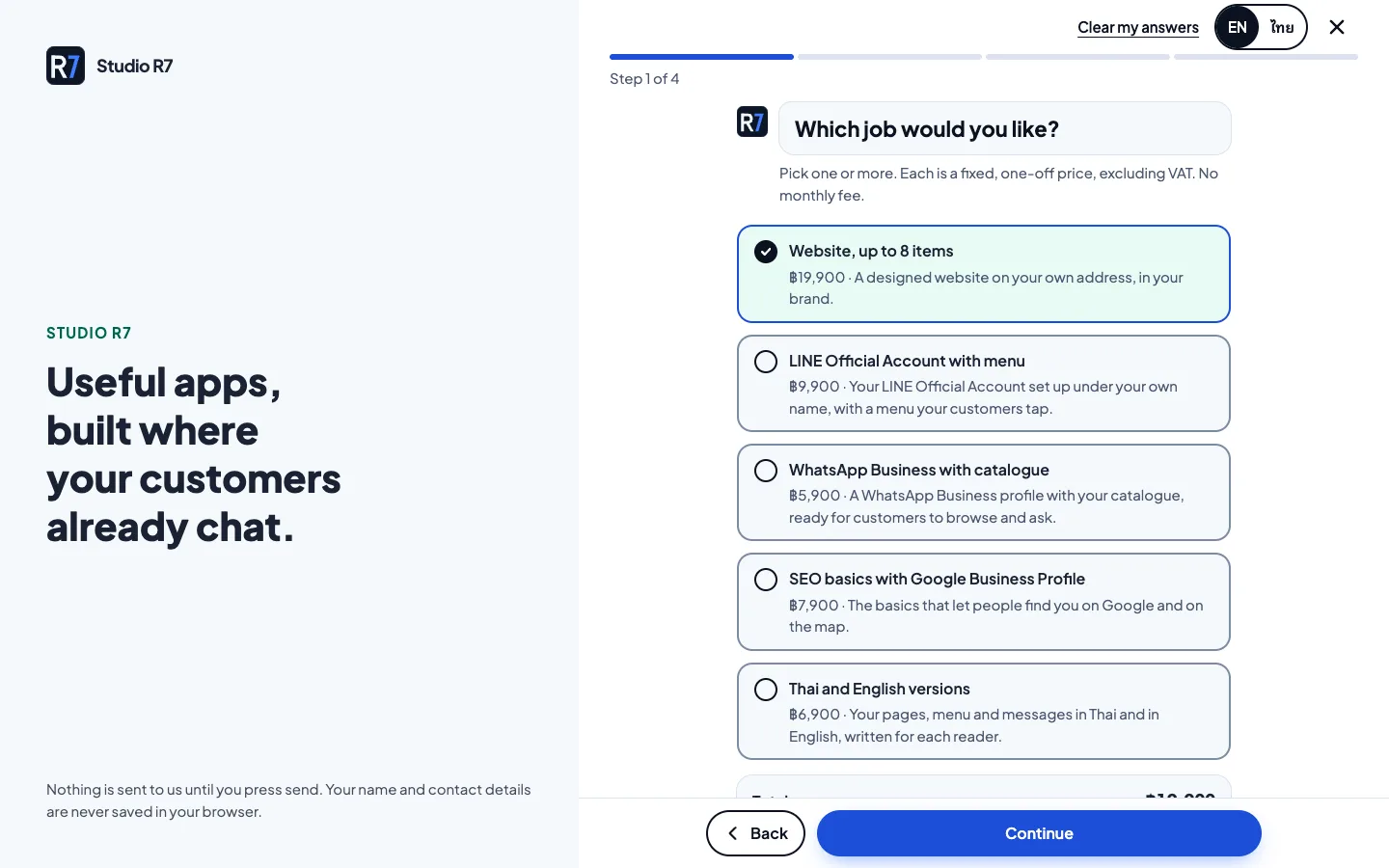
Start a project, step by step
Shown on a phone, where most visitors meet it.
1Step 1 of 4
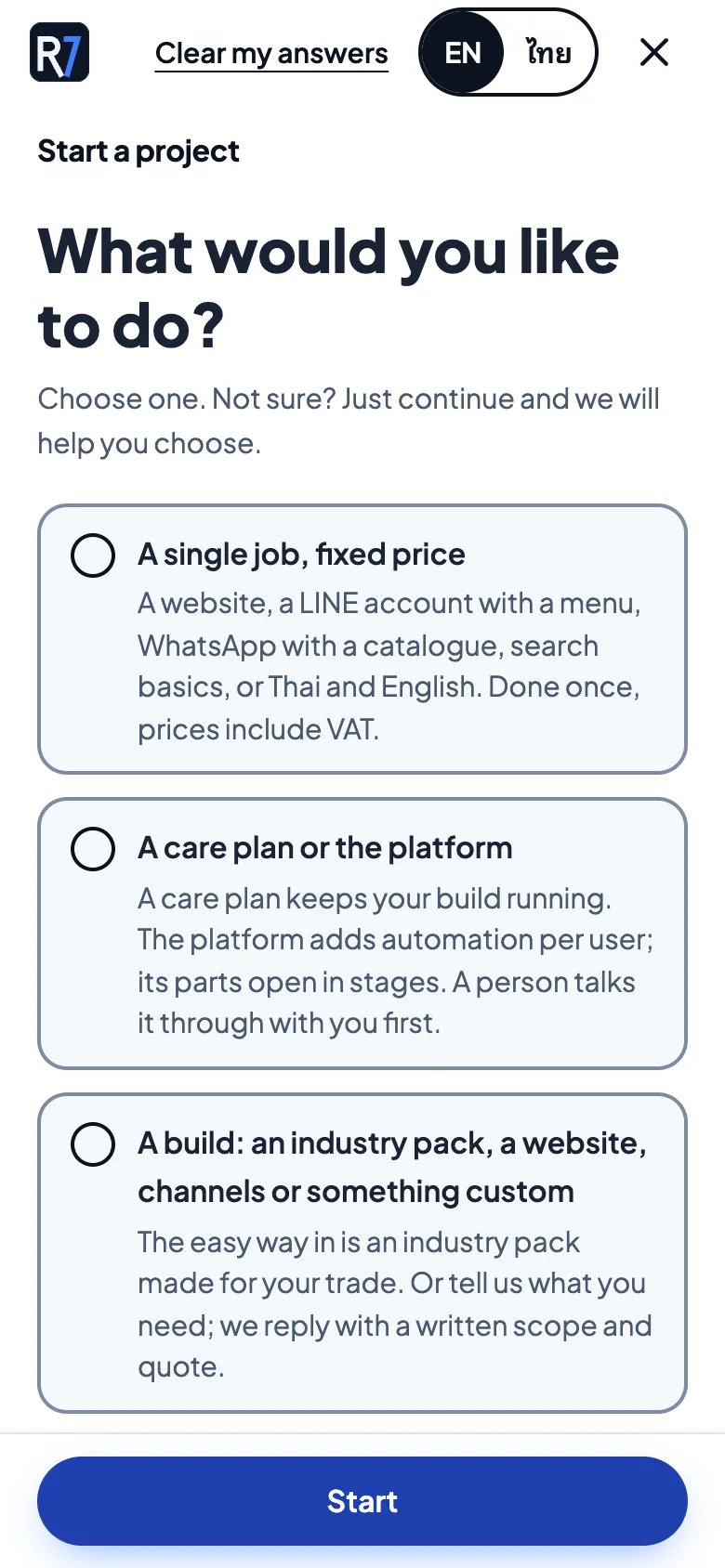
What would you like to do?
Three plain choices: a single fixed-price job, a care plan or the platform, or a build such as an industry pack. Not sure is a valid answer.
2Step 2 of 4
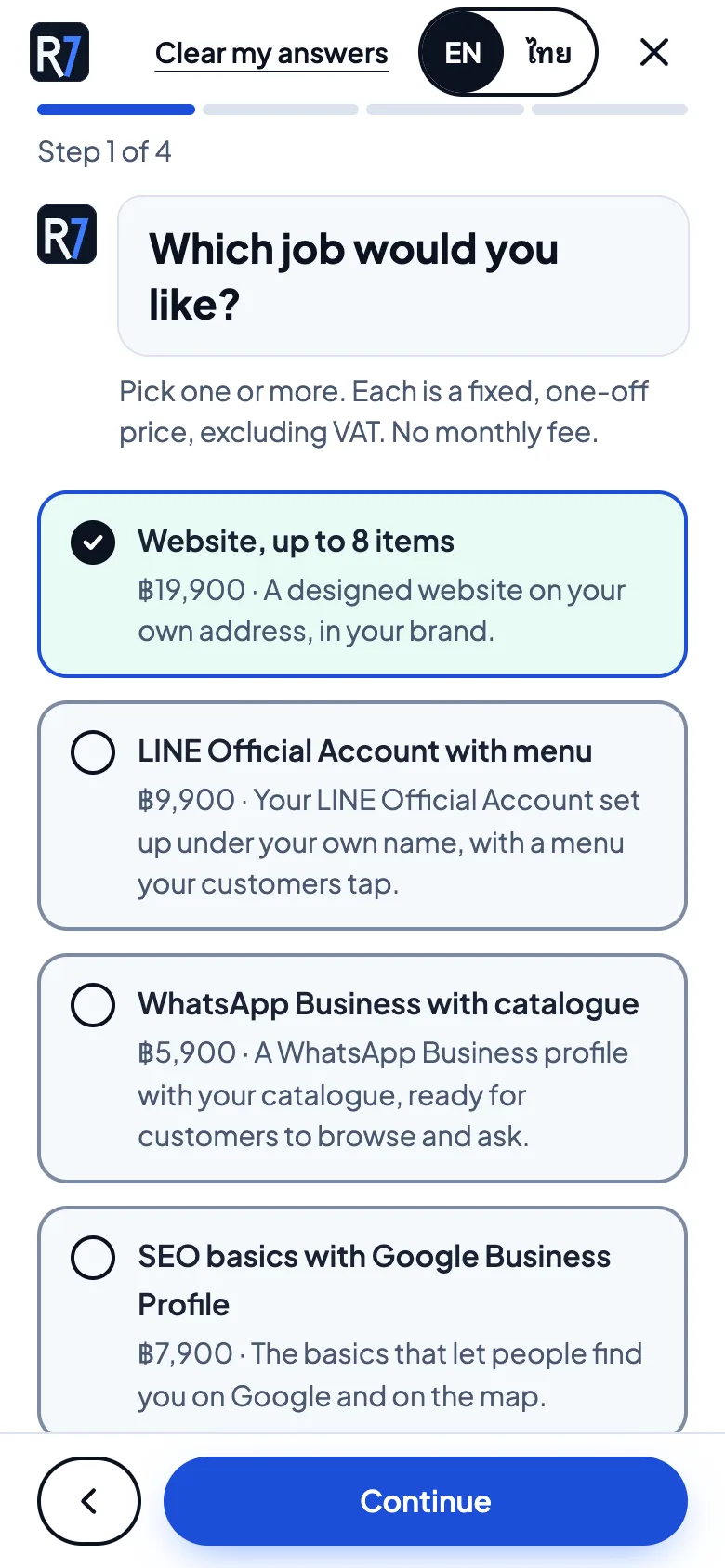
Which job would you like?
Fixed, one-off prices are shown right on the options, so there is no surprise later.
3Step 3 of 4
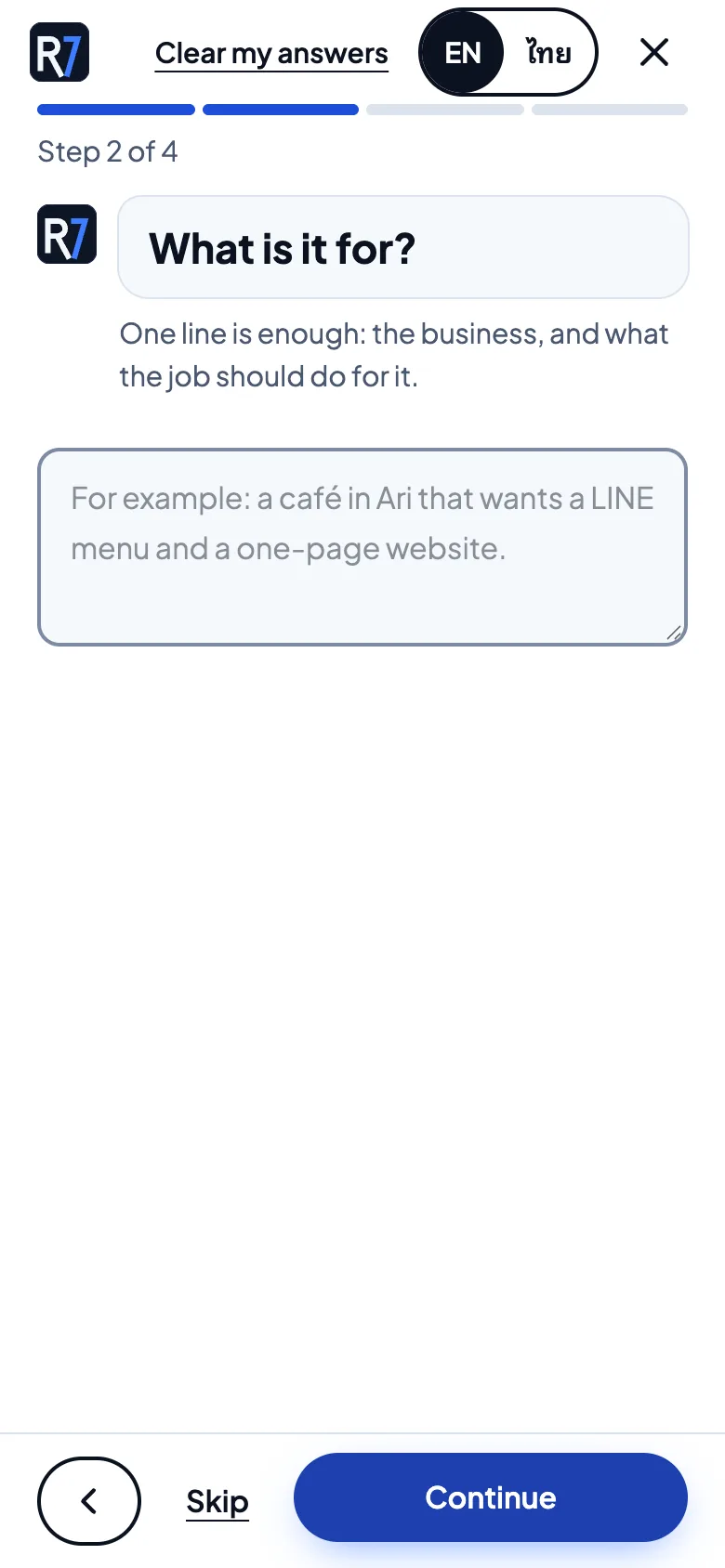
What is it for?
One line is enough. The example text shows the level of detail that helps.
4Step 4 of 4
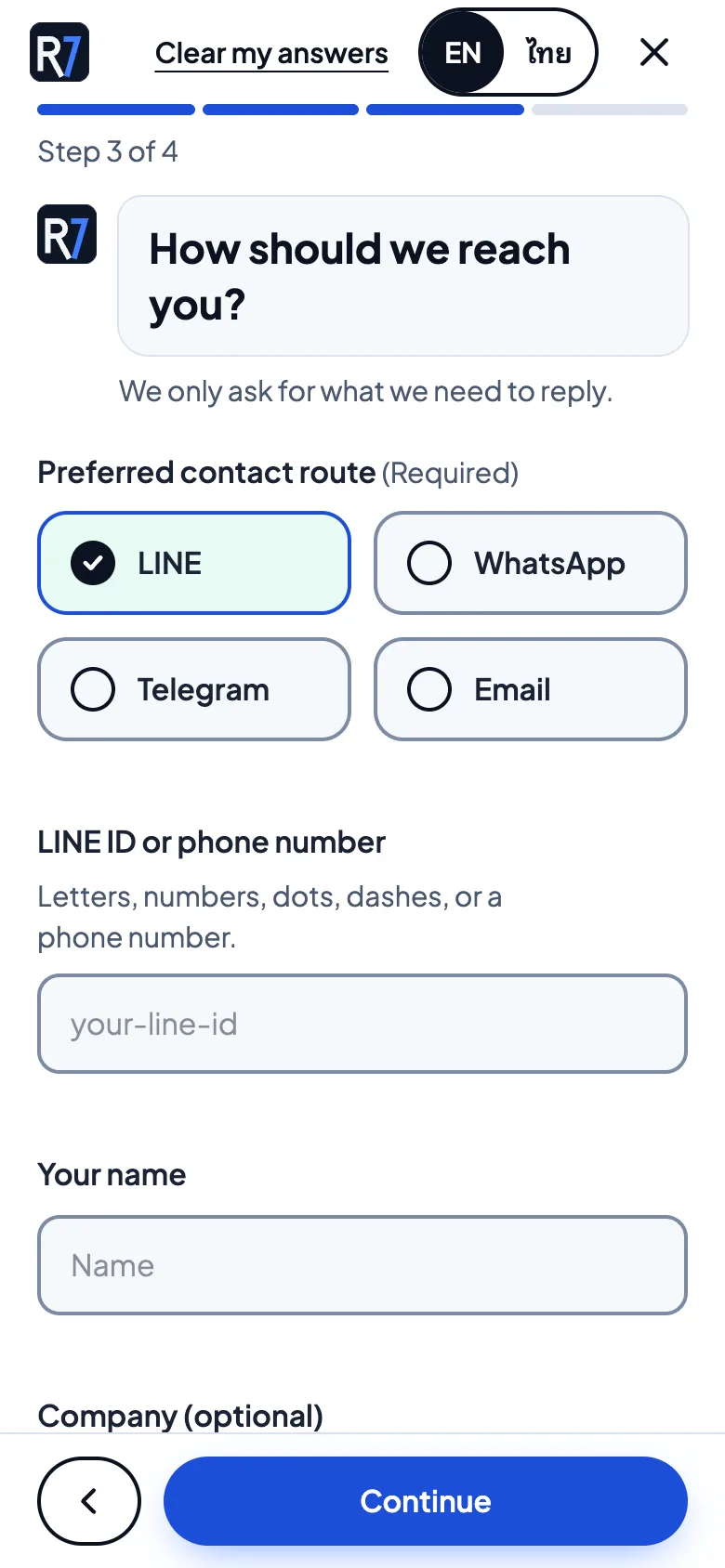
How should we reach you?
LINE, WhatsApp, Telegram or email. The form only asks for what is needed to reply.
The same steps on a computer
The brief sits beside a short reminder of what the studio builds, with the progress bar always visible.
1Step 1 of 4
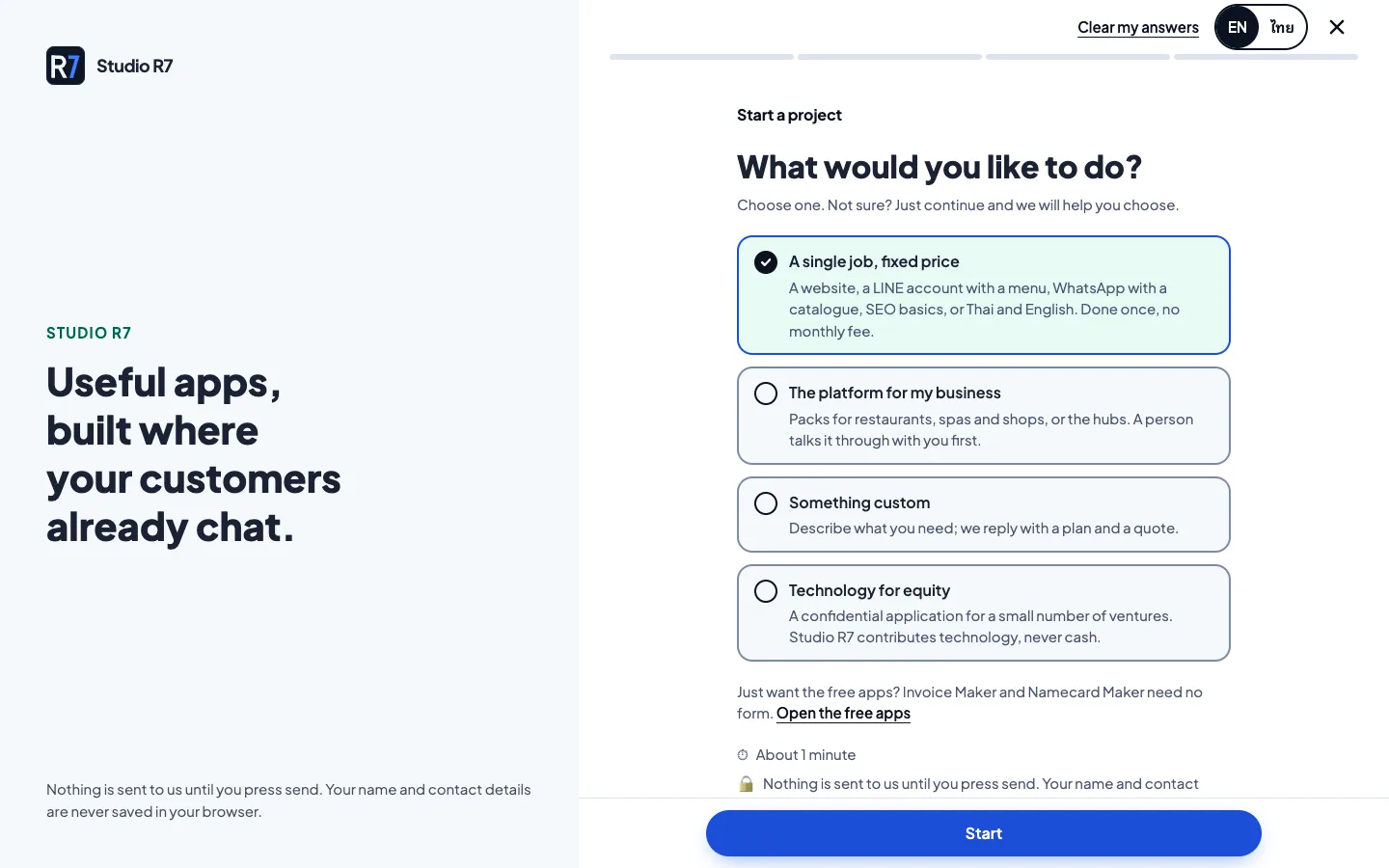
Choose a path
The first answer decides which questions follow.
2Step 2 of 4
Choose a job
Prices are part of the question.
3Step 3 of 4
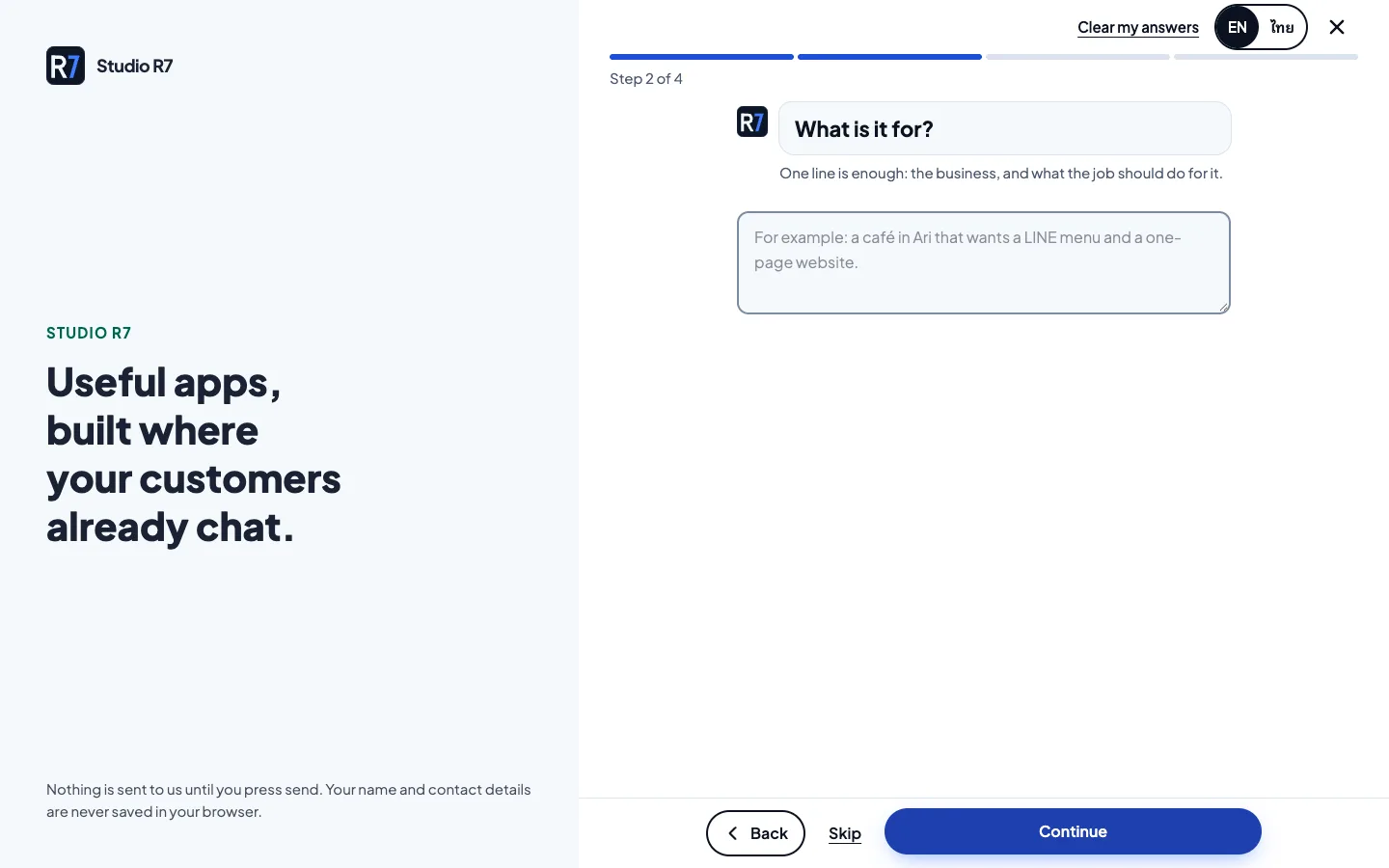
Say what it is for
Free text, kept short.
4Step 4 of 4
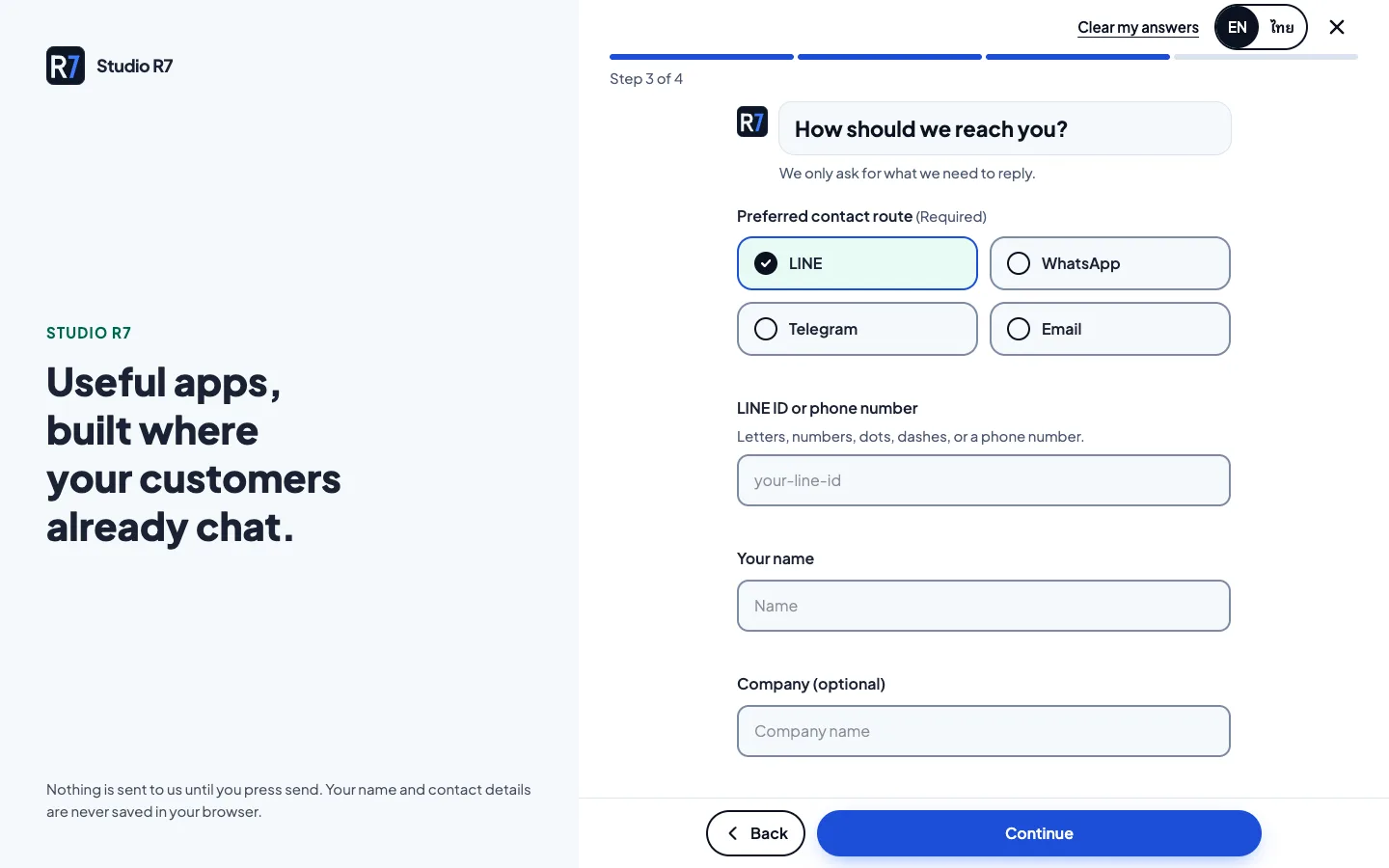
Choose a channel
The studio replies where the visitor already is.
What happens after send
The answers are validated, turned into a lead review and a PDF, and emailed to the studio. The visitor gets a confirmation that repeats what they sent.
Built with
- Next.js 16
- React 19
- TypeScript
- Tailwind 4
- Zod
- pdf-lib
Next app
Client Portal
What does the studio need from me right now?