
Apps / Quote Engine
Website module · guided scoping
Quote Engine
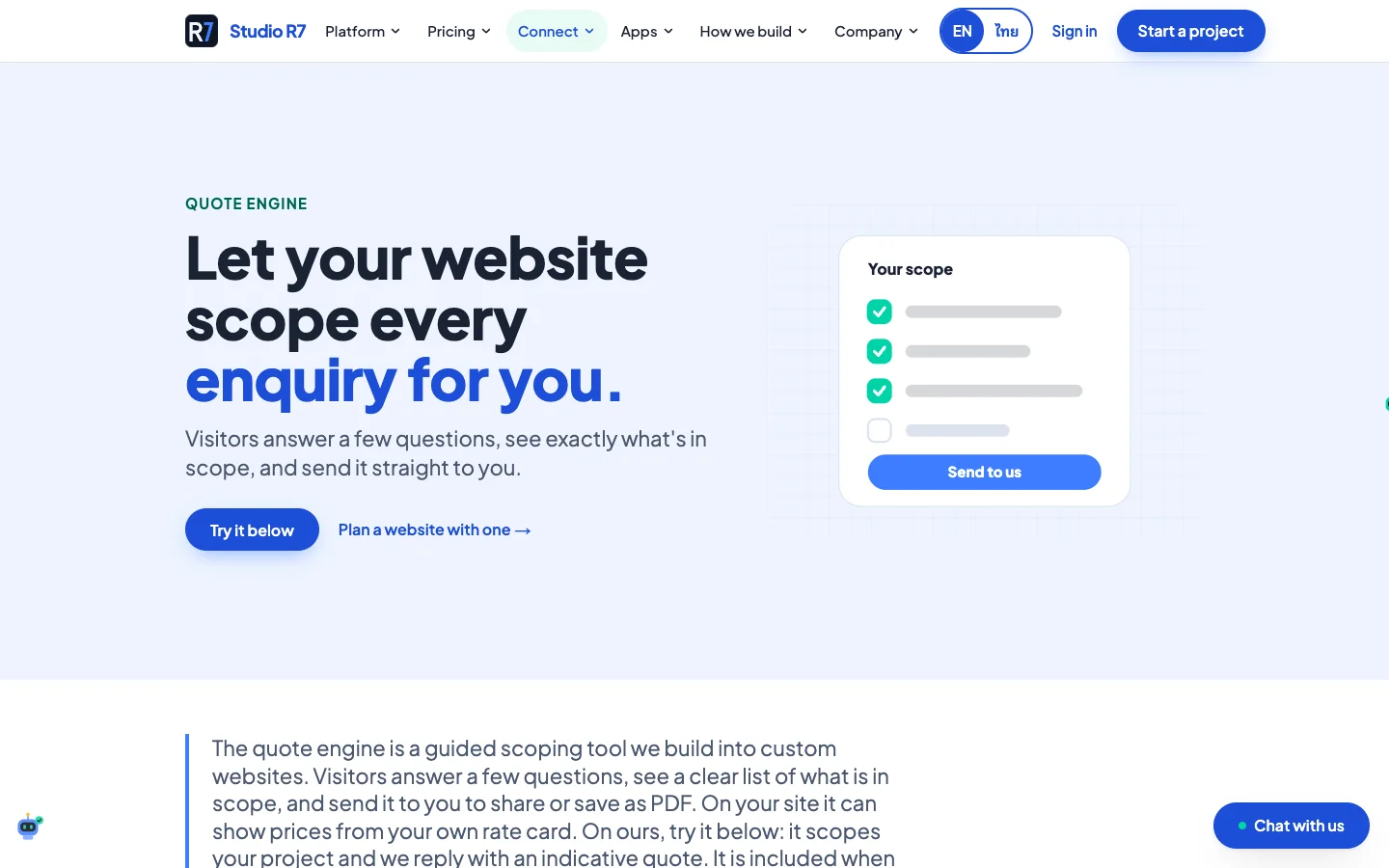
Let the website scope every enquiry.
A visitor answers six short questions and watches a clear list of what is in scope build up beside them. They can save it, share it, or send it, and the business receives an enquiry with context instead of "how much is a website?".
Live demo
- 6
- steps: site, users, integrations, devices, budget, scope
- 1
- scope panel that updates with every answer
- 2
- ways out: a shareable link or a PDF
- 0
- invented prices; a person confirms the quote
Chapter 1
Six questions
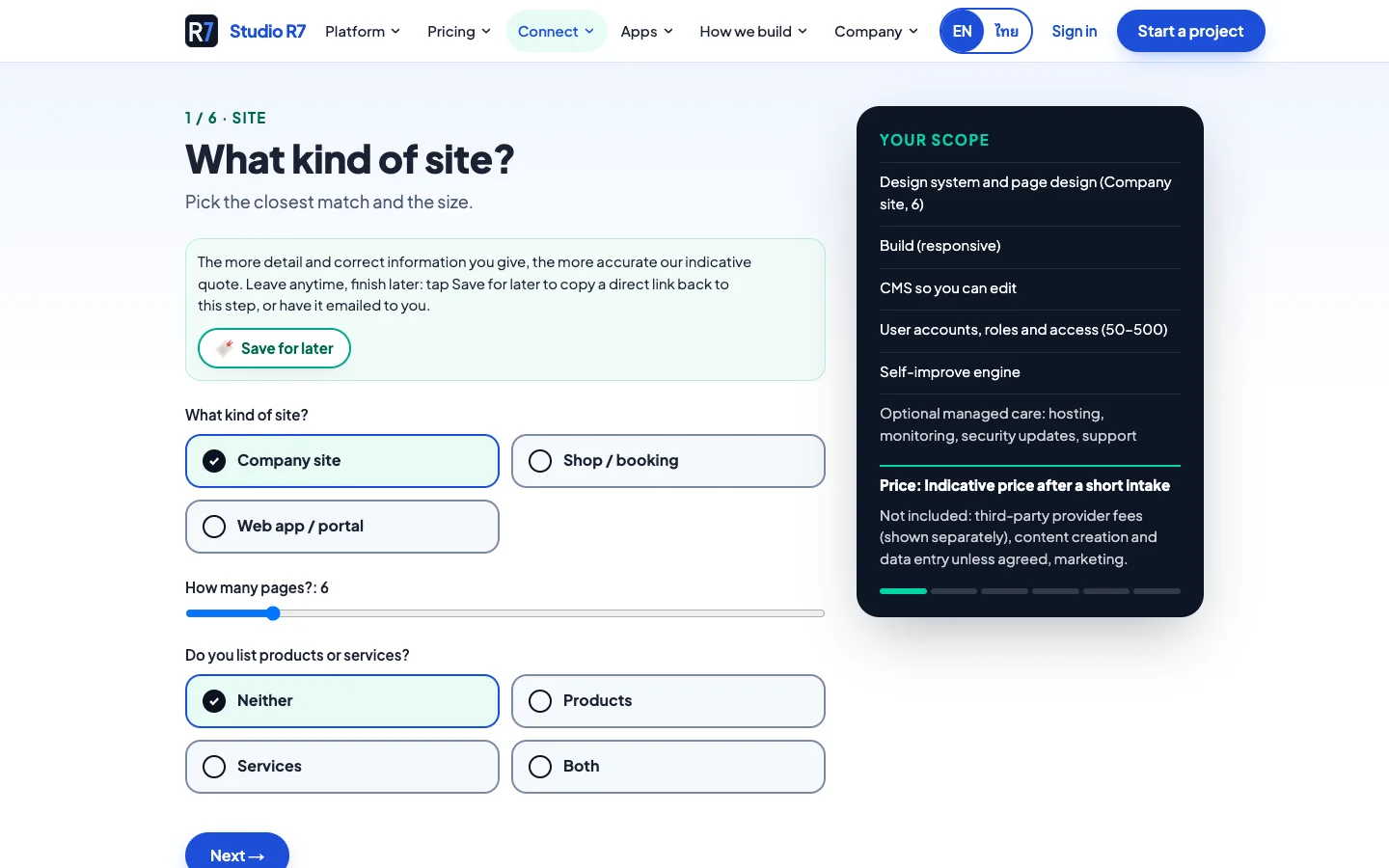
Each question changes the scope panel on the right, so the visitor sees why it is being asked.
From first click to a scope
Answers can be saved for later with a link back to the same step.
1Step 1 of 6
What kind of site?
Company site, shop or web app, how many pages, and whether it lists products or services.
2Step 2 of 6
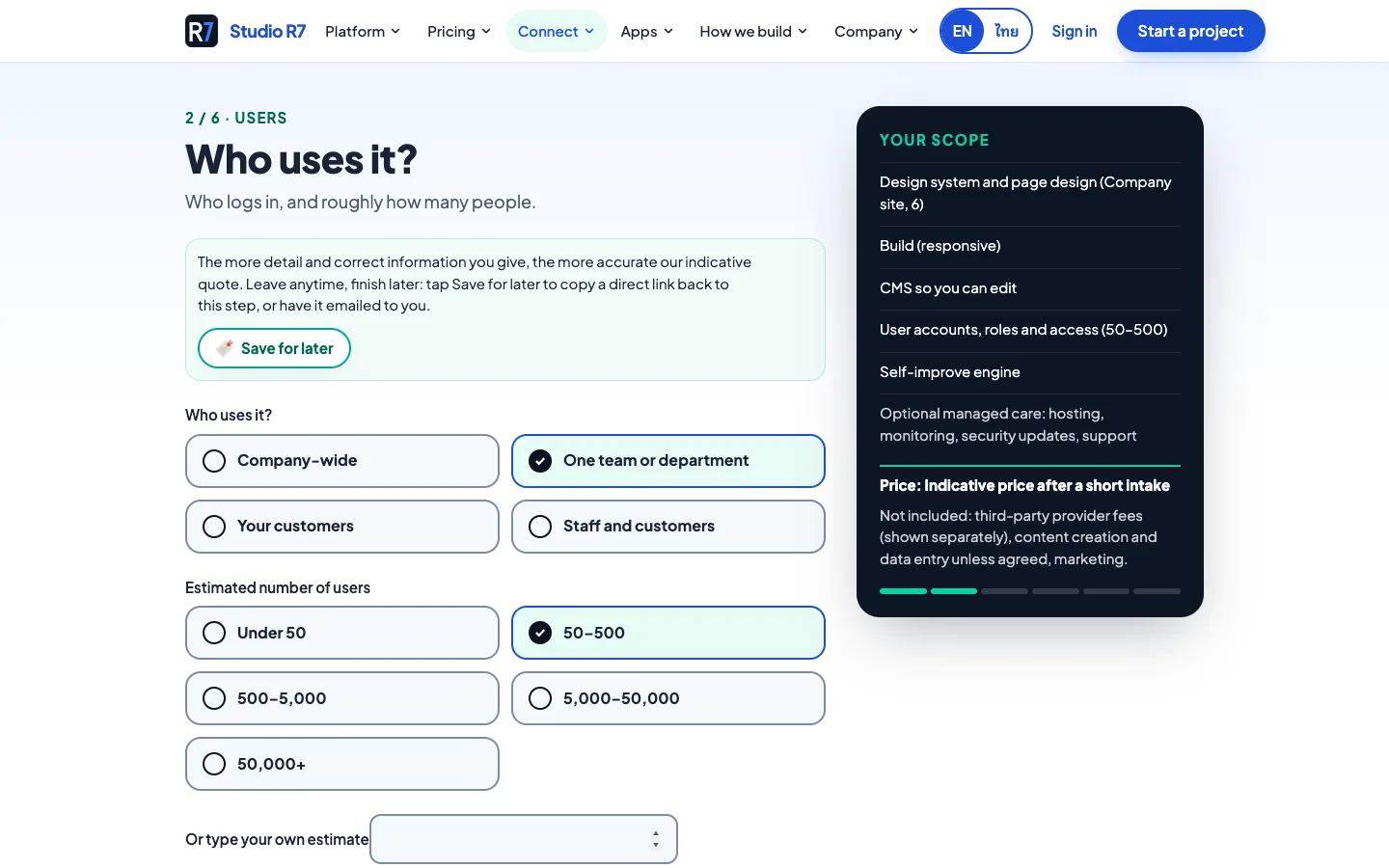
Who uses it?
Who logs in and roughly how many people, which decides accounts and access.
3Step 3 of 6
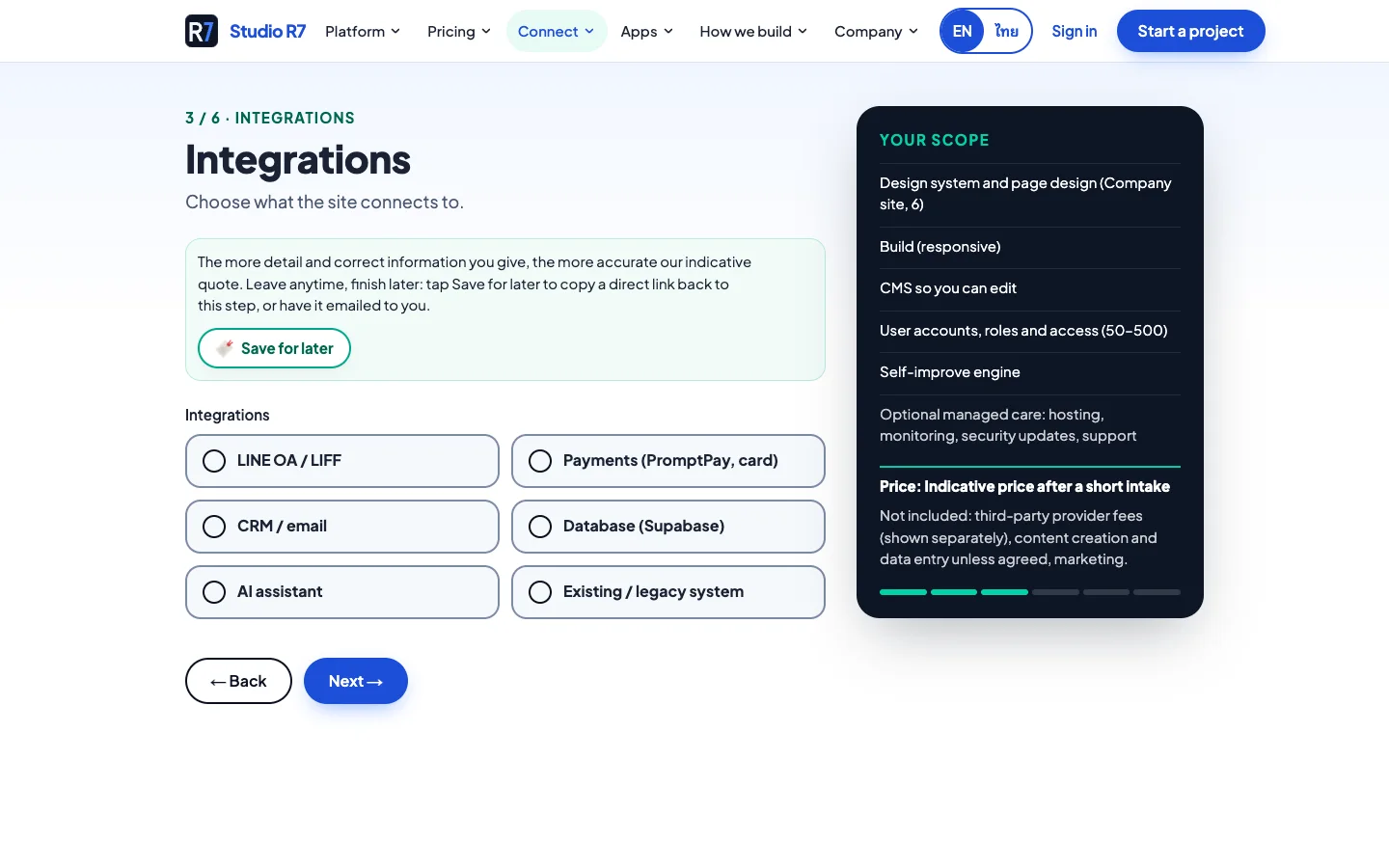
Integrations
LINE, payments, CRM, database, an AI assistant or an existing system.
4Step 4 of 6
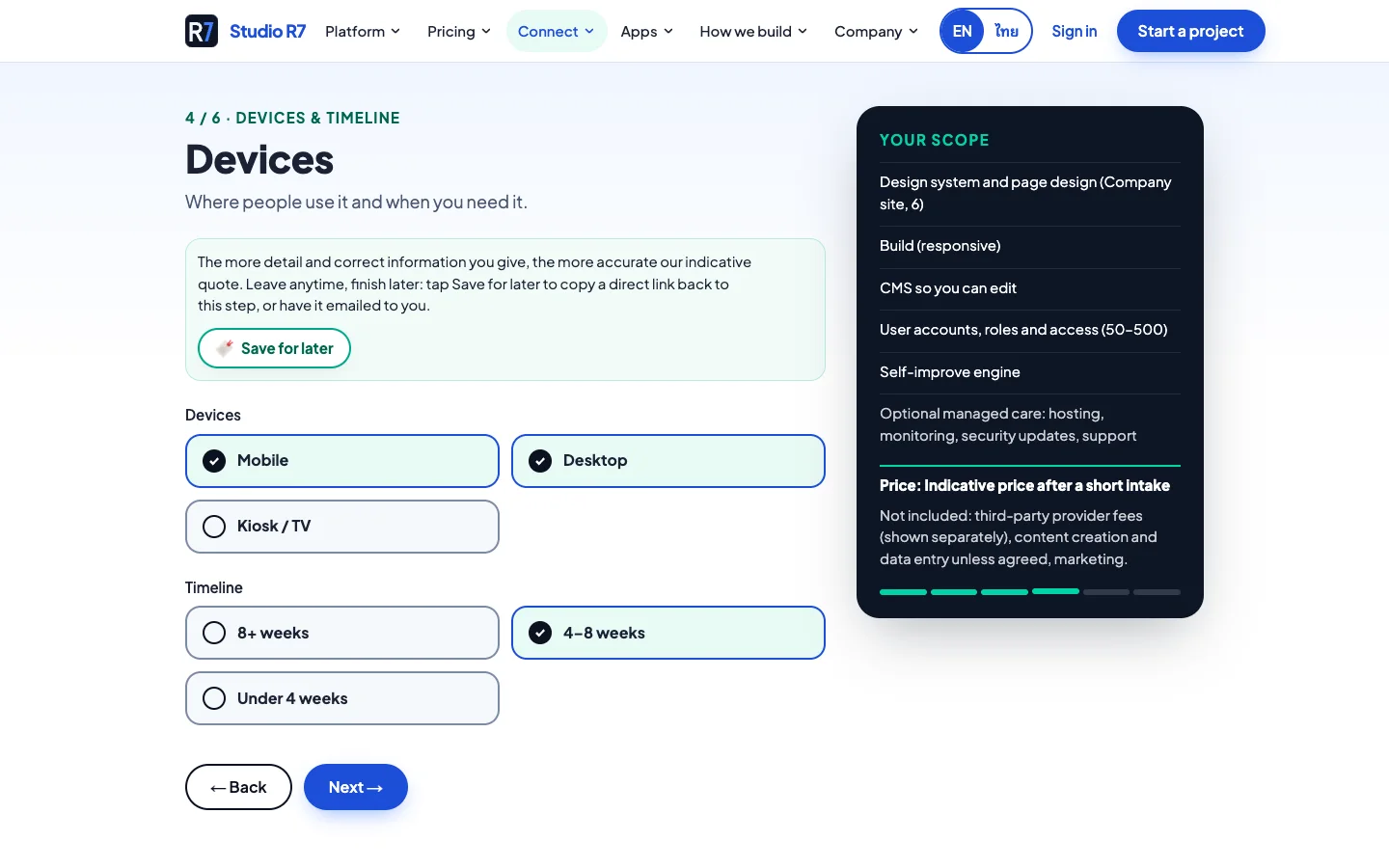
Devices and timeline
Where people use it and when it is needed.
5Step 5 of 6
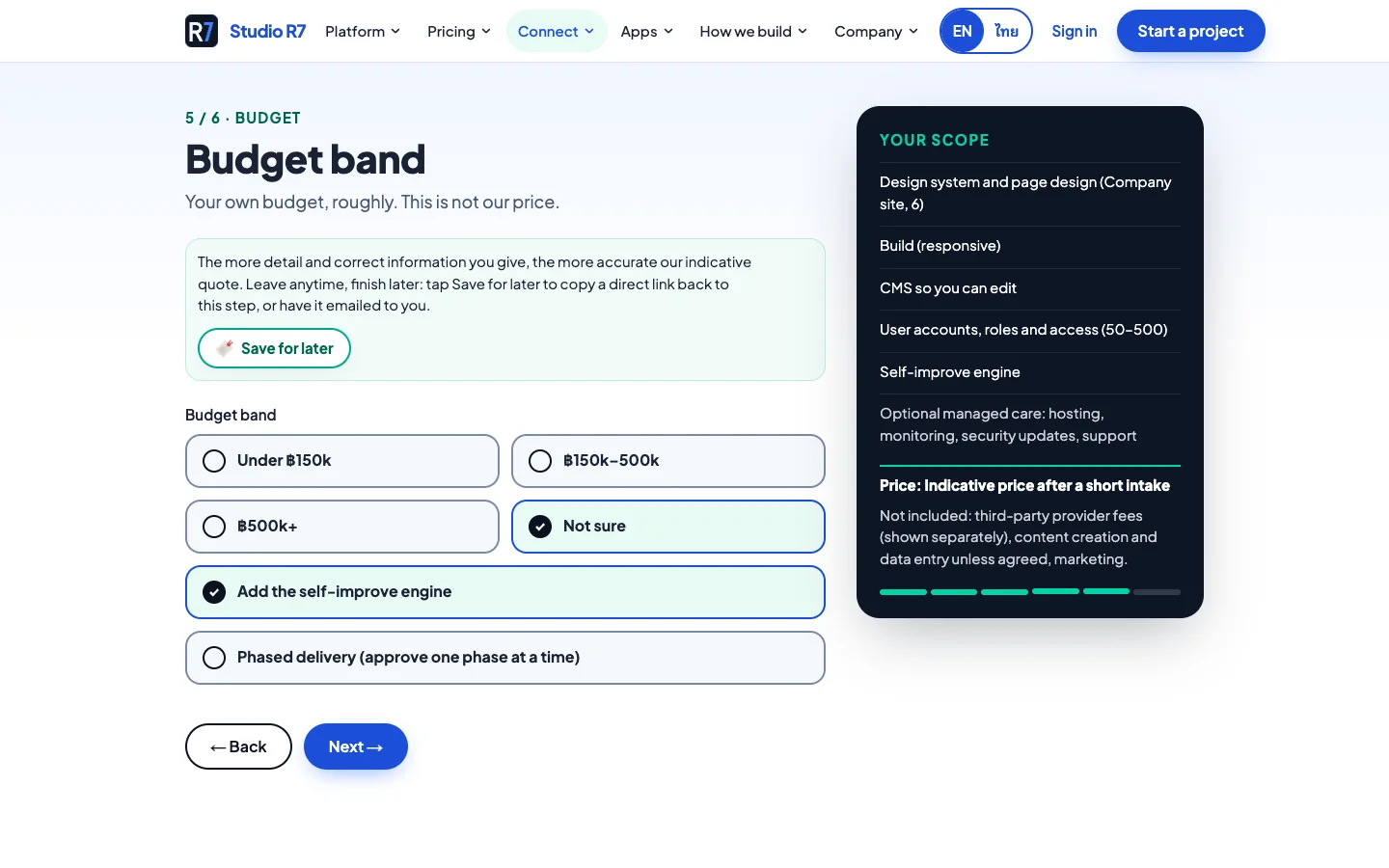
Budget band
The visitor's own rough budget, clearly labelled as not the price.
6Step 6 of 6
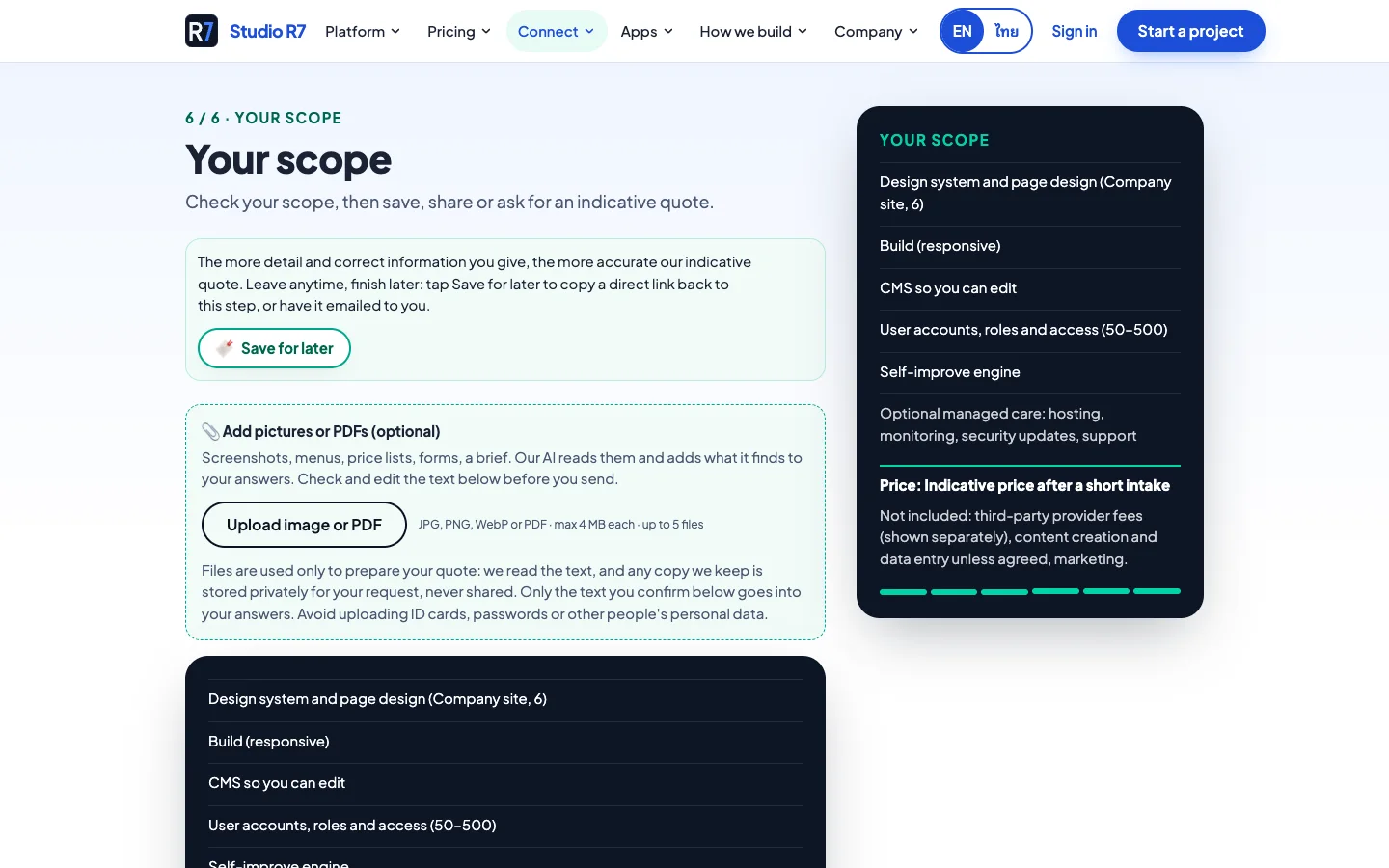
Your scope
The full list to check, with an option to add pictures or PDFs, then save, share or send.
On a phone
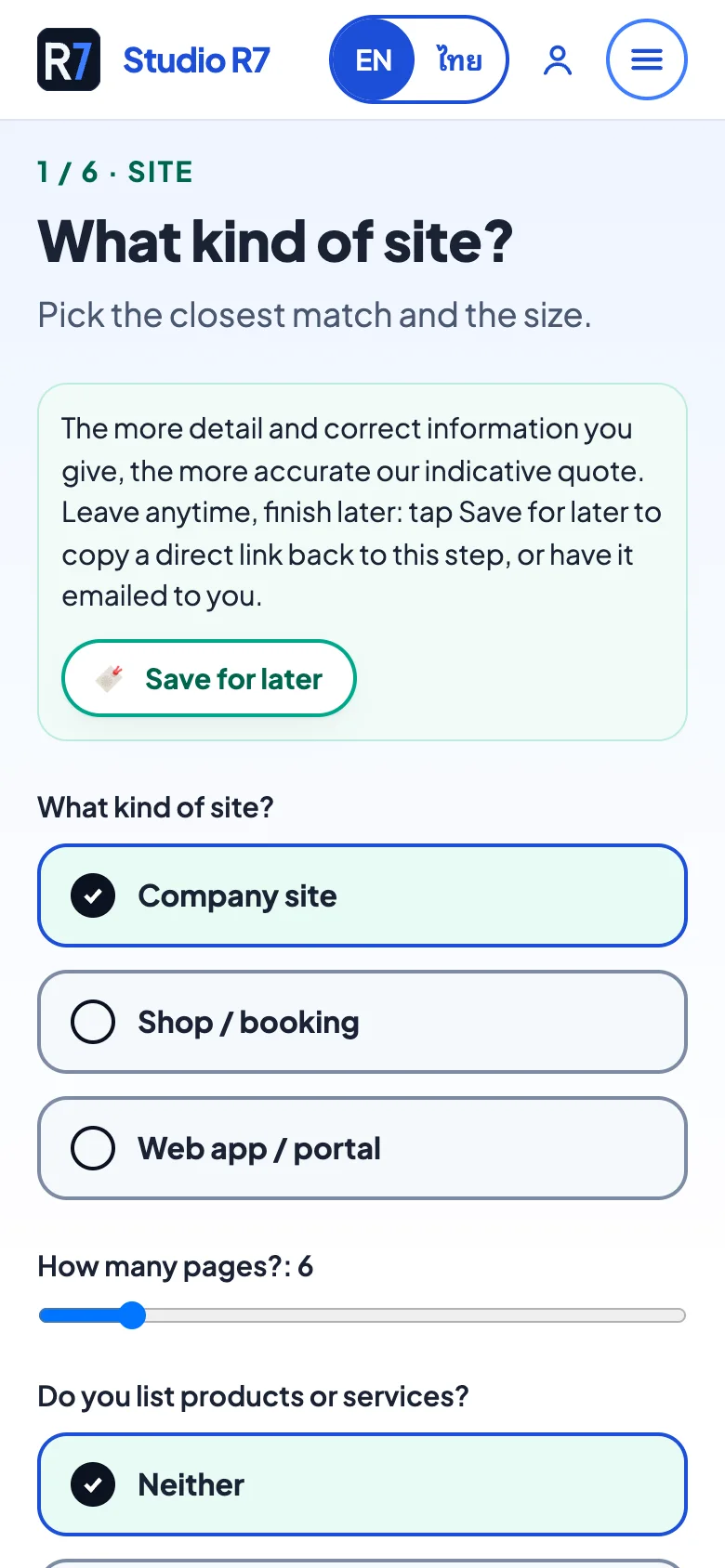
Step 1 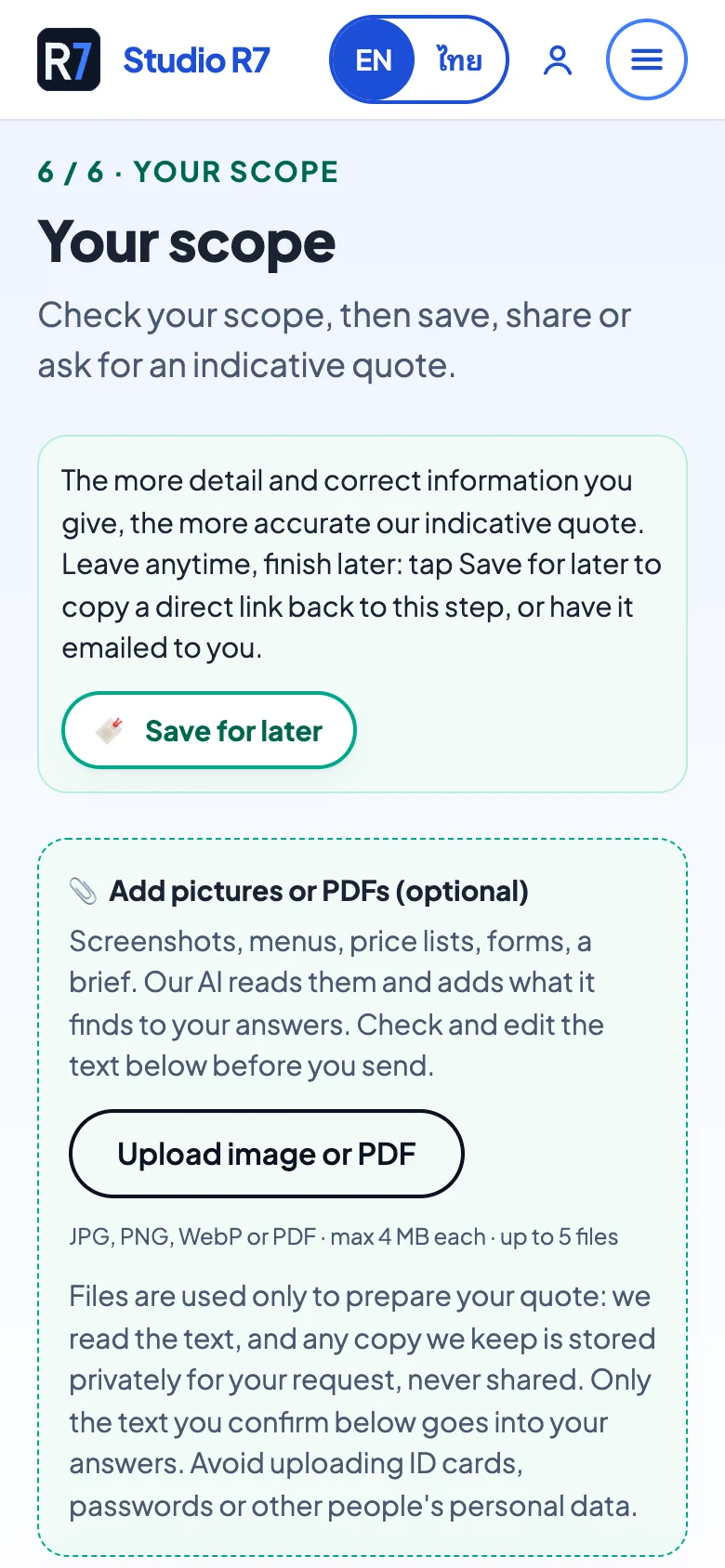
Step 6
Chapter 2
The rules behind it
A quote tool is only useful if it never promises something the business cannot keep.
Sold as a module
The engine is built into custom websites. On a client's site it can show prices from their own rate card.
What it does on a client's site
- Line items from answers
- Each answer adds or removes items from the scope.
- Fixed or phased
- Show one fixed price, or split the work into phases people approve one at a time.
- Human review flag
- Complex or unusual answers are flagged so a person confirms before any promise is made.
- Your rules, your prices
- The business edits the rate card. The engine never invents a price.
Built with
- Next.js 16
- React 19
- TypeScript
- Tailwind 4
- Supabase
- Zod
Next app
Project Brief
A structured brief in about two minutes.